|
HDRC Site References
|
|
Home |
|
Previous
Mods & Tips
|
|
Versatility is the key. Many of you who use these HDRs are probably musicians, studio owners, songwriters, hobbyists or other, it doesn't matter. There are all kinds of ways to use your HDR. On location recording, using an external mixer or staying completely in the digital domain. One of the ways to get the full digital experience out of your HDR is the digital mixdown.
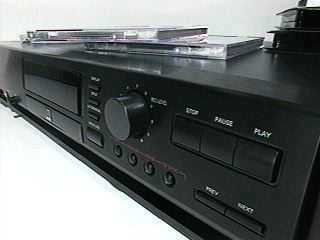
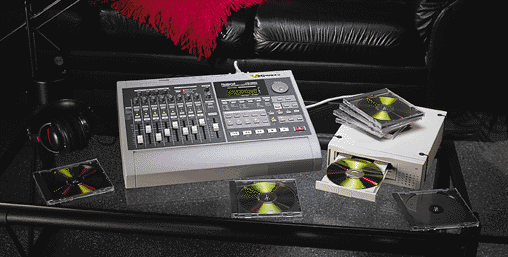
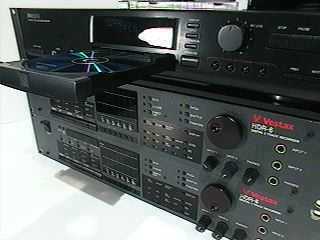
From HD to CD Many people are jumping on the Roland VS880 bandwagon which is a nice unit. Lately, the VS880 have been displayed in ads with a CD burner so you have a complete digital workstation. Realizing, the HDRs were out way before the VS880 and with the optical I/O you can perform the same task. Mixdown directly to a DAT, minidisc or a modular CD recorder. A nice digital combination is the HDR/Philips CDR870 CD recorder. You can record on your HDR, mixdown to your CDR and finalize your CD and play in your car ( that's kinda catchy ). Another use of the CDR870 is to back up your data via digital I/O just connect it the same way you would to DAT. That is if you are not going to go the removable HD route to back up. The CDR870 is a pretty good entry-level CDR burner it also rewrites as well. The CDR870 is easy to use, like a tape deck. One thing about the Philips CDR870 it is a consumer CDR. The CDs are a little pricey $5 to $7 but there is a way to use cheaper CDs. Also, for those of you who rack mount their HDRs, Middle Atlantic makes a 2 space rack shelf that fits the Philips CDR870 perfectly called the U-2, for those of you who want that total pro studio look. A couple of HDRs with some FX-1 cards, huge hard drive storage, MX-1 controller and a CDR recorder and you have an ultimate digital workstation. Believe me you will be competitive with all those VS880 users.
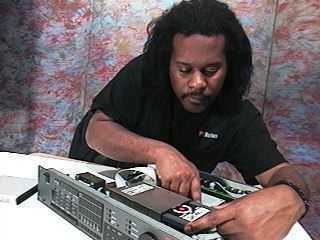
Chip upgrade HDR-6/8 uses the current version 3.04. To get better system operation and to have more options you need this chip. You can either do two things if you have the chip and need to install it. have a pro look at it, or do it yourself. If you go the self route, ground yourself with an anti-static wrist band, unplug the unit, have an eprom remover or those computer tweezers with the curved clamps on the end. Comp USA usually has those nice little computer tool kits for about $10 that has every thing you need for working on the HDR.If this is your first time doing such, do a little home work. Radio Shack has little books on such topics. Keep in mind you only have one shot at it. So know what you are doing.
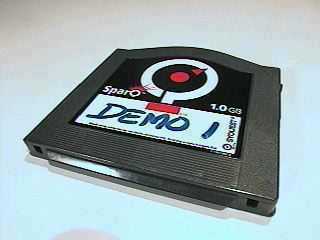
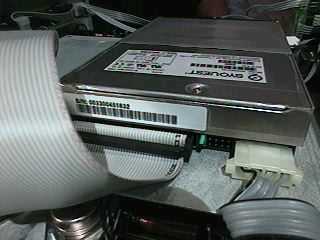
Removable HD backup As we are in the middle of testing a new removable drive. many users are still inquiring about the Syquest . . . or should we say, removable HD backup alternative. The connecting and operation is still the same as the Syquest modification as one of our techs demonstrates.
|