Image # 1:Veggies on and on!
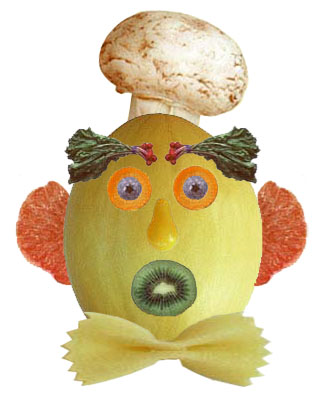
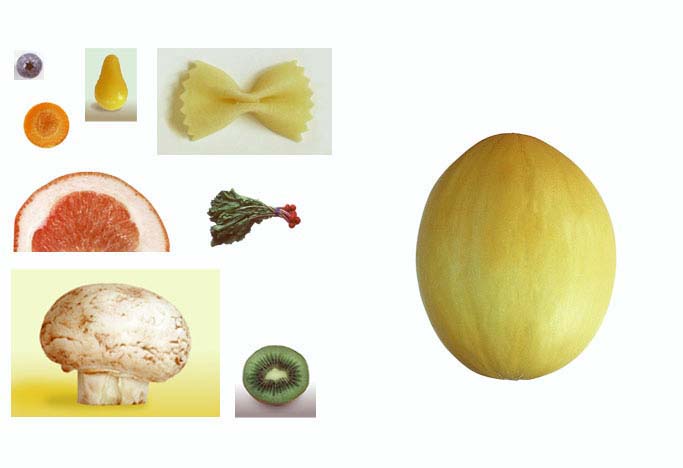
Woooaaahhh! A Veggieman!
Using the selection tools, create a veggieman with the given images of the vegetables above. And! Remember not to use ERASER! Forbidden for now. ^_^ Have a great time with those veggies! :)
Image # 2: Make me beautiful
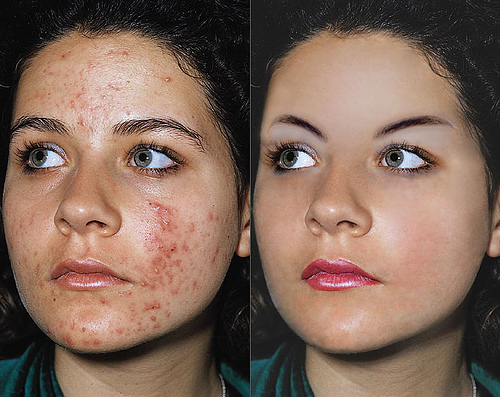
What a poor young woman. :( Can you help her?
Edit the image at the left using alteration tools. Remove the pimples on her face and make her the most beautiful woman in the world! :)
Image # 3:Make it Brand New!
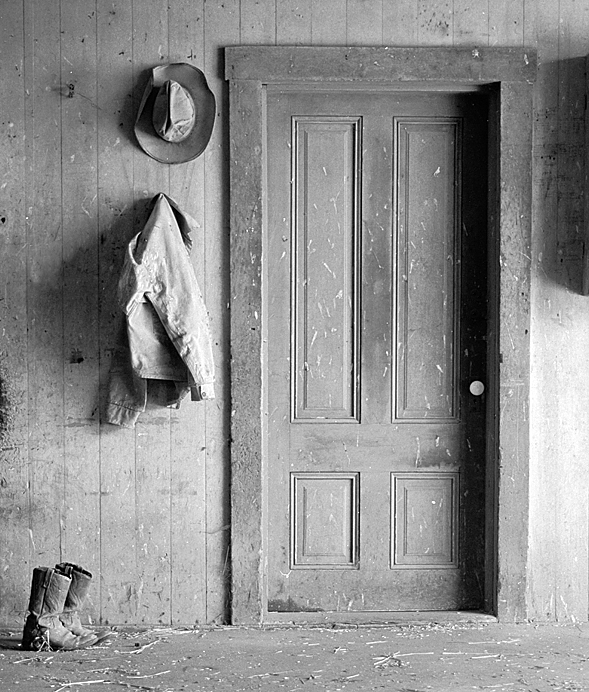
OH NO! Having hard times with old pictures? Not now!
Make this picture look brand new. Adjustments in the Hue/Saturation may do. Don't use Paint Bucket tool or Gradient tool so you won't mess with it! Use Clone Stamp tool to this picture. Start now! :)
Image # 4: Color Me!
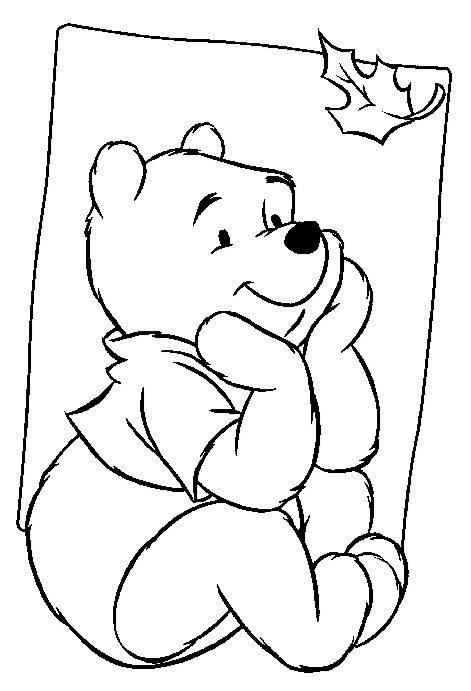
I think Winnie the Pooh needs your help!
Using the different tools like: Paint Bucket tool, Gradient tool or Brush Tool make this image come to life and save it from being dull! Remember to be creative. Good Luck. :)
Image # 5: Day and Knight
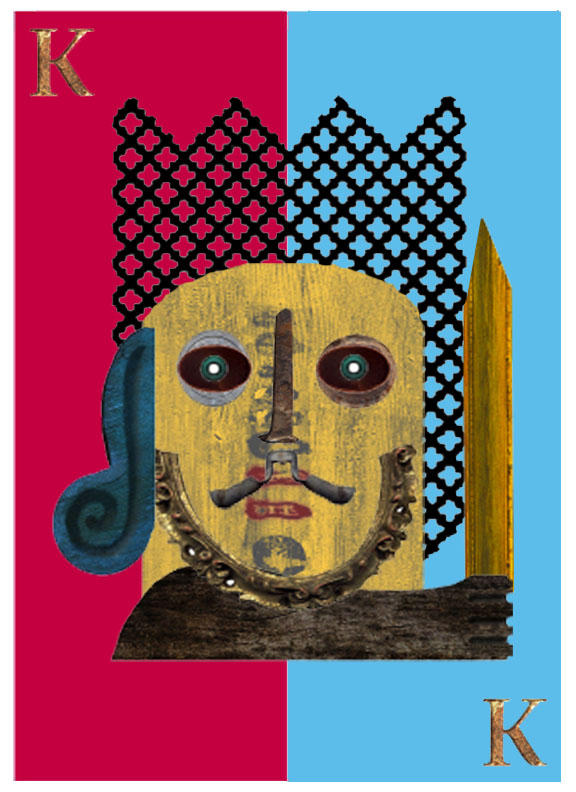
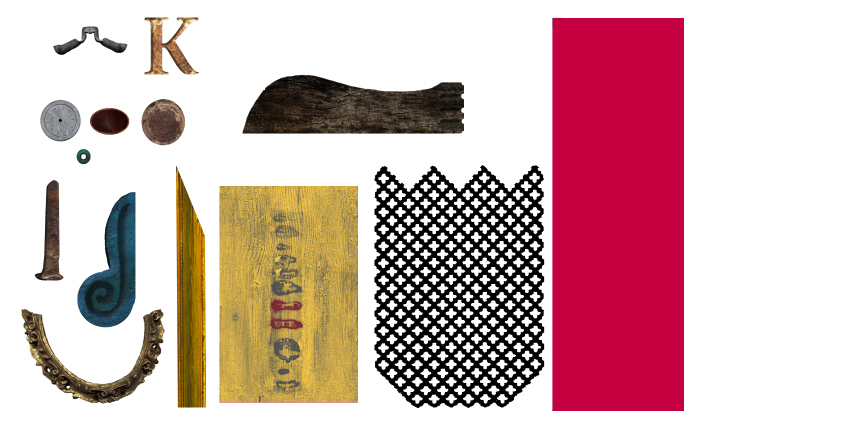
Exercise # 6: Give at least ten important tools you learned.
Exercise # 7: Give five benefits of Adobe Photoshop in our daily lives.
Exercise # 8: Enumerate at least five versions of Adobe Photoshop. Pick the one you liked most and describe.
Exercise # 9: Would Adobe Photoshop be helpful to you and your community? State the possible reasons and give examples.
Exercise # 10: Create a collage for your loved ones. Make it very, very creative for them to be happy. :)