|
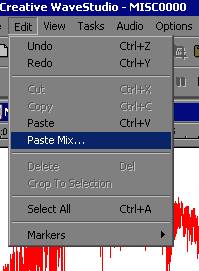
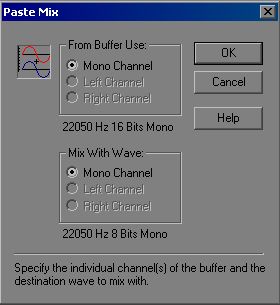
If you used straight mono sounds like I told you, all you have to is click "okay", and should not have to worry about the other selections. In case you are wondering, if you're using a stereo sound: The "buffer" to use donates what channel you wish to mix -- either left, right, or both. If you're using a mono sound, "mono" will be your only selection. "Mix With" donates what channel you want to mix into -- either left, right, or both. Naturally, if you have a mono sound, mono will be your only selection. |
|