
Of course, it takes more work than this to really make a sound. Mixing two sounds together really isn't much work. Later on, I'll go into some snazzy effects you can acomplish with GoldWave.
|
|
|
|
|
|
|
|
|
|
|
|
| Basic Sound Mixing With Creative Wav Studio (Cont) | |||||||||||
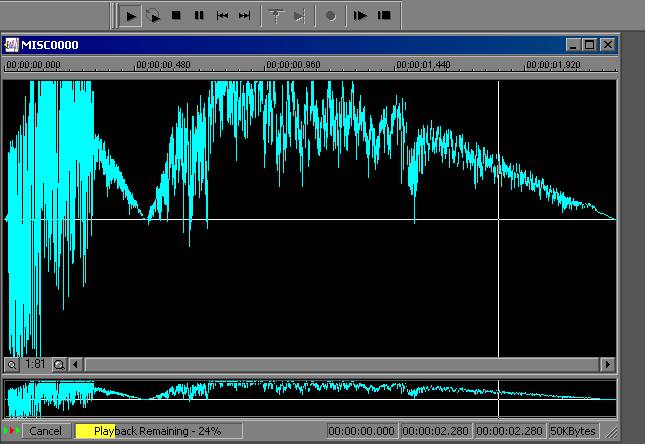
| There you have it! If you followed what I wrote, your sound should now be mixed. Press the play button, as seen in this next screenshot, to hear your results! | |||||||||||
|
|||||||||||
| If you want, or need to, you can just repeat this process and mix more sounds into the same one -- in the same place, or in a different place, as you want. Please note that that Creative Wave Studio requires you to have a certain amount of "room" in the sound you are mixing into -- if you don't, the sound that you want mixed in, might be "chopped". Of course, it takes more work than this to really make a sound. Mixing two sounds together really isn't much work. Later on, I'll go into some snazzy effects you can acomplish with GoldWave. |
|||||||||||
| Back | Home | ||||||||||