 Play
movie Play
movie |
01
| Control
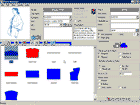
The Parmel CAD system control follows the rules and usage of other commonly used Windows programs such as Microsoft Office, Corel Draw and others. The same hot keys, Drag&Drop, quick help for the keys functions, always available detailed help obtained by pressing the F1 key are at user’s disposal. Additionally the system helps the user with the actually used function by displaying the help in the designated area of windows.
5To
the top
_________________________________________________________________________________
|
Play
movie |
02
| Model Manager control
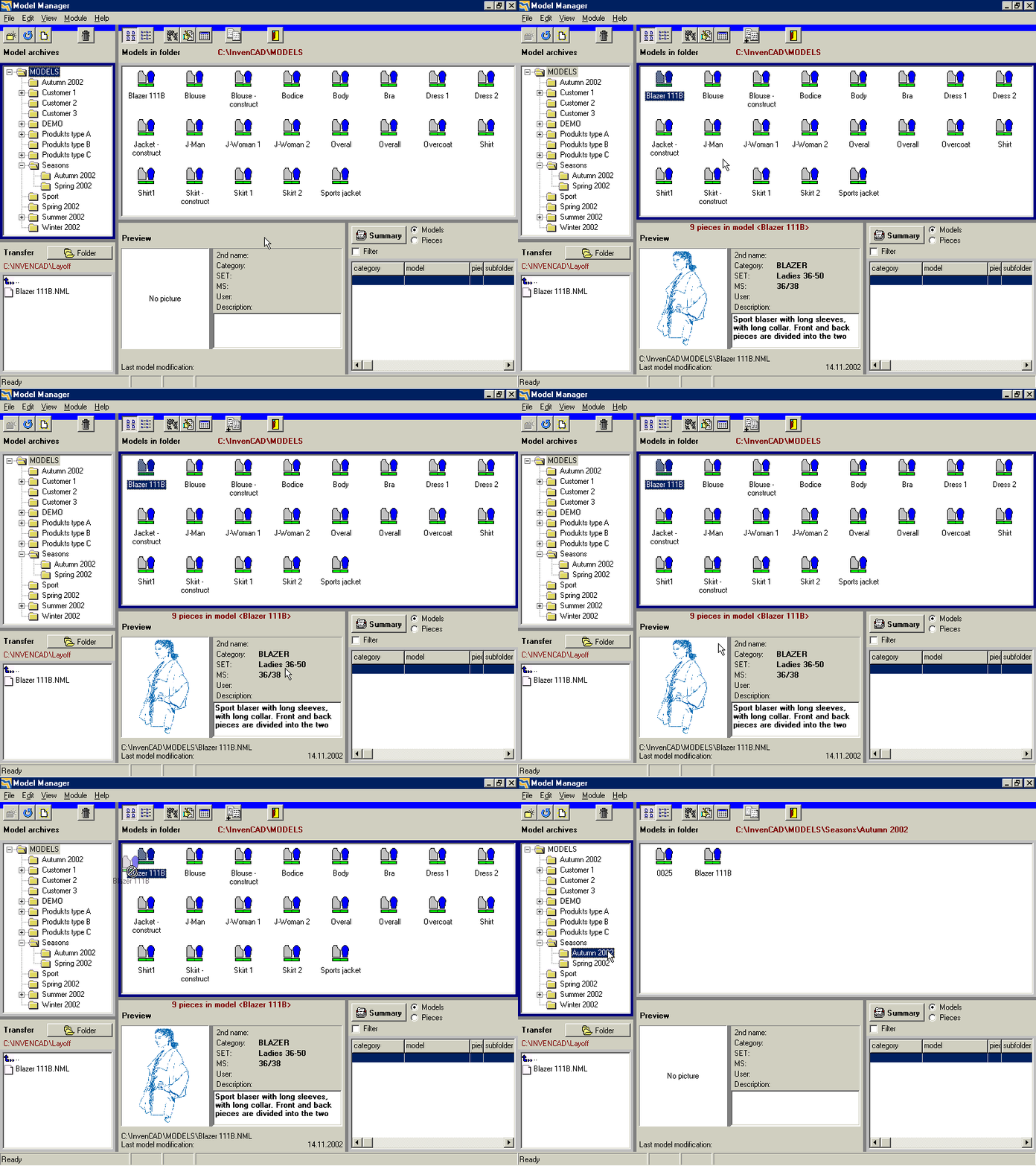
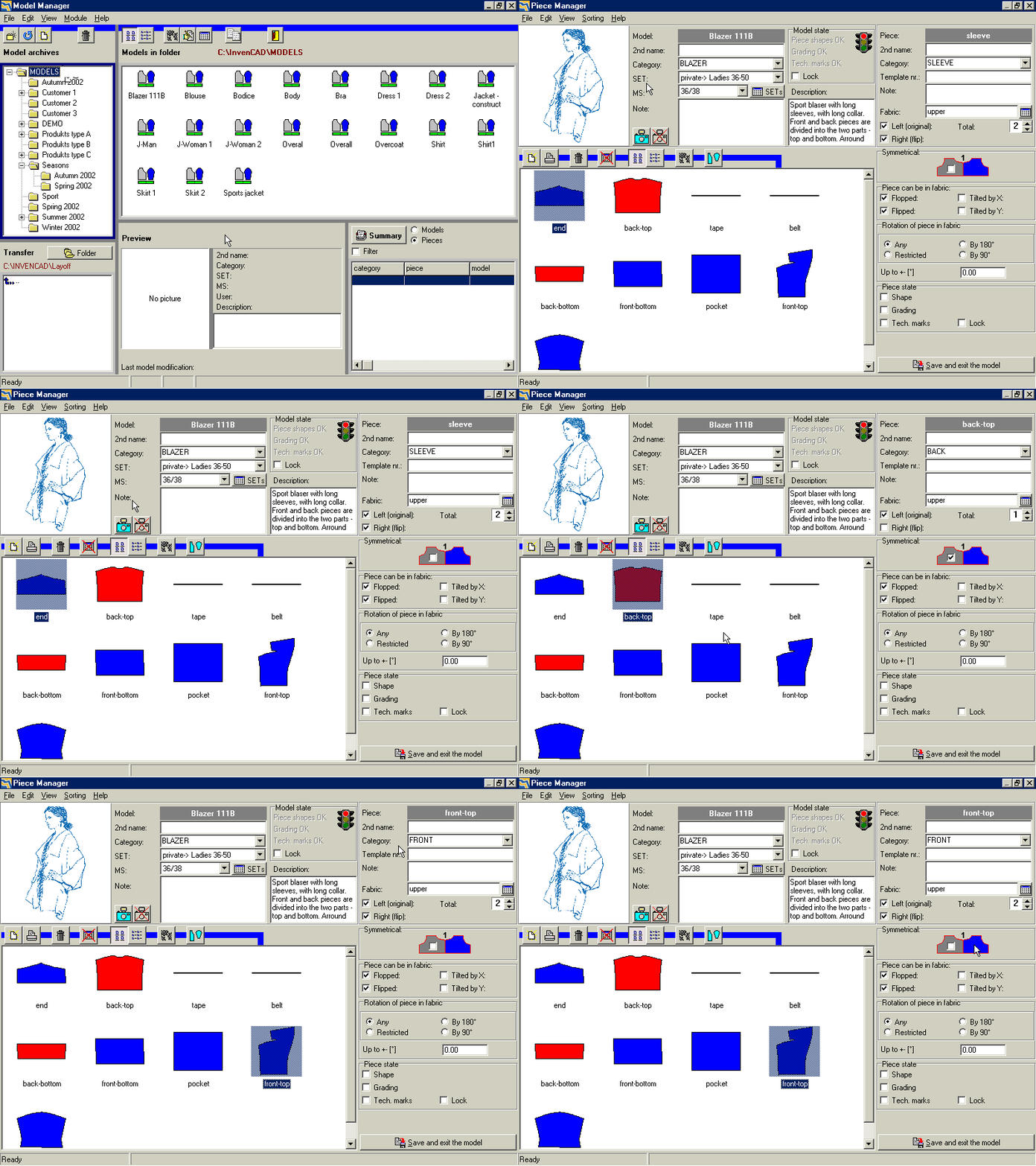
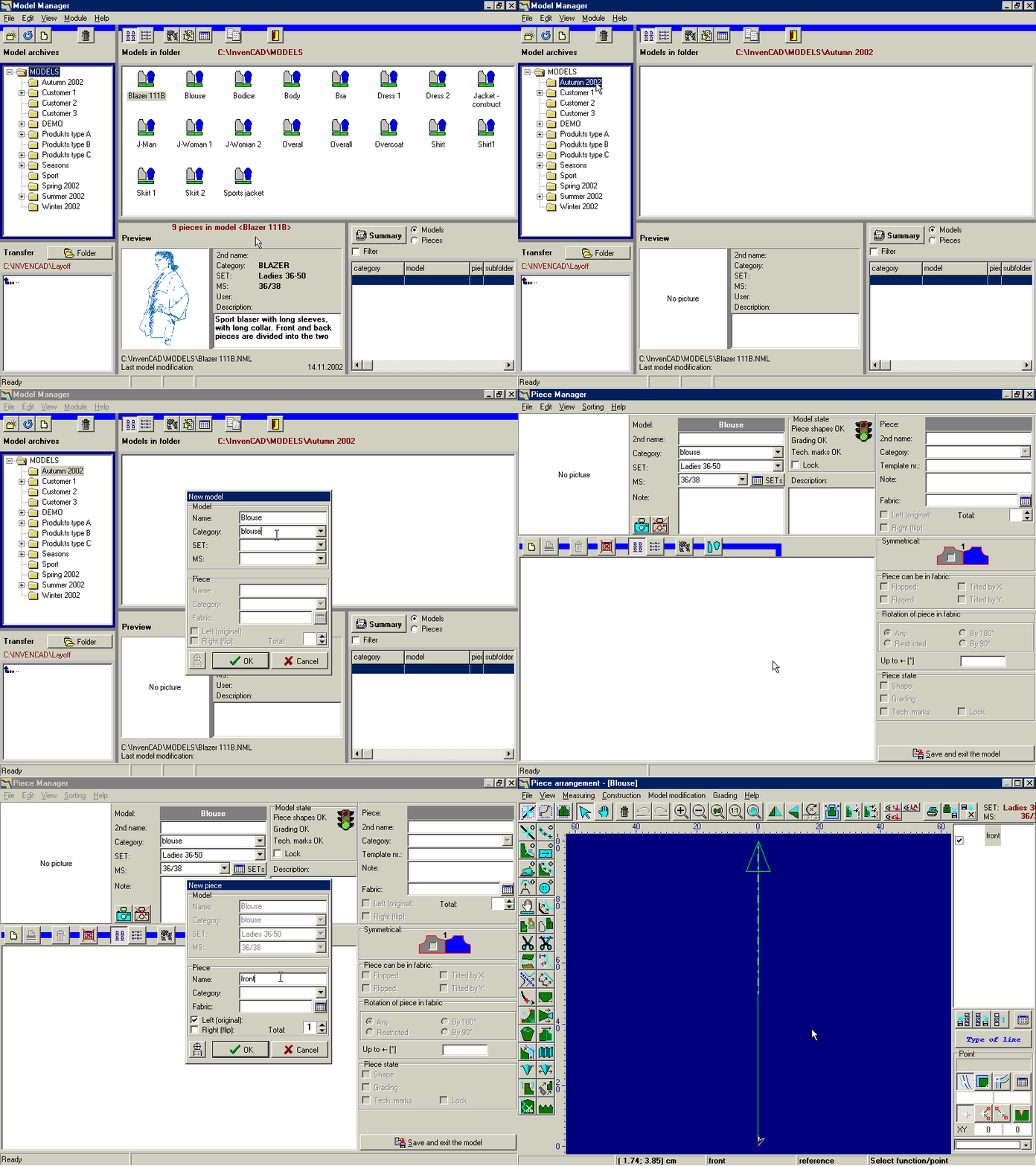
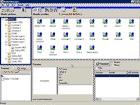
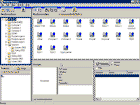
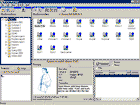
To organize the directory structure, the rules from the Navigator from the Windows operating system are used: Drag&Drop to remove a model, click on the name of a model to rename it. For a selected model, its preview is displayed in the bottom part of the window together with the basic technical information about the model: specification, notes, size assortment, date of its last modification etc.
5To
the top
_________________________________________________________________________________
|
Play
movie |
03
| Quick model search
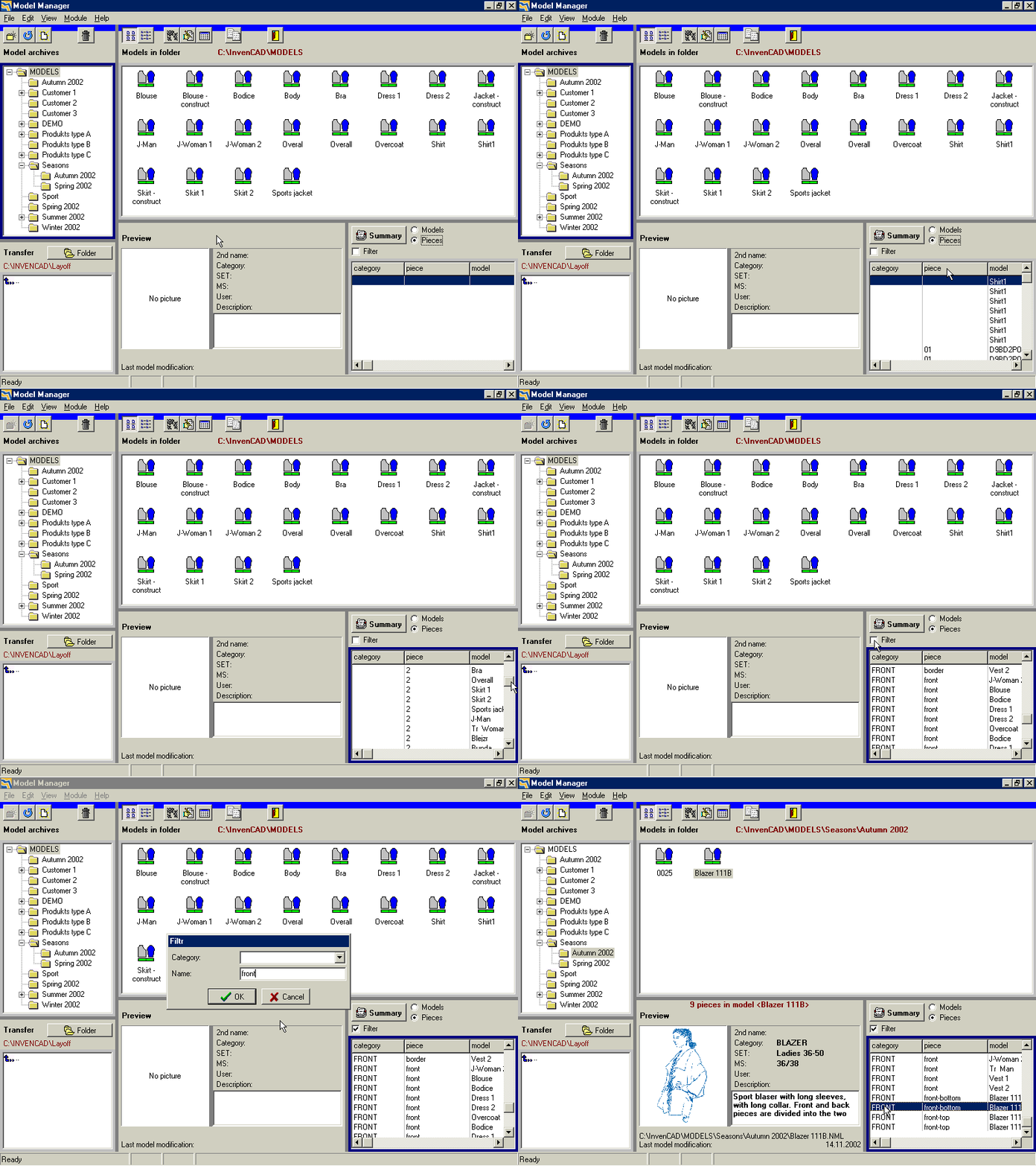
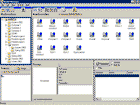
With the help of the right bottom part of the Model Manager, a required model or a required piece can be searched very quickly even in an extensive model database. The scope of search can be restricted for a particular area of the directory structure and models or pieces corresponding with inserted criteria can be filtered. After model selection, the preview of a model, i.e. photo or its sketch is displayed and user can easily select the right model or piece from the available list.
5To
the top
_________________________________________________________________________________
|
Play
movie |
04
| Model Manager advantages
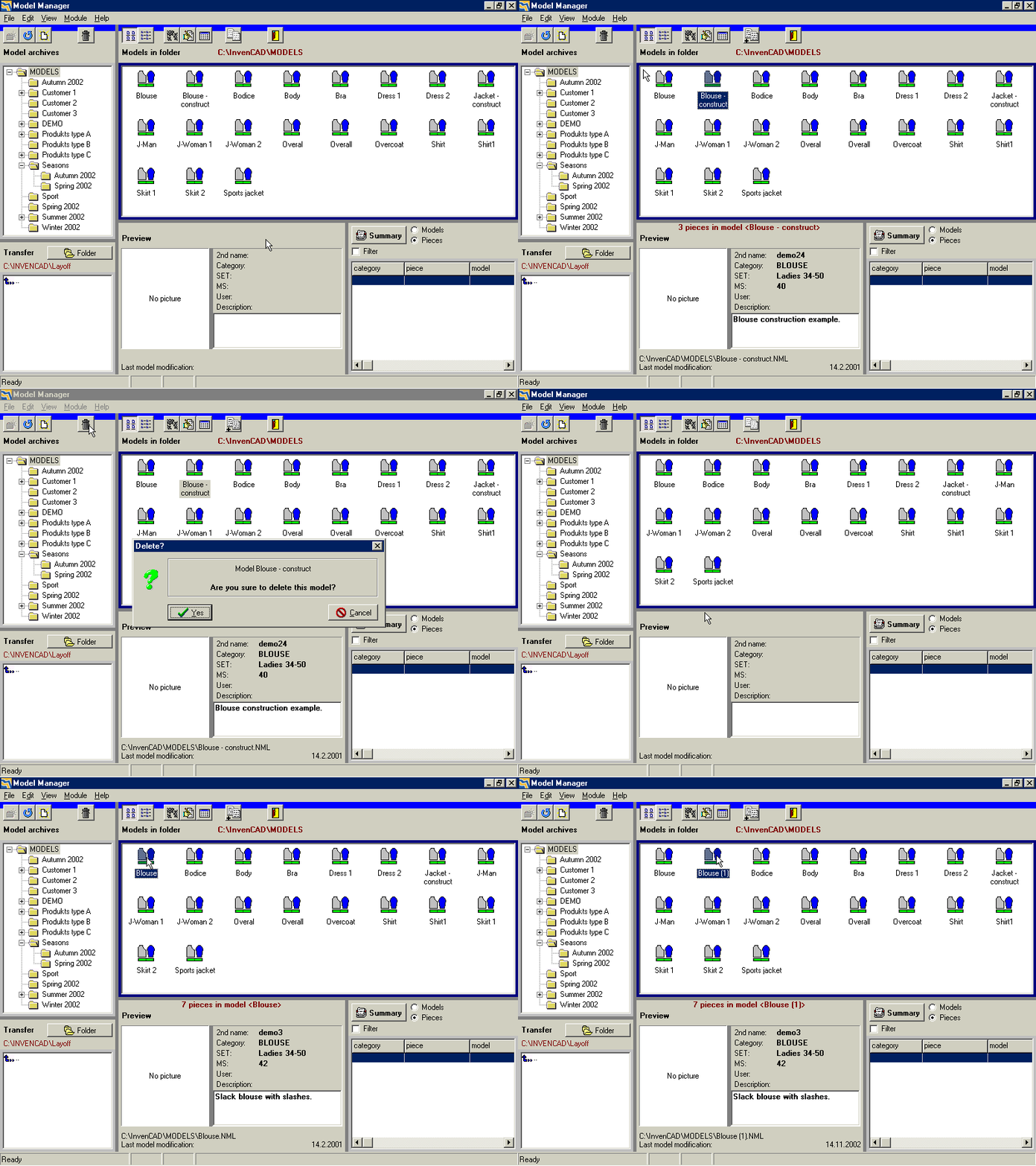
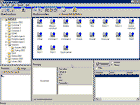
Models can be removed to another file, can be deleted, renamed, copied or sent to the technical service center in the Model Manager. A great advantage presents the opportunity to import and export from or into the AAMA/DXF format, that is the standard for the information exchange among all CAD garments systems.
Another property of the Parmel CAD system is the automatic creation of the back-up copy of the model that is recently worked on to decrease the risk of data loss, for example when the power supply breakdown.
5To
the top
_________________________________________________________________________________
|
Play
movie |
05
| Piece Manager module
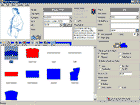
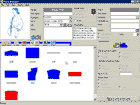
After double clicking on a selected model, the second screen of the
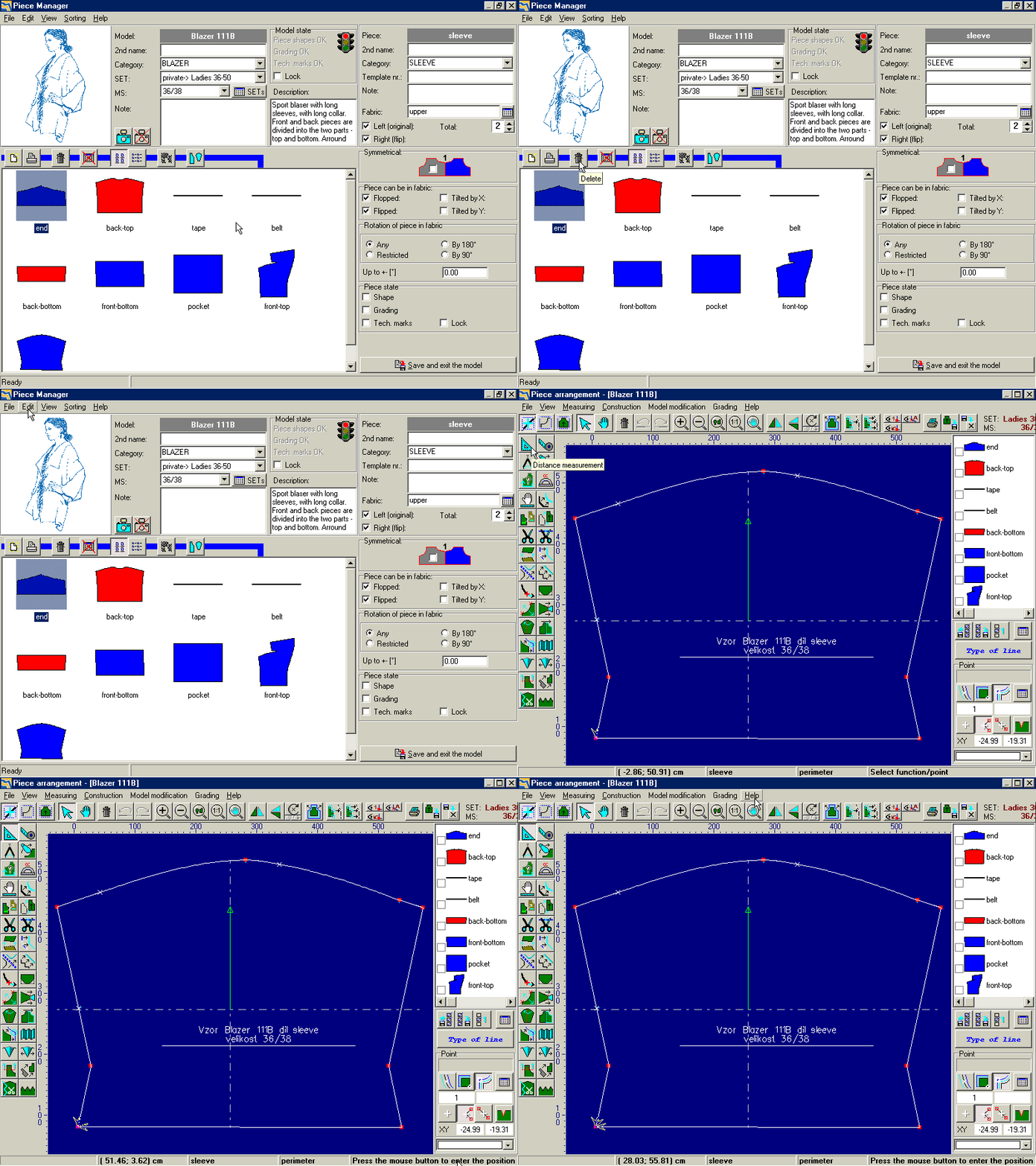
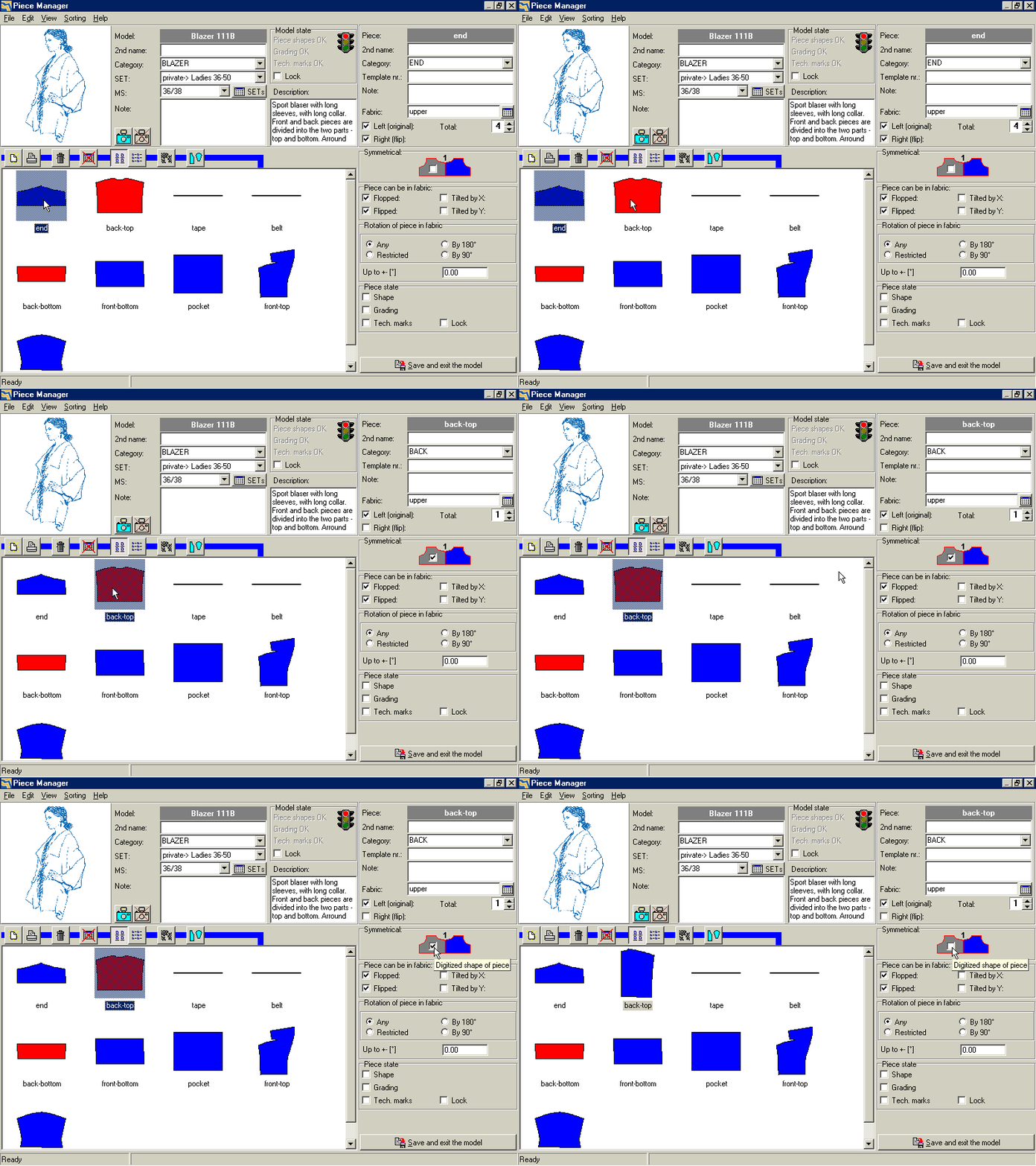
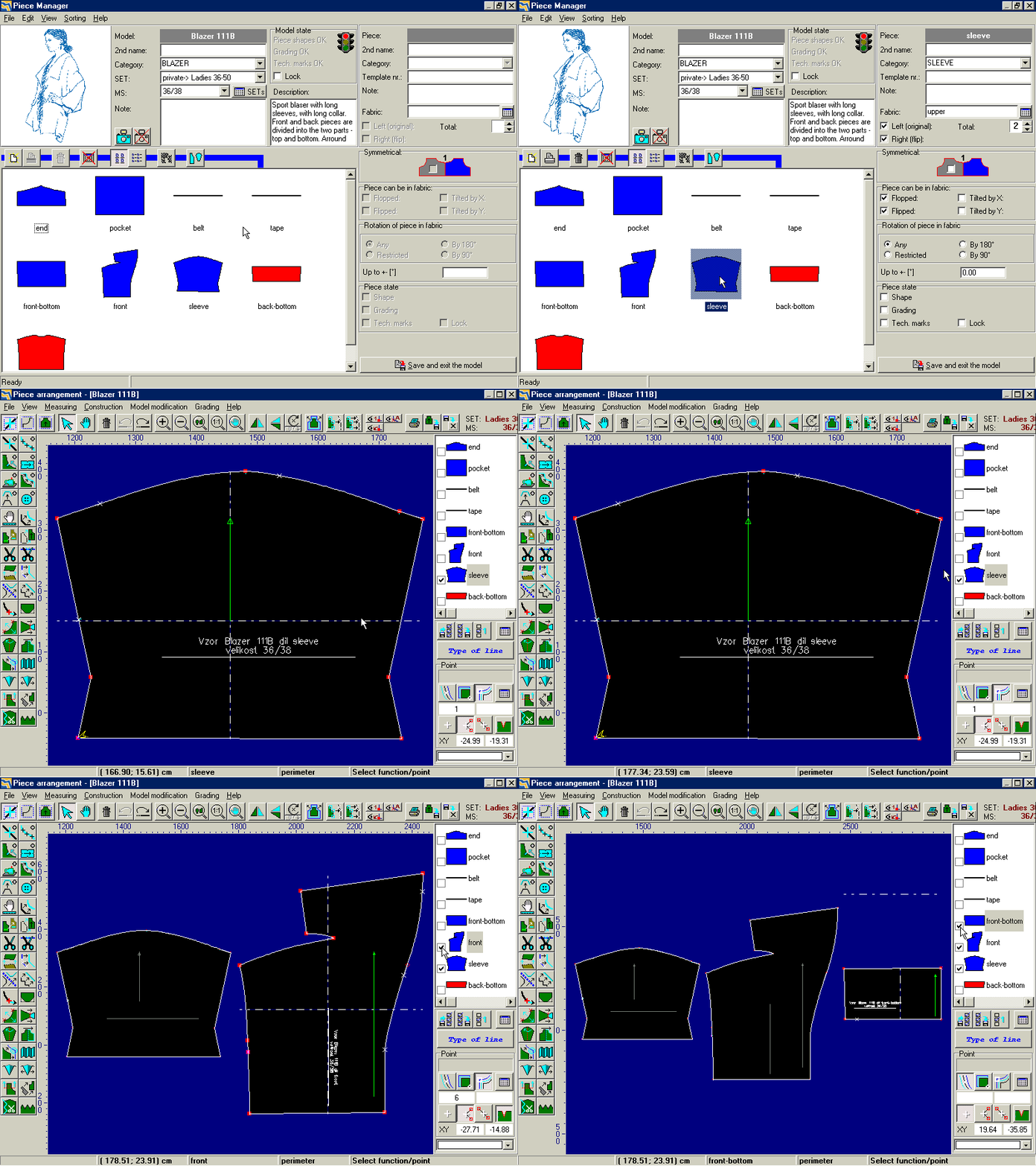
Parmel CAD module is displayed – the Piece Manager. This module serves for the purpose of organization of information about a particular model. The technical information about a model, such as its specification, description, notes, basic size, size assortment etc, are displayed in the upper part of the window. The
Parmel CAD module supports pictures and sketches in the BMP a JPEG formats that can be added to models. The list of pieces can be also synoptically and easily managed. Information for selected pieces are displayed in the right part of the window and can be changed there.
5To
the top
_________________________________________________________________________________
|
Play
movie |
06
| List of pieces
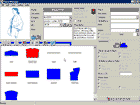
Every piece is in the list shown with the shape of its contour and its name. Symmetrical and non-symmetrical piece differ in colors. Only one half of a symmetrical piece is created in the
Parmel CAD system, if needed system provides its precise folding out. It means that only one half is digitized or constructed, graded and modified. The time necessary for piece preparation can be reduced to the half and it is guaranteed that both halves are identical.
5To
the top
_________________________________________________________________________________
|
Play
movie |
07
| Piece Manager advantages
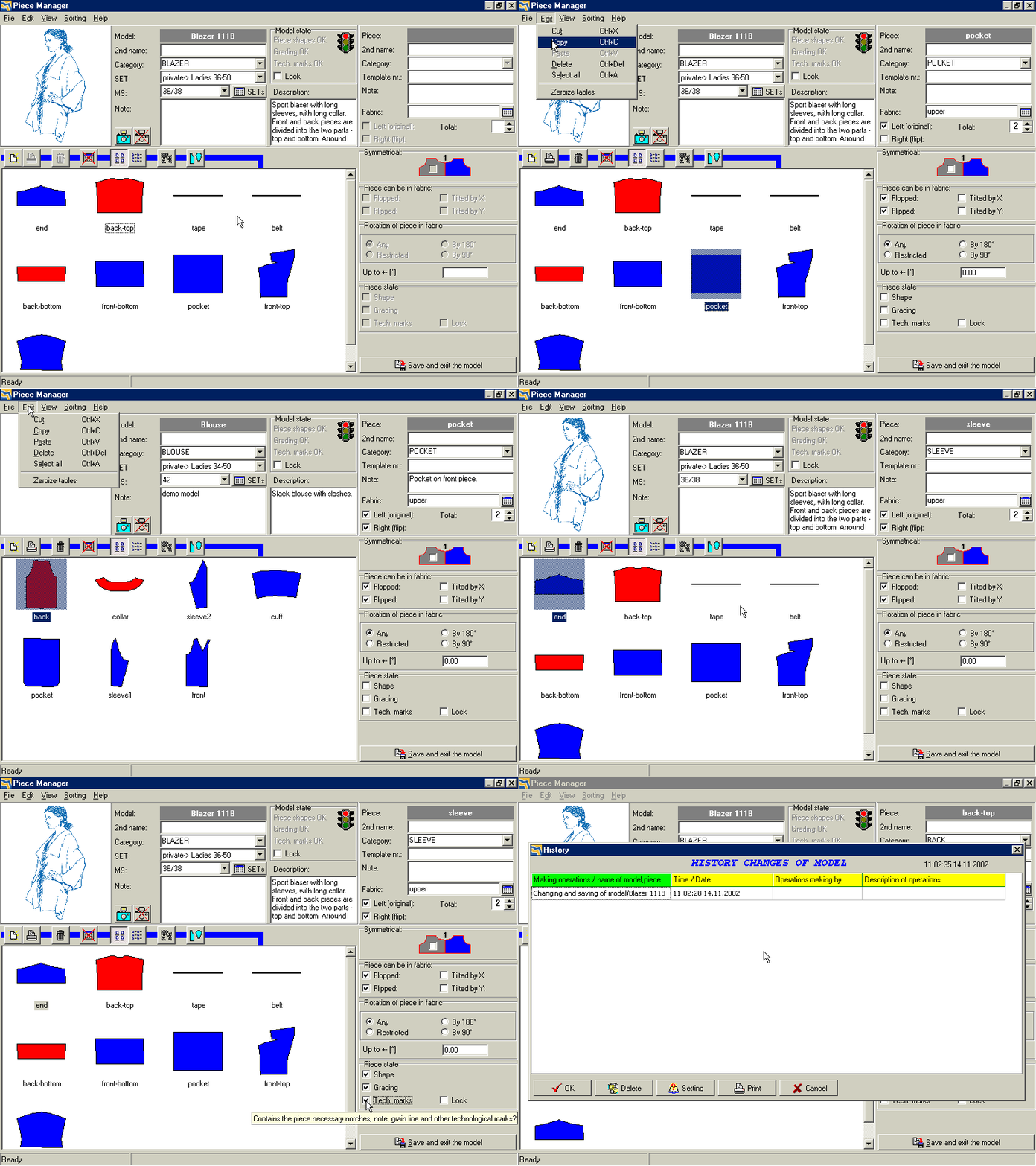
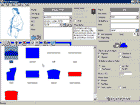
The list of pieces can be easily organized, sorted, pieces can be renamed, copied, deleted etc. in the Piece Manager. The Windows system storage box for pieces copying and transfer from model to model is fully supported. Therefore, it is not necessary to recreate a piece already existing in another model – its copying is sufficient. For each piece, its degree of completion with following control of model preparedness for next phase of production can be recorded. As well the history of work on a model can be followed and therefore it is possible to find out who and when made particular changes on a model.
5To
the top
_________________________________________________________________________________
|
Play
movie |
08
| Other Piece Manager options
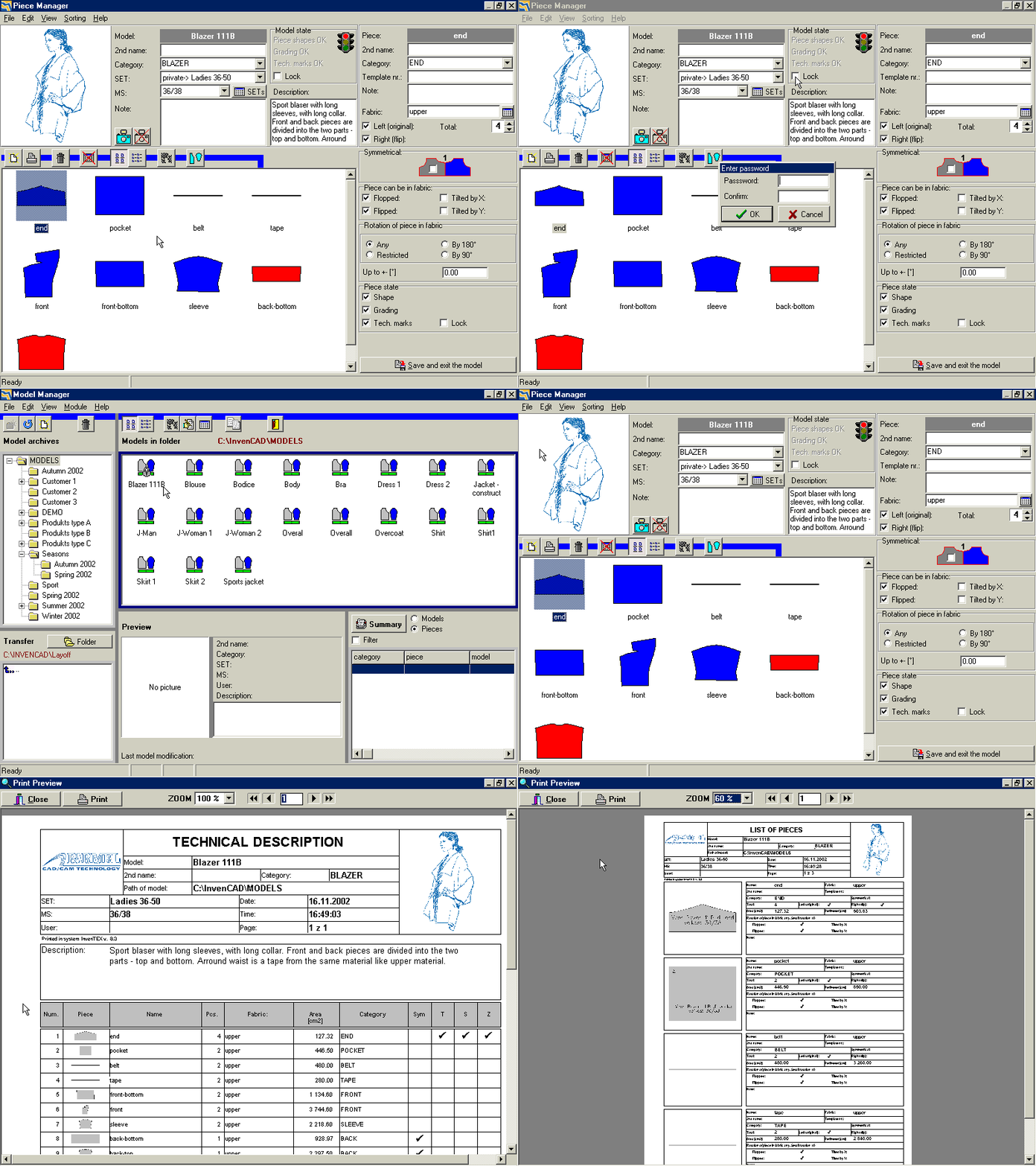
A whole model or some of its pieces can be locked to prevent unwanted changes of an already finished product. A big advantage of the
Parmel CAD system brings printing of quality technical documentation on any printer installed in the Windows system. The printouts can be previewed before the printing itself. The logo of a producer can be inserted in the
Parmel CAD system to display it on all printouts.
5To
the top
_________________________________________________________________________________
|
Play
movie |
09
| Pieces modifications
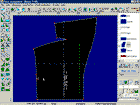
The most important screen of the Parmel CAD module is the Piece Arrangement. To display the screen double click on any piece in the Piece Manager. The pieces modification serves for the purpose of new pieces creation, models modification and grading into size assortment. The main part of the window covers the working area with displayed pieces around which are situated tool bars with controlling functions. On the right upper corner is placed the list of pieces for the purpose of adding and taking away pieces from the area.
5To
the top
_________________________________________________________________________________
|
Play
movie |
10
| Piece elements
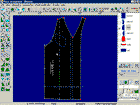
A piece consists of lines that are defined by positions and types of points. The advantage of the
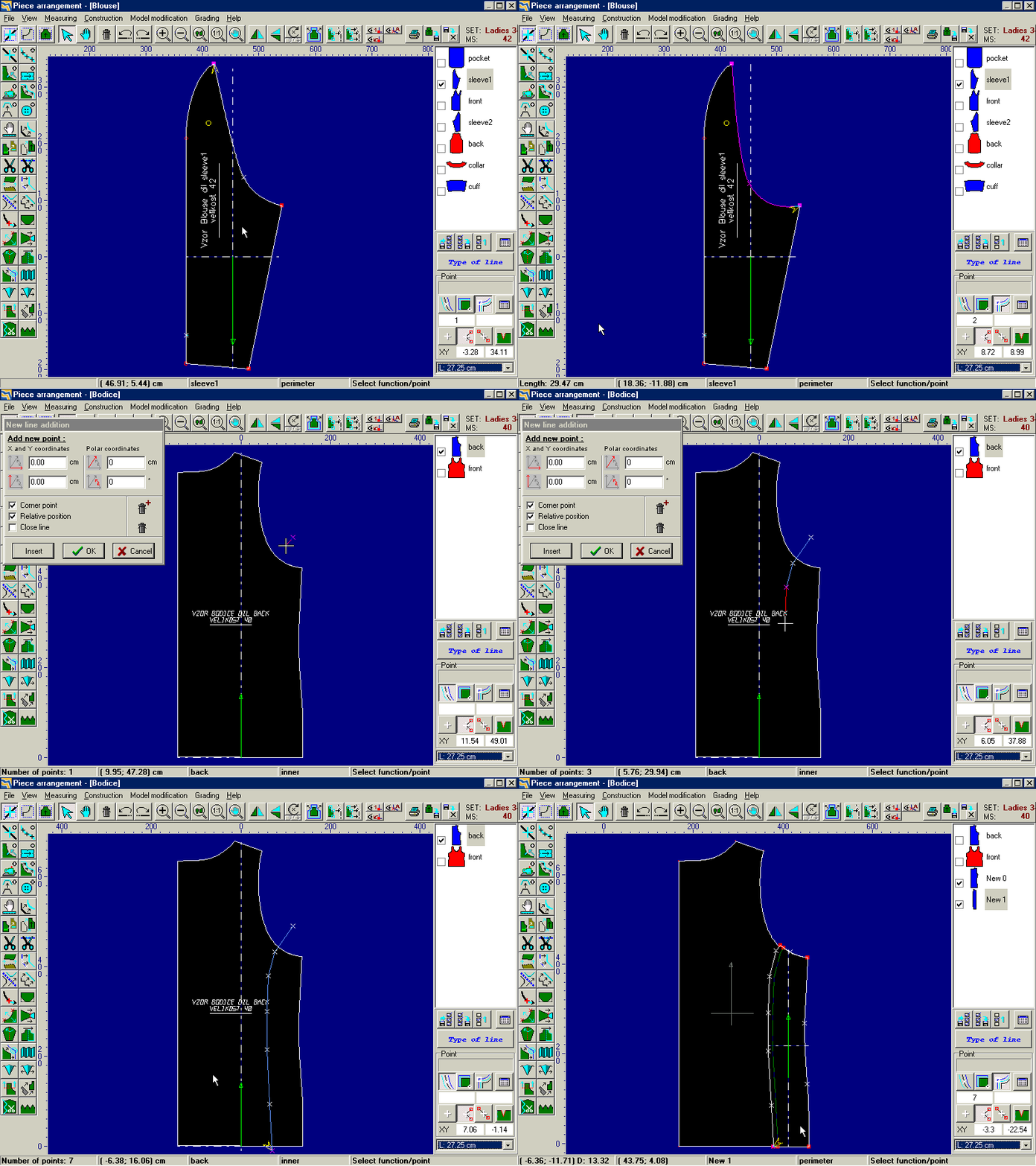
Parmel CAD software is working with curves. It reduces time necessary for model preparation for production in comparison with usage of working with points. Due to the curves, for example it is enough to use five points to achieve a precisely smooth shape of an armhole, two of them are the corner points and three of them define the depth and shape of the armhole. Curves are supported in all processes, from digitization through model modification up to model grading. Working with curves facilitates and reduces time necessary for pieces preparation at least to halftime.
5To
the top
_________________________________________________________________________________
|
Play
movie |
11
| Line types
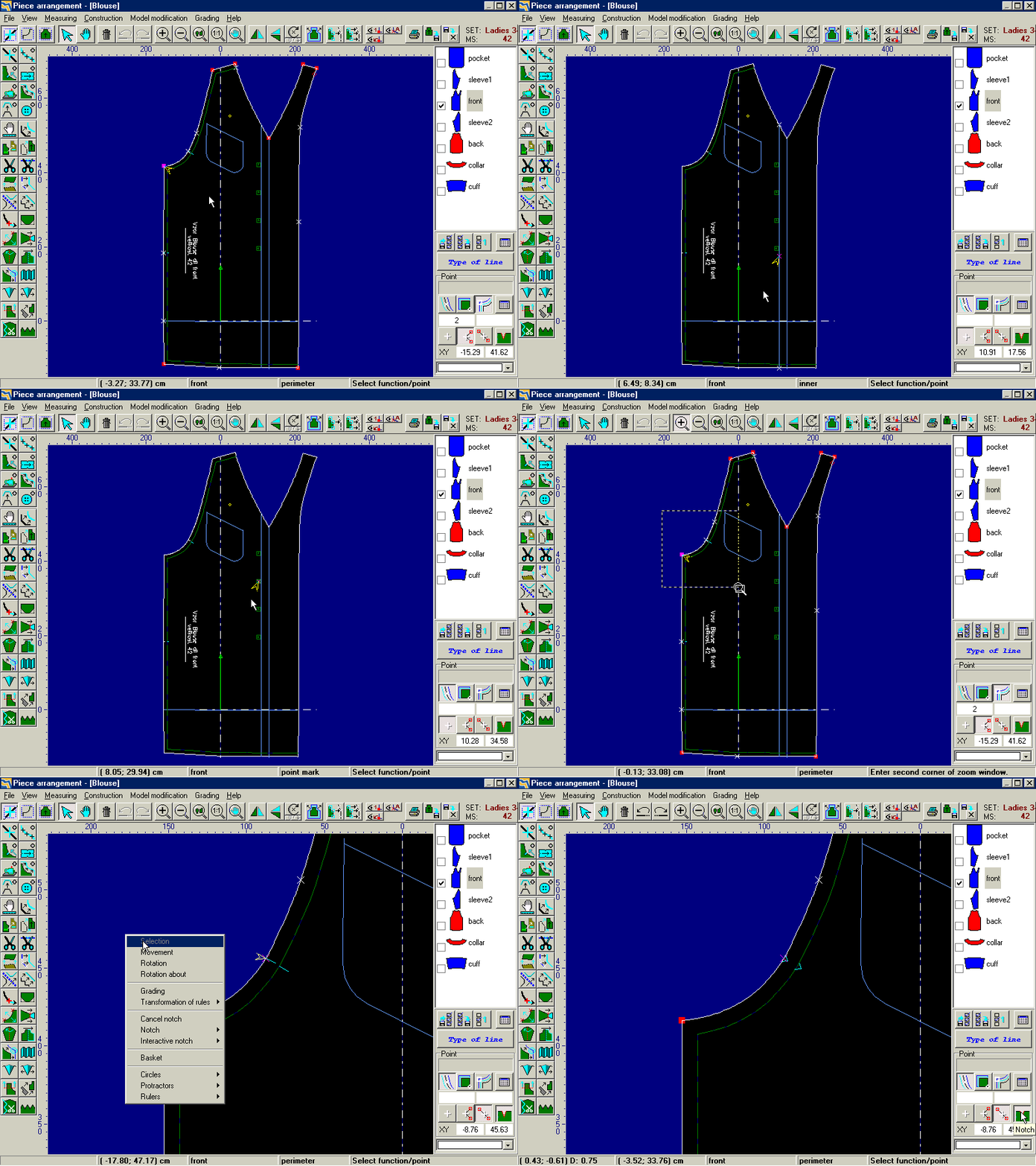
The shape of a piece is determined by the shape of the contour. To achieve the precise and quality production of a model, it is necessary to add other lines into a piece such as fibre line to get the accurate piece orientation in the marker, notes for the piece description, marks of a point and a cross point for the exact placing of e.g. pockets, sewing lines or sewing allowances etc. Various types of notches can be also added on lines to sew together adjoining pieces precisely.
5To
the top
_________________________________________________________________________________
|
Play
movie |
12
| Pieces creation
Models can be created in the Parmel CAD module in several ways:
A. Digitization with the help of digitizing tablets (small format digitizing tablets are supported)
B. Construction with the automatic creation of the construction grid (standard construction grids at disposal)
C. Copying of an already existing model from the database with consecutive model modification
D. Import data from other CAD systems (data can be sent via Internet)
The most used method is models creation by digitization.
5To
the top
_________________________________________________________________________________
|
Play
movie |
13
| Digitization
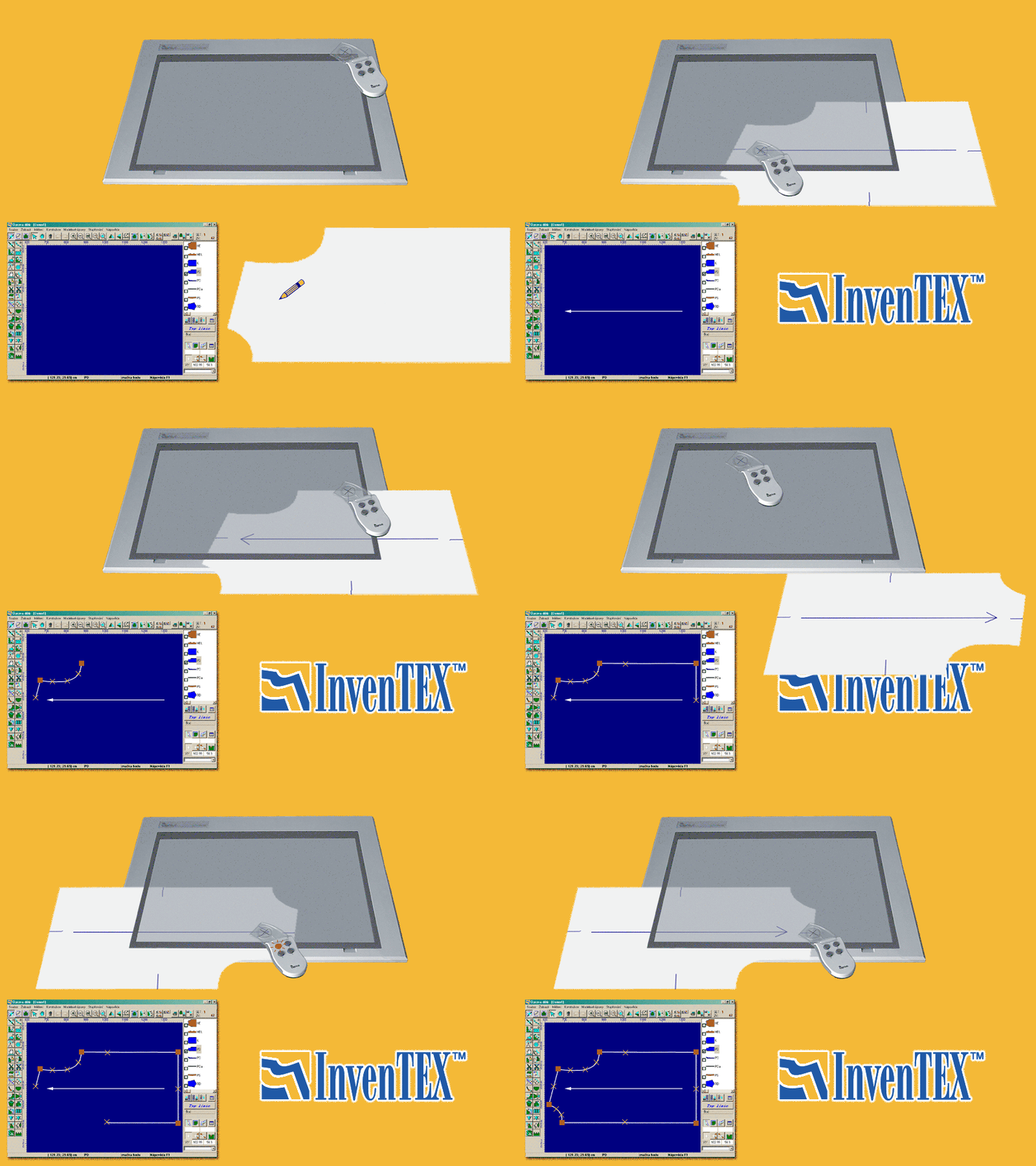
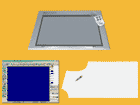
It includes the process of transfer of a real paper template into digital form. The digitizing tablet is used. Thanks to the special function of automatic connection is possible to use the smaller and therefore cheaper tablet formats – an A3 format tablet can be used for example to digitize the jacket or a coat. Tablet is controlled by the cursor with the cross focus and buttons for digitization control. With the buttons the point position can be confirmed and also point types and line types can be defined.
5To
the top
_________________________________________________________________________________
|
Play
movie |
14
| Construction
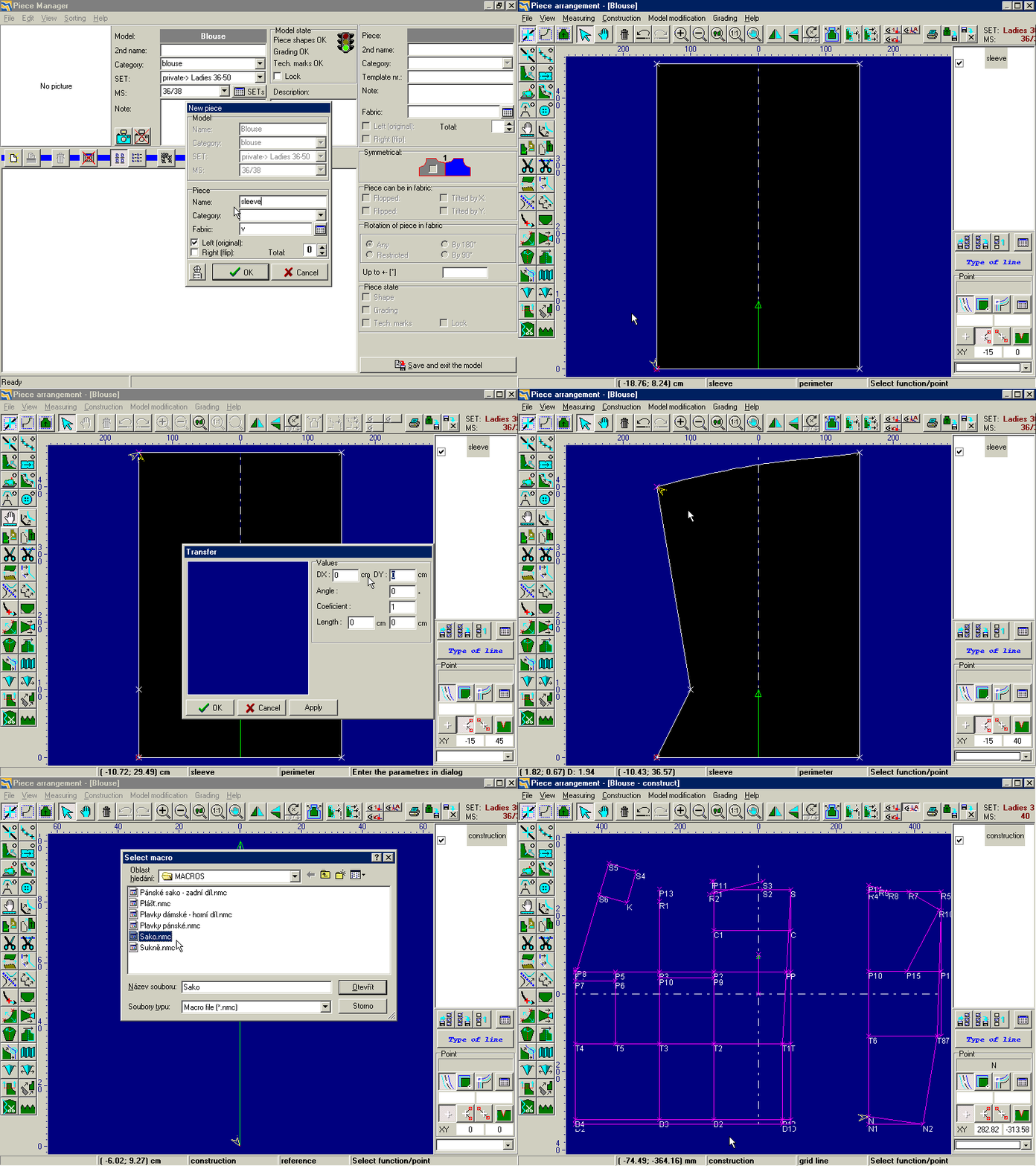
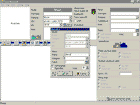
During a piece construction the basic geometric shapes, such as for example rectangle, can be concerned and with the modeling functions can be applied to create for example pockets, a front piece or sleeves. Another option presents usage of i.e. macros that create construction grid together with the shapes of basic pieces of a model according to the corporal dimensions . All pieces shapes are changed if a dimension is changed. Standard macros such as for example macros for construction of jacket, trousers, blouse or shirt are at disposal. According to the user’s requirements, it is possible to create macros for construction of a concrete model.
5To
the top
_________________________________________________________________________________
|
Play
movie |
15
| Measurement control
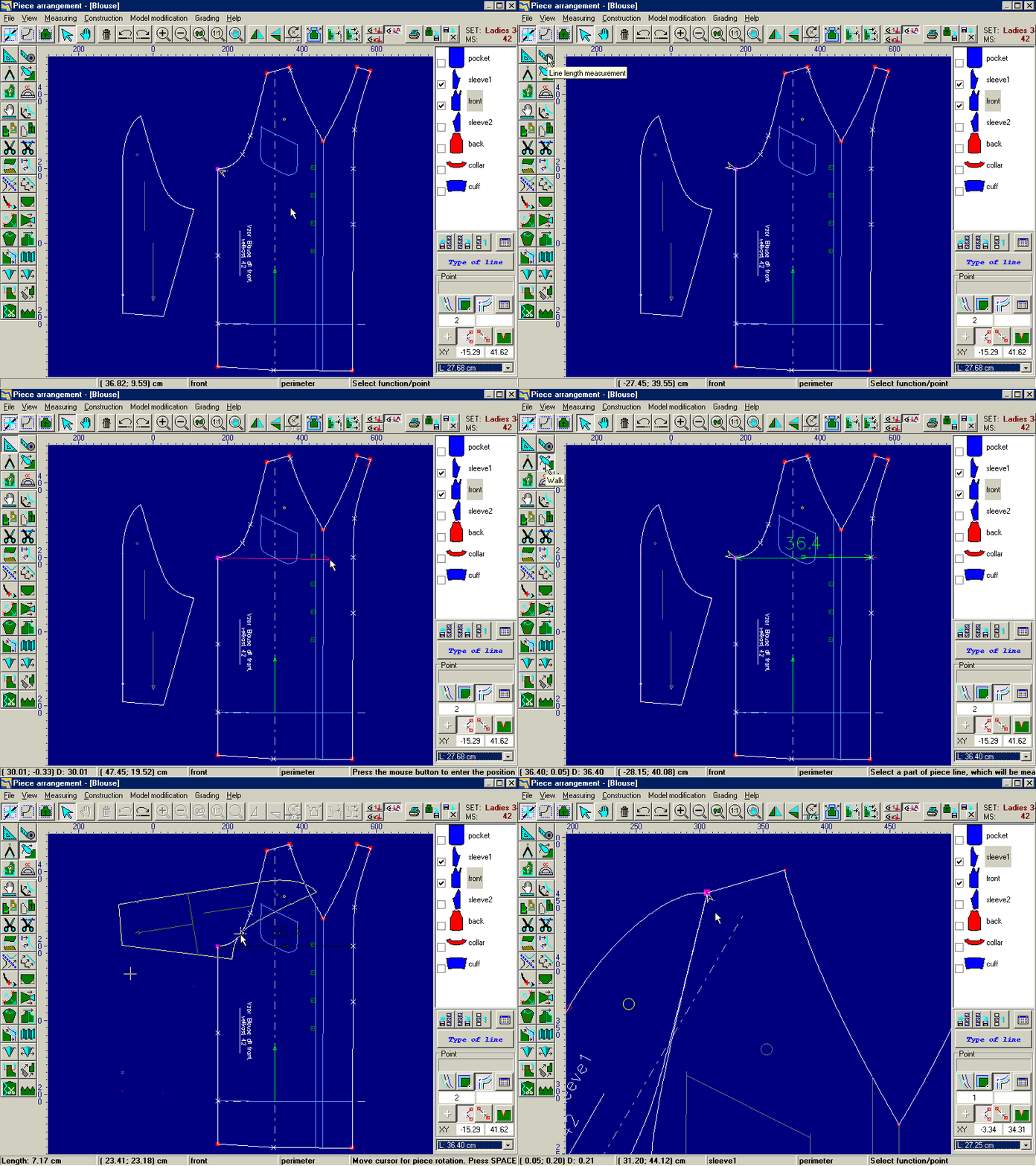
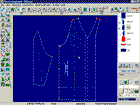
Newly created pieces must be controlled before they are produced regarding the corporal dimensions as well as their consecutive production. The tools very well known to pattern makers in praxis are used: ruler, tape, a pair of compasses and protractor. There is also a function for synoptic proving of pieces sewing together, if they fit one to another, if the lengths of sewing lines are identical. The function is called „Walk“. Pieces can be precisely controlled in the computer without necessity to preprint each piece that is to be controlled.
5To
the top
_________________________________________________________________________________
|
Play
movie |
16
| Grading
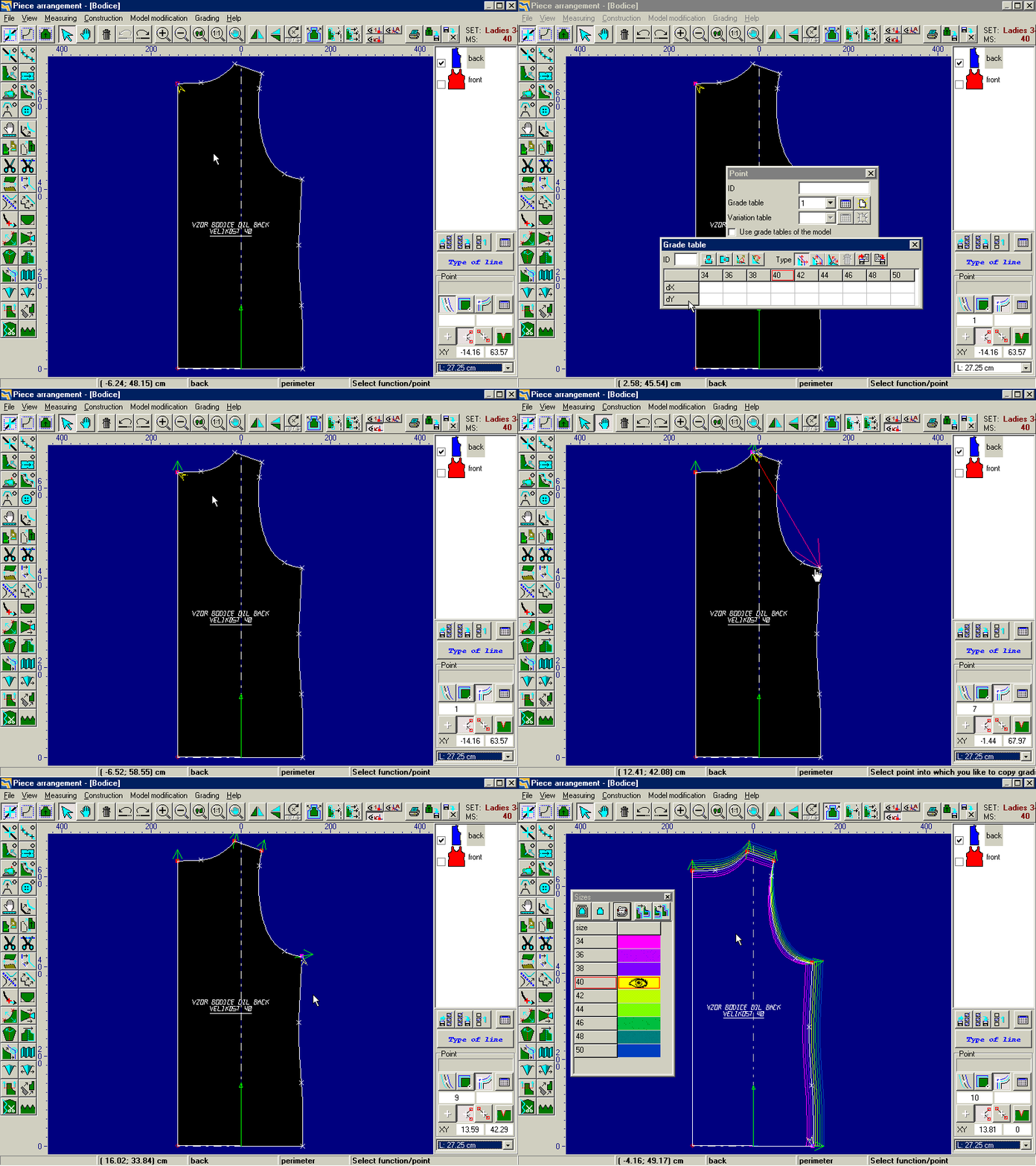
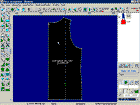
Created pieces are graded into size assortment. Grading is provided with creation of grading tables for important – grading points of a piece. The values of shifts in grading tables for sizes or the whole size assortment can be inserted on the keyboard, can be copied from point to point, from line to line or values can be loaded from grading tables database. The
Parmel CAD software includes standard grading tables. Furthermore, we offer the CAD system with a number of finished models (c. 50 models) so that comparison of different grading and models modifying ways is available. It enables the new user to achieve the best survey of the software
Parmel CAD possibilities.
5To
the top
_________________________________________________________________________________
|
Play
movie |
17
| Grading control
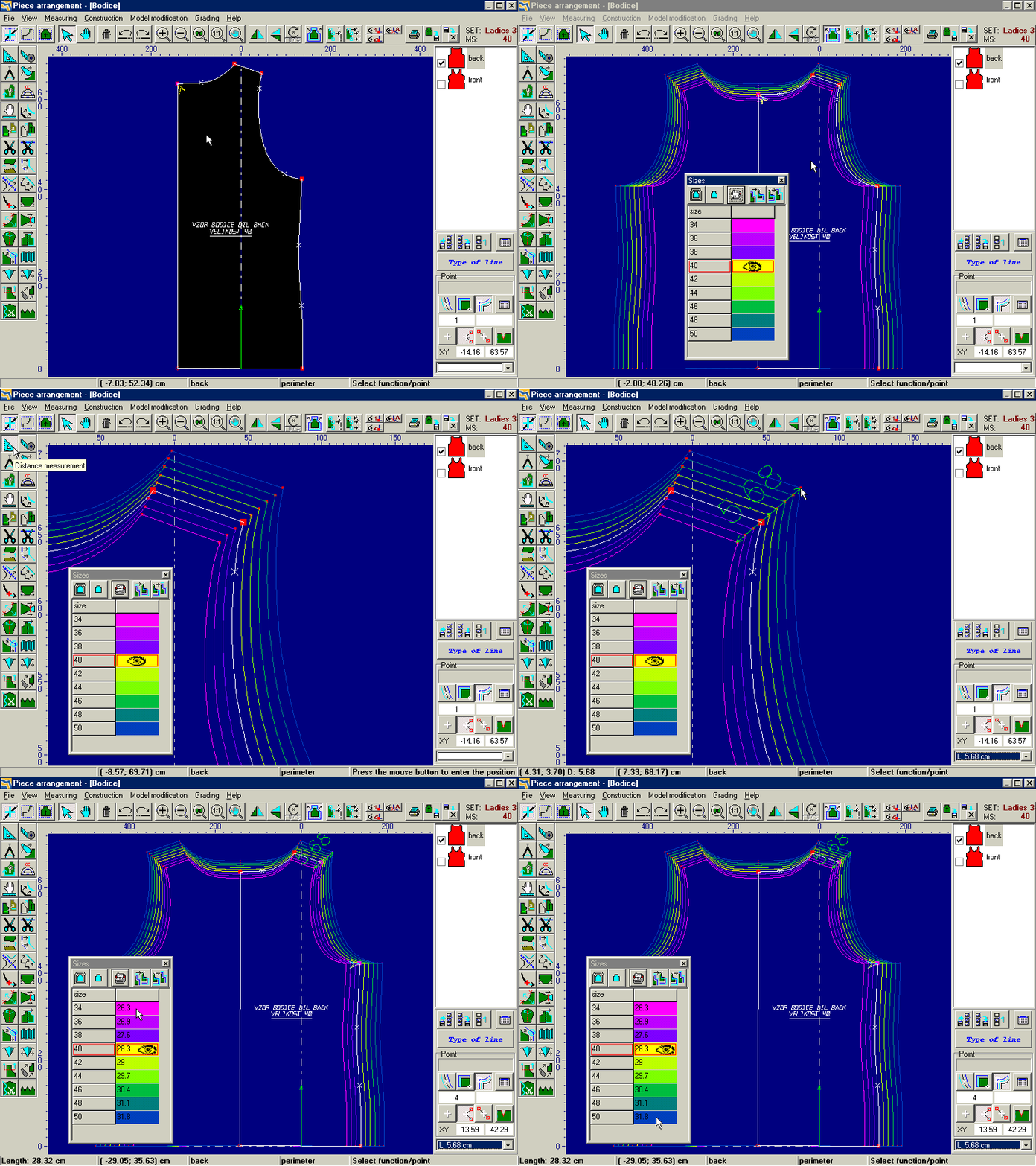
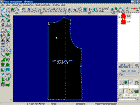
Not to have to produce control drawings of grading, pieces can be graded on the working area. This function is very effective when more pieces are displayed on the working area simultaneously. With the measurement functions, pieces dimensions as well as lengths of sewing lines can be precisely controlled. If any change is applied in the grading table, all graded pieces are changed. Only some sizes can be selected from a list. Thanks to the pieces control, significant time savings in the new model preparation or model modifying phase are achieved. Main advantage of the
Parmel CAD software is that every change is instantaneously made in the whole size assortment.
5To
the top
_________________________________________________________________________________
|
Play
movie |
18
| Armhole modification, piece division
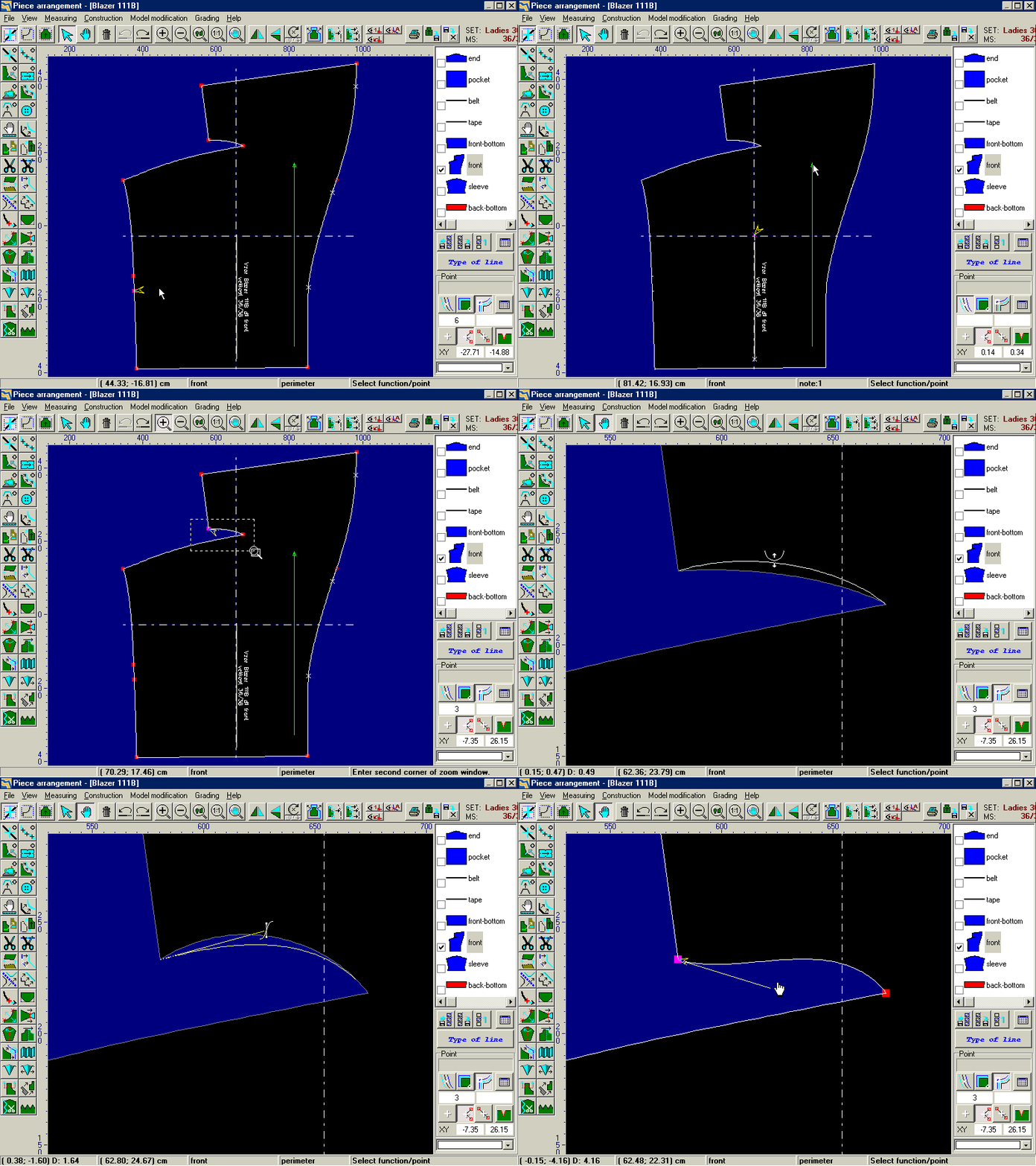
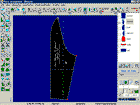
The Parmel CAD module contains many functions for modeling to simplify application of changes on pieces. Some of them are mentioned here: Change of line length by shaping: allows deepening or shortening of length of an armhole by inserting required length or change of the length. Division of piece: an ideal tool for creation of the princess jacket. According to the arbitrarily shaped line, a piece can be divided in two including the allowances for sewing together. The same function can be used for example for armhole stiffening.
5To
the top
_________________________________________________________________________________
|
Play
movie |
19
| Edge folding
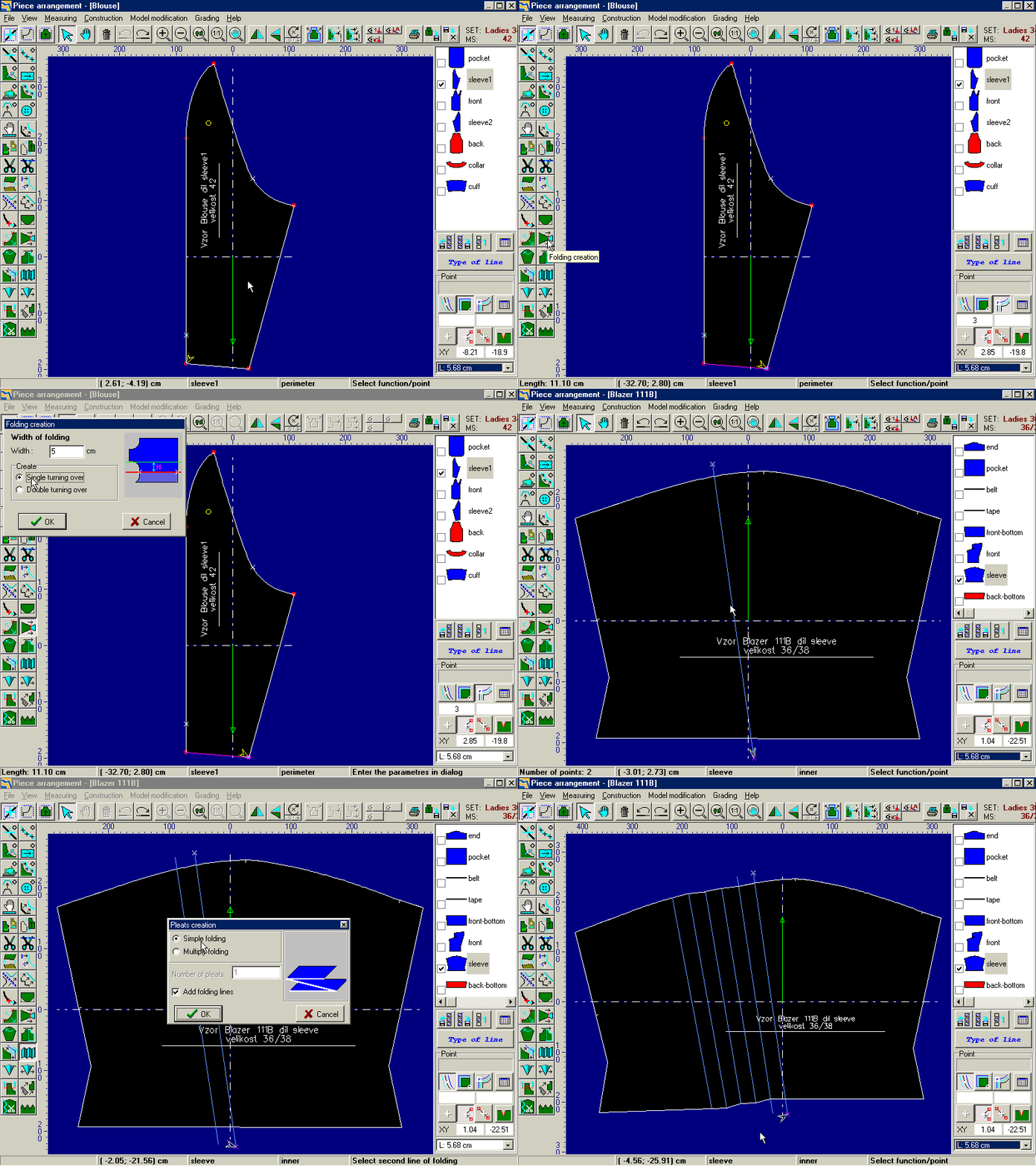
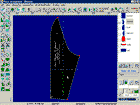
Folding of piece edge: select part of the piece edge for folding creation and insert values into the dialog to apply the simple or double folding automatically.
Folding: simplifies modifications in cases when model loosening is required in a certain place. With the help of two lines can be easily created even multiple folding.
5To
the top
_________________________________________________________________________________
|
Play
movie |
20
| Other functions
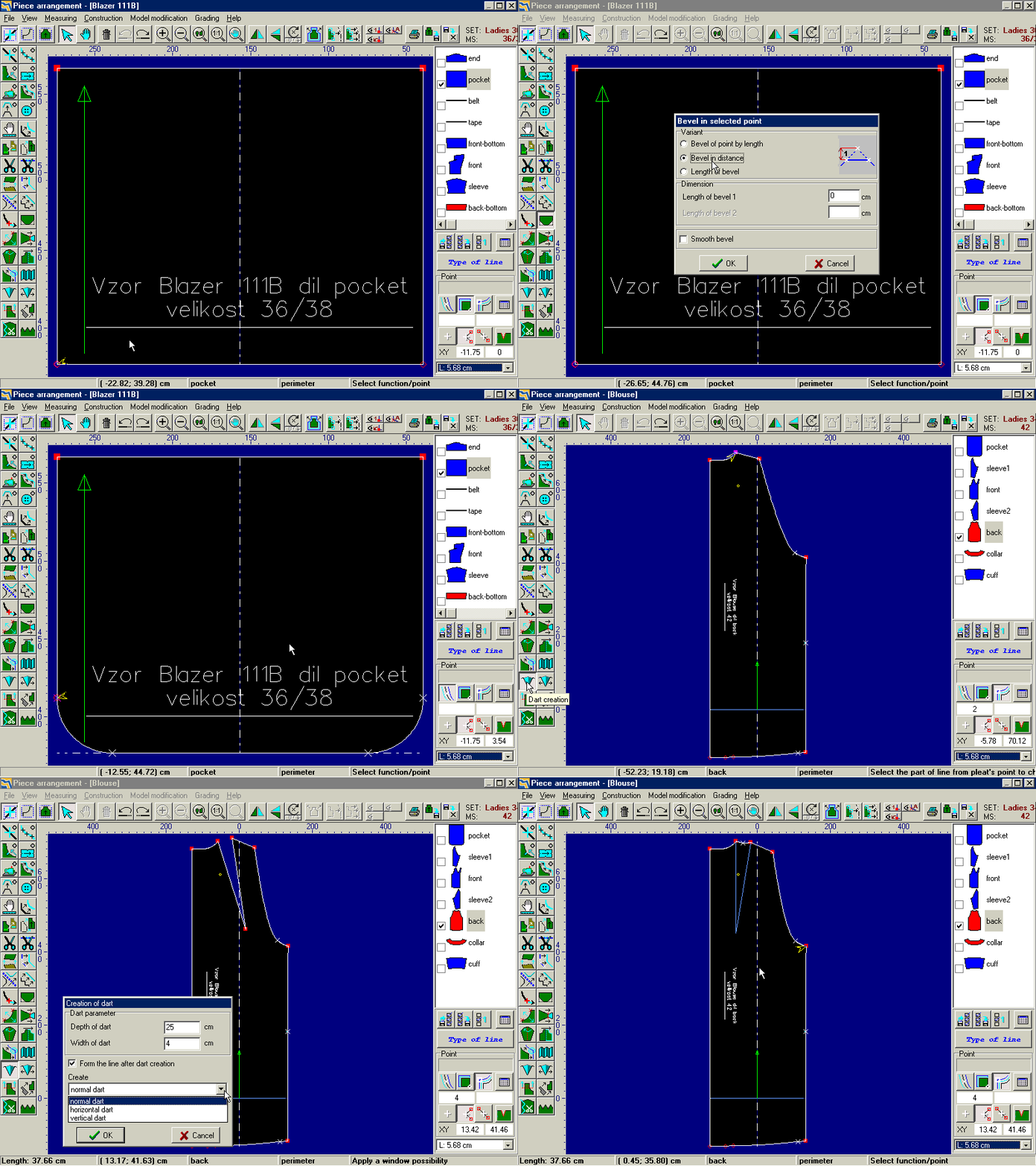
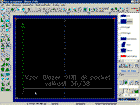
Among other modeling functions belong: modification of line corners (for an easy creation of pockets), change of line length (for modification of line dimensions according to inserted dimensions), lining creation, widening or lengthening of a piece, creation and transfer of notches, piece division according to the axis, pieces connection, line smoothing, line mirroring etc. Therefore it is very simple to create a constructional complex model from a very simple template.
5To
the top
_________________________________________________________________________________
|
Play
movie |
21
| Sewing line
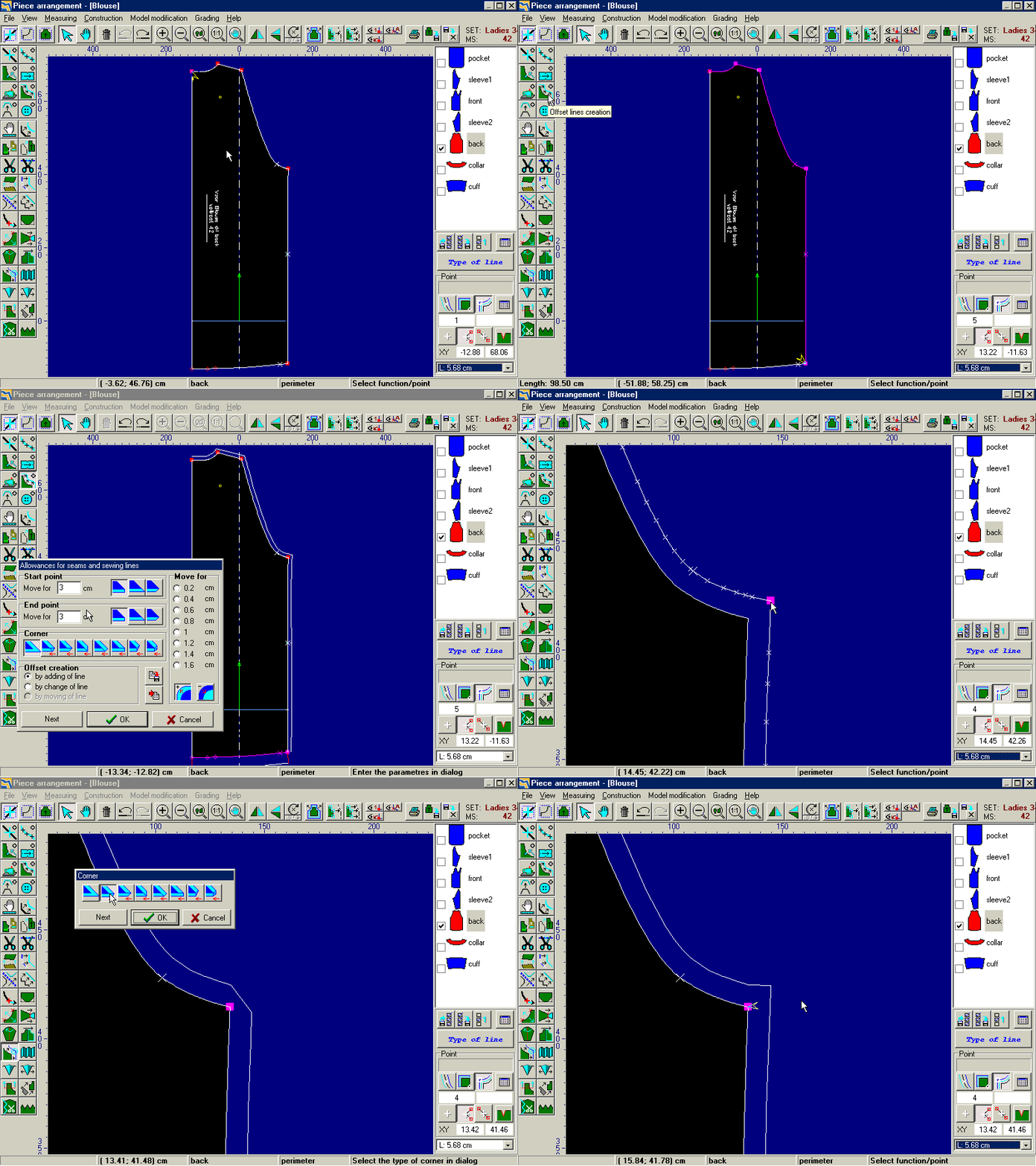
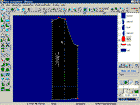
The Parmel CAD allows working with finished piece contours as well as with pieces created from sewing lines. To finish piece it is therefore necessary to create sewing allowances or propose sewing lines. Concerning one piece, the lines can be differently distanced from the contour – there can be various sewing allowances on various parts of the same piece. The news presents the automatic change of deducted line after change of the original line.
5To
the top
_________________________________________________________________________________
|
Play
movie |
22
| Degree of model completion
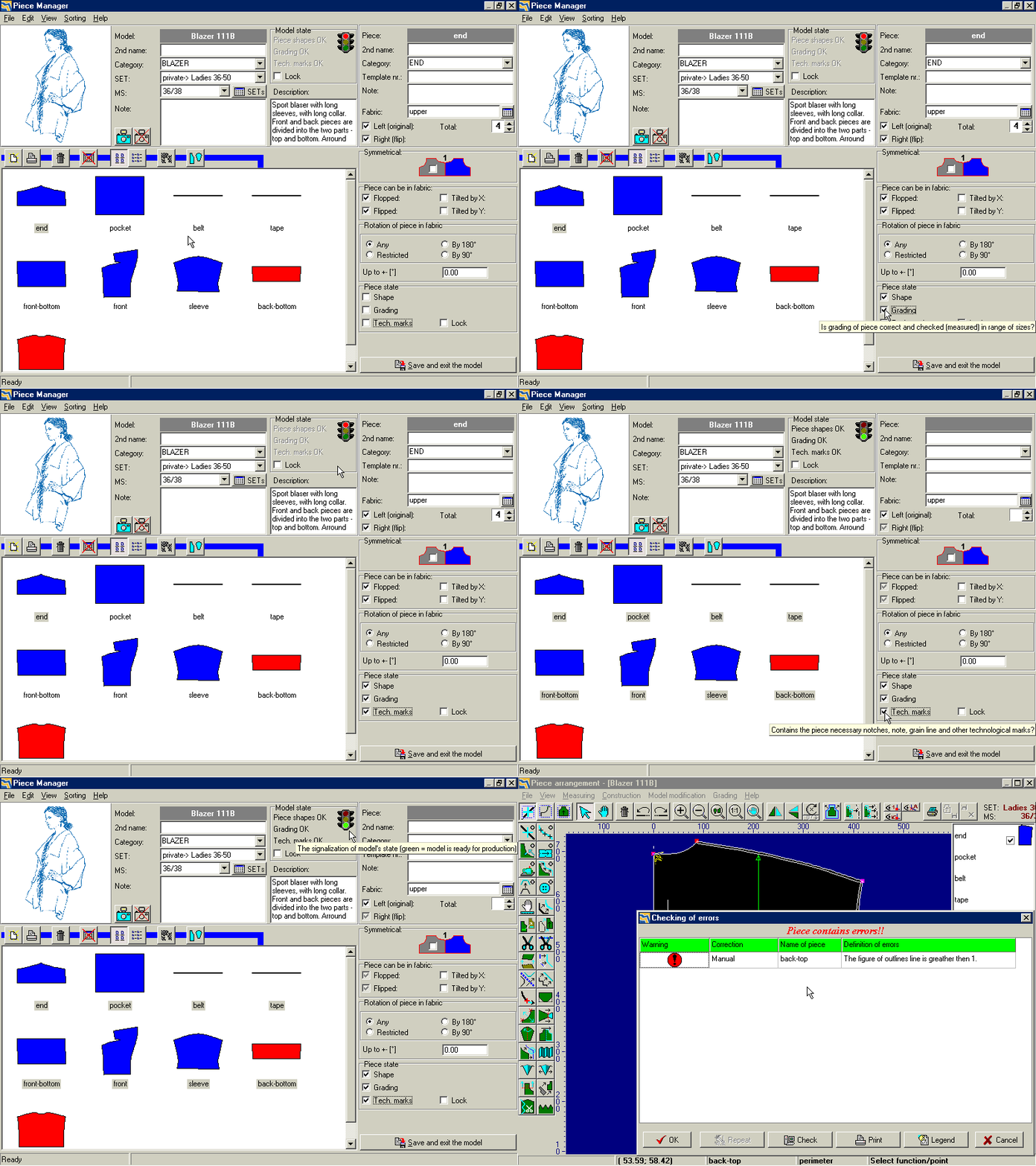
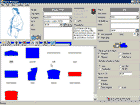
For better work organization of pattern makers serves tools for tracing the degree of completion of a model. For every piece can be noted if one of the three basic phases of model preparation is finished: basic shape, grading and technological marks. If all phases are finished for a model, this model is clearly marked as ready for production. The correctness of basic pieces parameters is controlled before every partial model saving.
5To
the top
_________________________________________________________________________________
|
Play
movie |
23
| Printouts
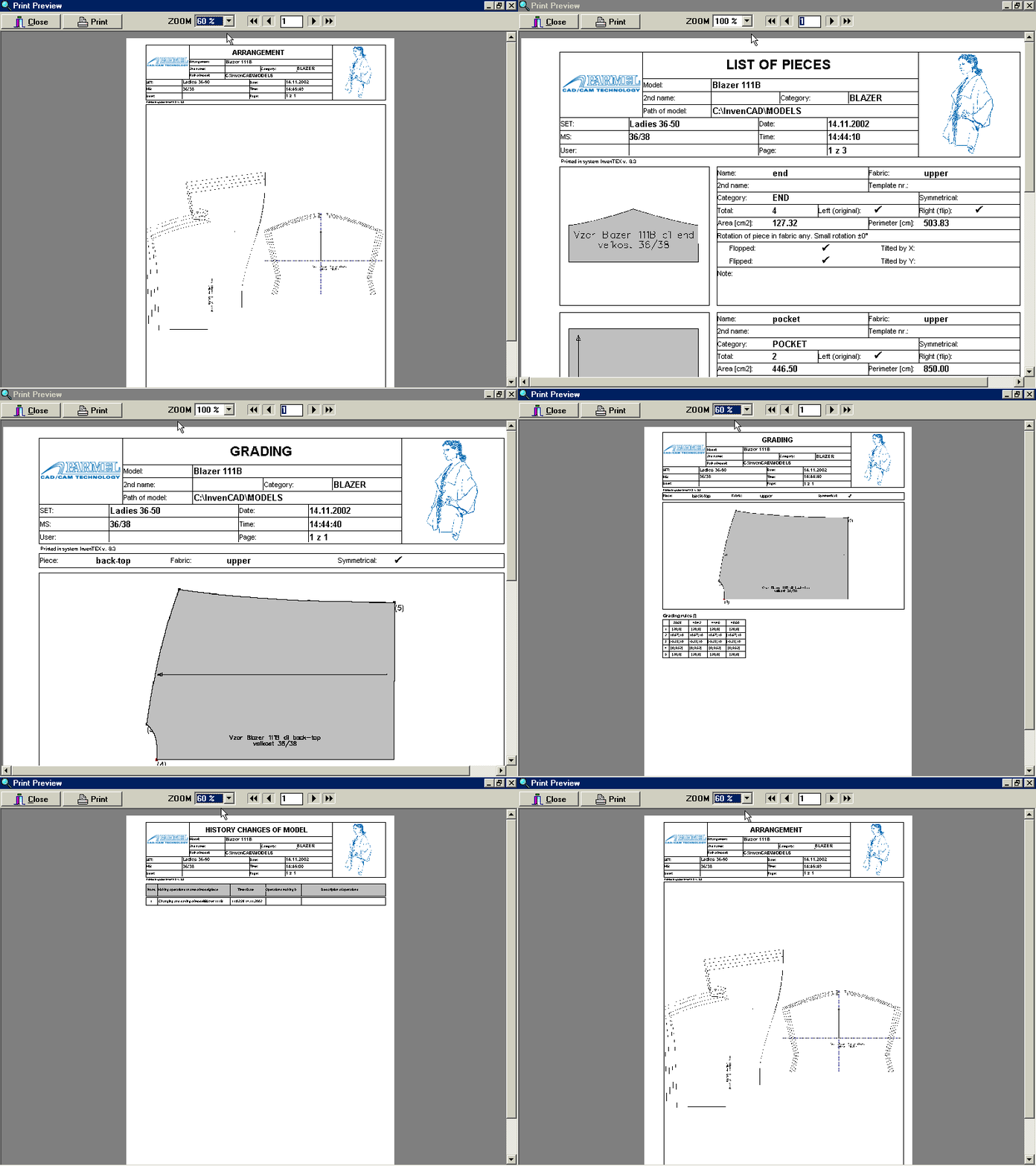
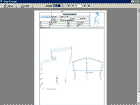
Among main advantages of the Parmel CAD system belongs the creation of technical documentation printouts. Printouts can be performed on any printer installed in the Windows system and before printing itself the preview is displayed to prevent decrease paper consumption while printing unwanted data. Among printouts belong: technical description, list of pieces, printing sets etc. Every printout contains picture of a model and logo defined by user.
5To
the top
_________________________________________________________________________________
|
Play
movie |
24
| Users’ settings
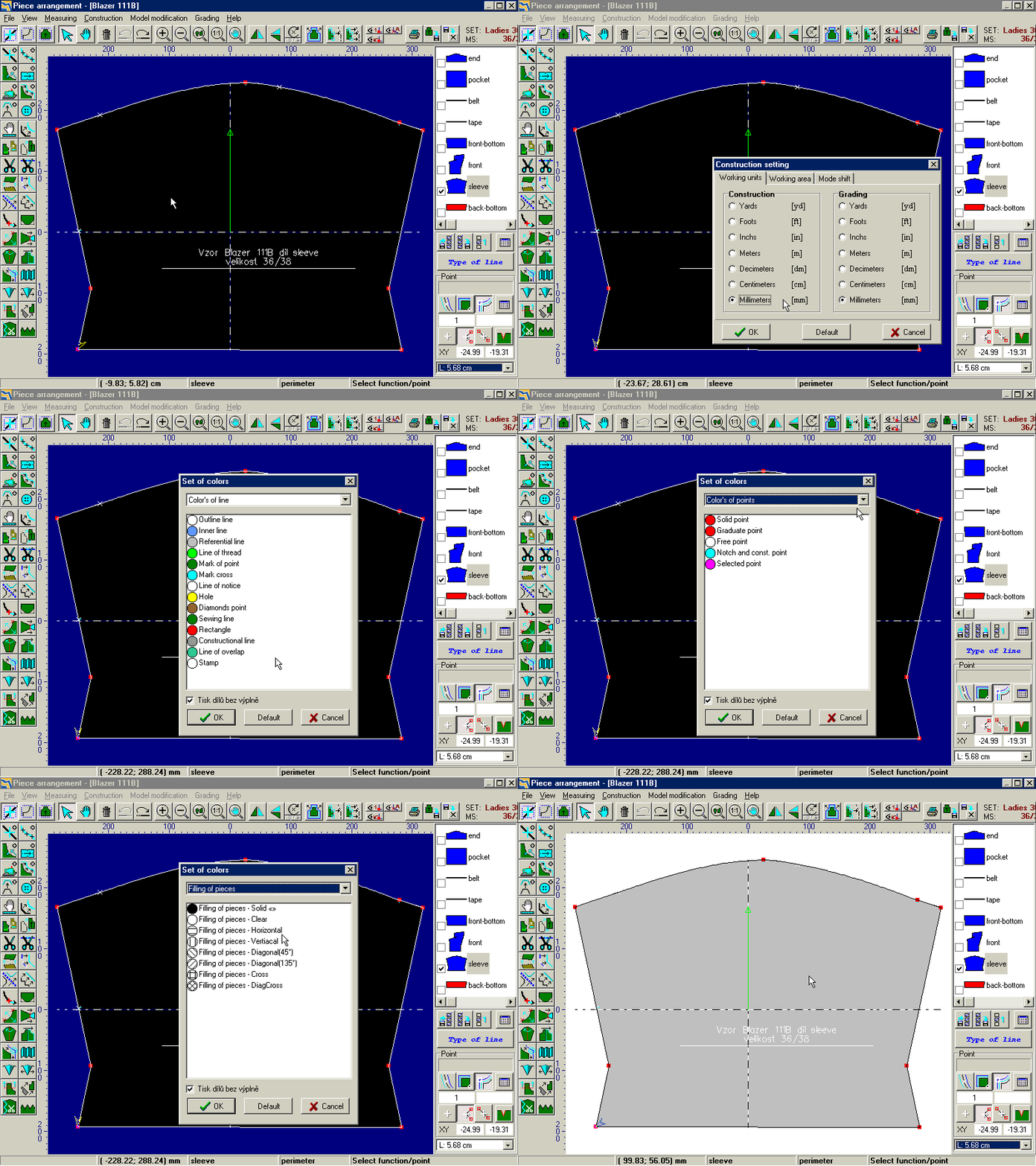
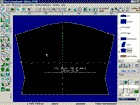
As usual for quality professional CAD products, the Parmel CAD allows to a large extent set the user’s settings purely according to the user’s requirements. This option includes setting of measurement units (mm, cm, inches etc.), appearance and colors of all elements of the working area (background, color and type of piece filling, line colors and point colors etc.). Placement of all dialogs are preserved and are displayed always on the same place, the system operating is accelerated.
5To
the top
_________________________________________________________________________________
|