|
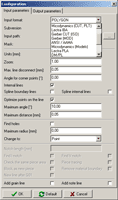
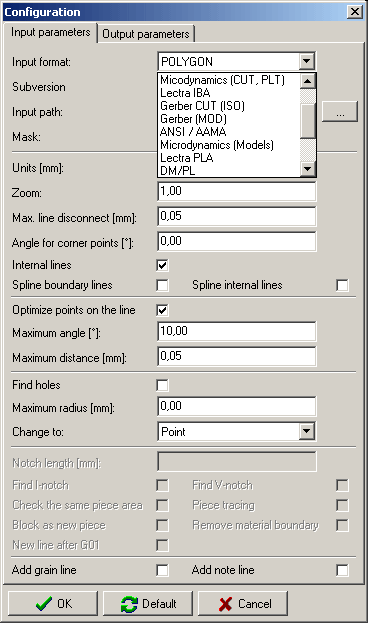
 Data import window
See also video presentation
|
Data
import
Data import is used when user receives model data in electronic
form. Standard component of Parmel CAD is import in AAMA/DXF
format. Thanks to expanding modules it is possible to read data
from other 14 formats. Various forms of data transfer are
supported while the most widespread is transfer via internet.
Data
export
With the Export function it is possible to save prepared models in
such format that can be read by partners using different CAD
system. Standard component of Parmel CAD systems is the
possibility to export in AAMA/DXF format. Other export modules can
be added.
Another possibility is to send the nested pieces to a plotter or
send the data for automatic cutting room . Paper form of marker in
1:1 scale is placed on material and pieces are cut accordingly.
Paper form of piece including description can be used for order
marking.
|
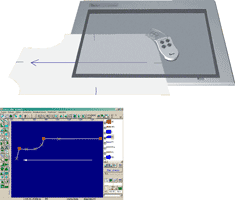
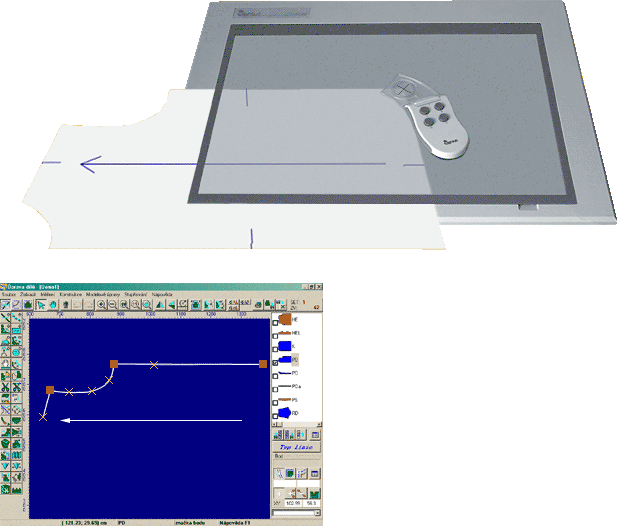
Digitizing with A3 tablet digitizer
See also video presentation
|
Digitizing
Although new models can be constructed directly in computers it is
still common that modellers make the basic cut on paper.
Digitizing means that models are transferred from paper form into
digital form. Basic cut in one (basic) size is transferred. Then
other model pieces are made in computer and model is graded into
the required size assortment. Digitizing is a simple process,
transfer of one piece does not take more than two minutes of your
time.
|
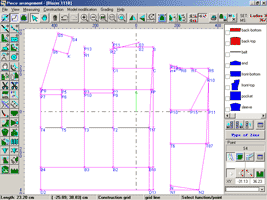
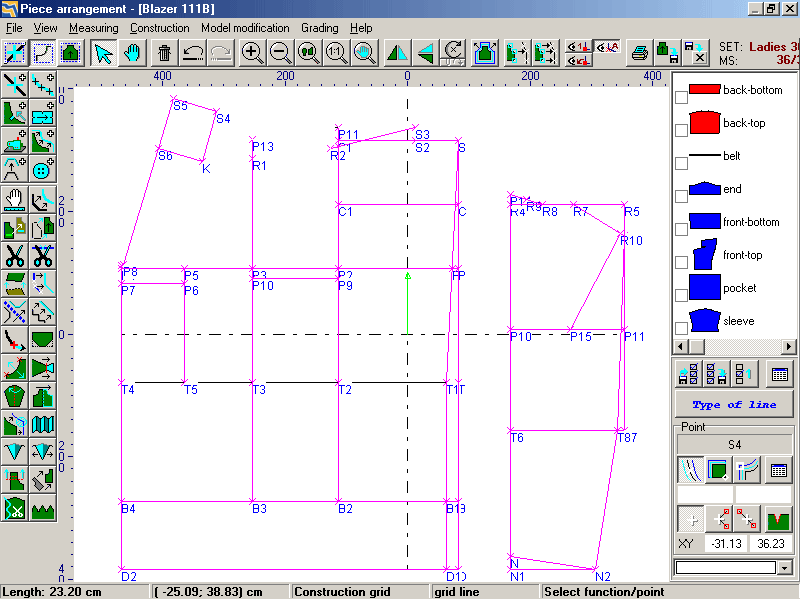
Pieces creation by
construction grid |
Construction
The construction module enables to make a new model directly in
your computer. You do not need your pencil and ruler any more.
Automatic creation of construction
network
Process when user only chooses the model type and specifies the
physical proportions. The model cut is made by Parmel CAD System.
So called macros are used which include the whole process of
creation of construction network. New macros can be created or
edited by each user and are commonly available together with
Parmel CAD System.
Interactive construction
It is used to create pieces of shapes which can be easily derived
from basic geometrical shapes, such as line, curve, rectangle,
square, circle or oval. Thanks to various functions it is possible
to create very complicated pieces. It is just up to your
creativity.
|
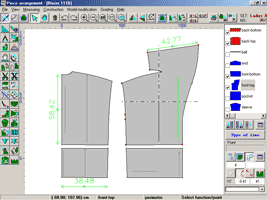
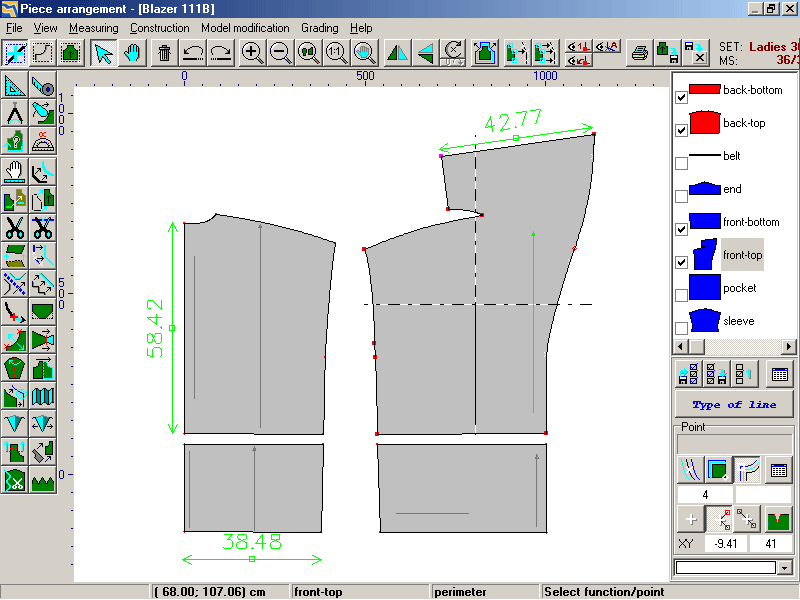
Pieces
dimension control
See
also video presentation
|
Model
adjustments
The more you use Parmel CAD in production preparation the bigger
the amount of stored models. It is thus not necessary to create a
new model from scratch. You can use already existing model and
transform it into a new one using functions for model adjustments
which is a very simple operation.
With every model adjustment also grading rules are kept or
automatically adjusted - it means that new models do not need to
be graded. That results in significant time savings. Also nested
pieces can be copied for new models (with additional small
adjustments) which further speeds up the production preparation
process.
|
Grading into
range of sizes
See
also video presentation
|
Grading
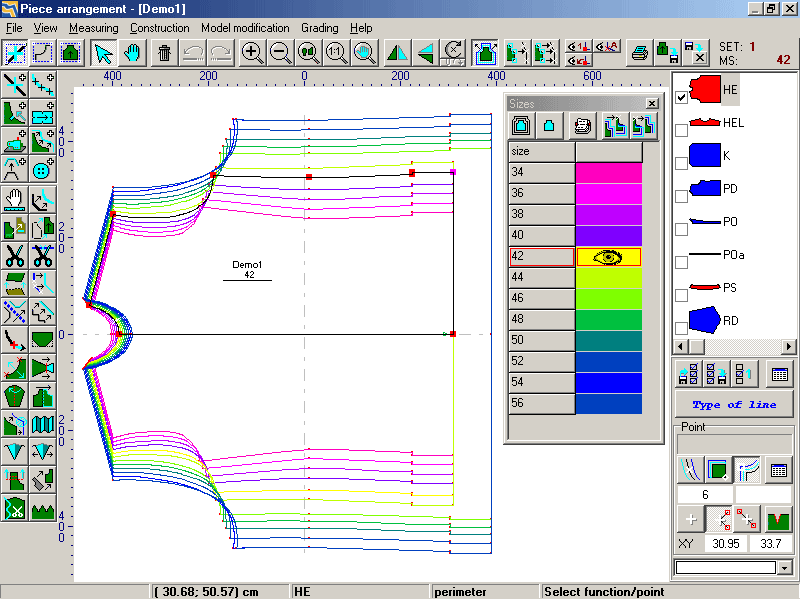
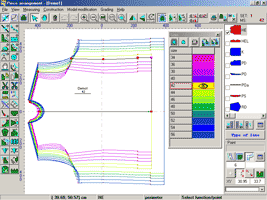
In clothing version of Parmel CAD System you can achieve time
savings up to 90% thanks to the grading function. There is a model
of a particular size and from this model you can automatically
create other sizes. It is enabled through special types of points,
so called grading points, with assigned tables. In those tables
there is information how the point position changes when the size
is changed. Grading rules can be copied which leads to further
time savings.
Size groups
Scale of sizes for grading is practically unlimited. They are
sorted into groups that can be used for particular height versions.
Model grading into sizes thus becomes even easier.
Significant difference in comparison with "manual"
grading (using pencil and ruler) is that every change of model
shape is automatically reflected in the whole size assortment.
|
Marker
creation
Pieces nesting
parameters
|
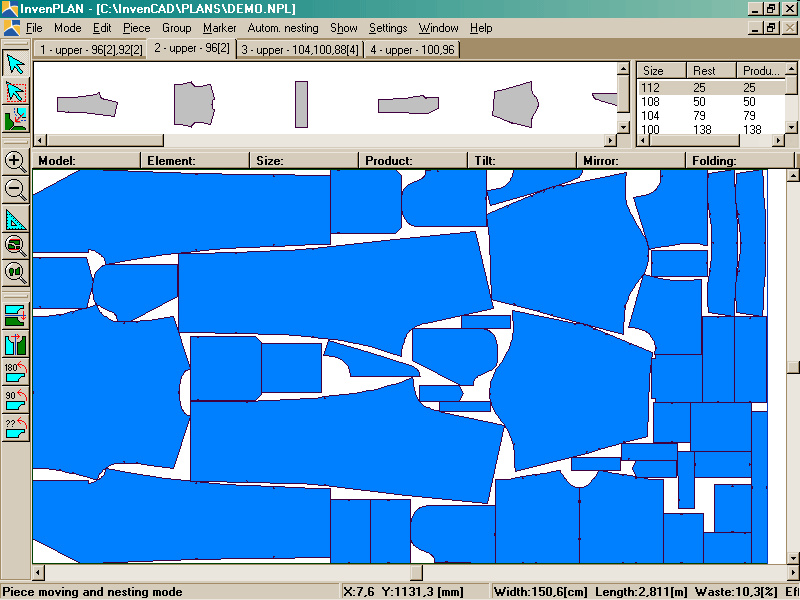
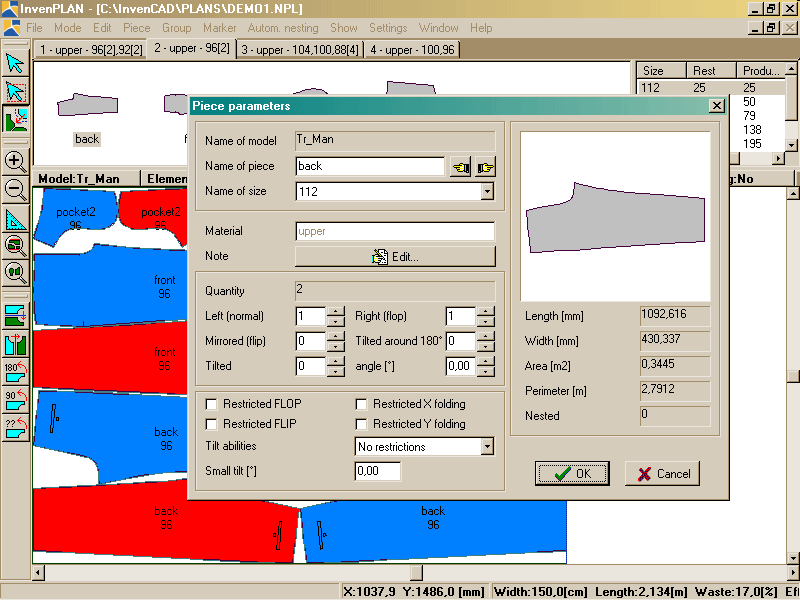
Nesting
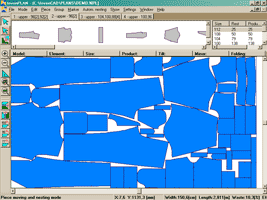
Nesting is one of the main reasons to use Parmel CAD systems in
production preparation processes. With this tool your material
savings can reach 5% .
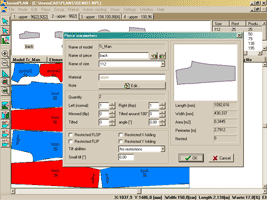
Nesting is a process when pieces are positioned into materials so
that material and pieces parameters as well as parameters of
technological equipment of cutting rooms are respected. Result of
this process are nested pieces made according to individual orders,
i.e. number of models of specified sizes.
Automatic nesting
Automatic nesting is used for pieces and templates making as well
as for material calculation. The material use is not as high as in
case of interactive nesting but its big plus is the speed of
marker making.
Interactive nesting
Interactive nesting is used for making markers of high quality
whereas material is maximally used. It is a method which combines
accurate automatic nesting with knowledge and experience of users.
|
Preview of
technical documentation printout
See
also video presentation |
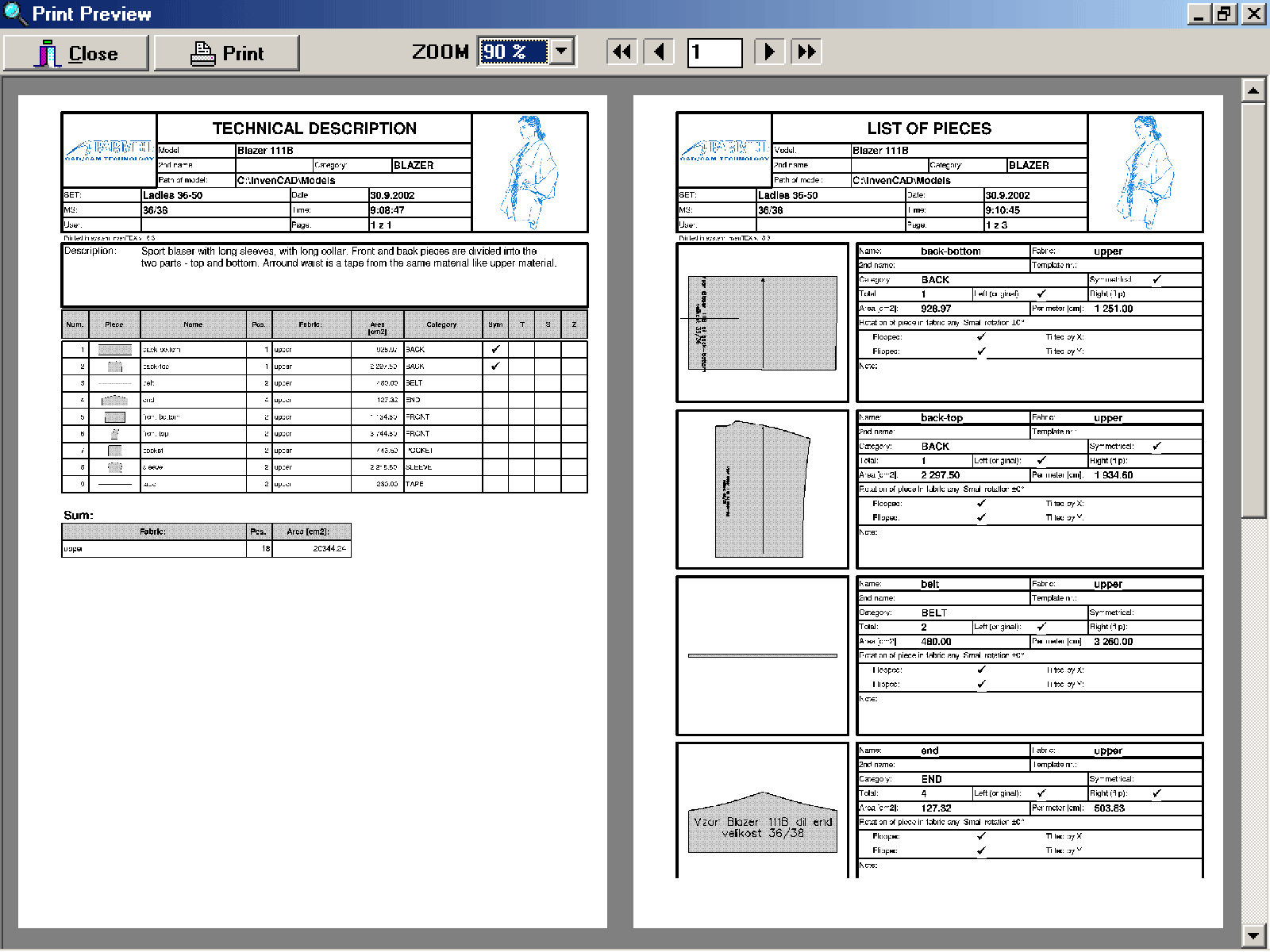
Technical
documentation
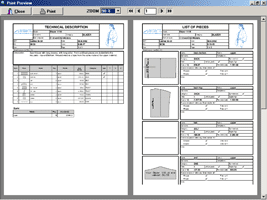
Big advantage of Parmel CAD System is automatic creation of
technical documentation of high quality . It consists of coloured
or black and white printouts of models or markers. Before printing
printout can be viewed and then be sent to any printer installed
withing the operation system (local or network printer or export
into PDF format).
Additional technical documentation can be created in Parmel ERP ,
where all information created in Parmel CAD can be read.
Complex documentation of models and
markers
Each printout consists of heading including logo, picture of model
and basic data. On each side there is some space left for the
purposes of filing into folders. Parmel CAD System includes 10
different types of forms.
|