|

|

|

|

|

|
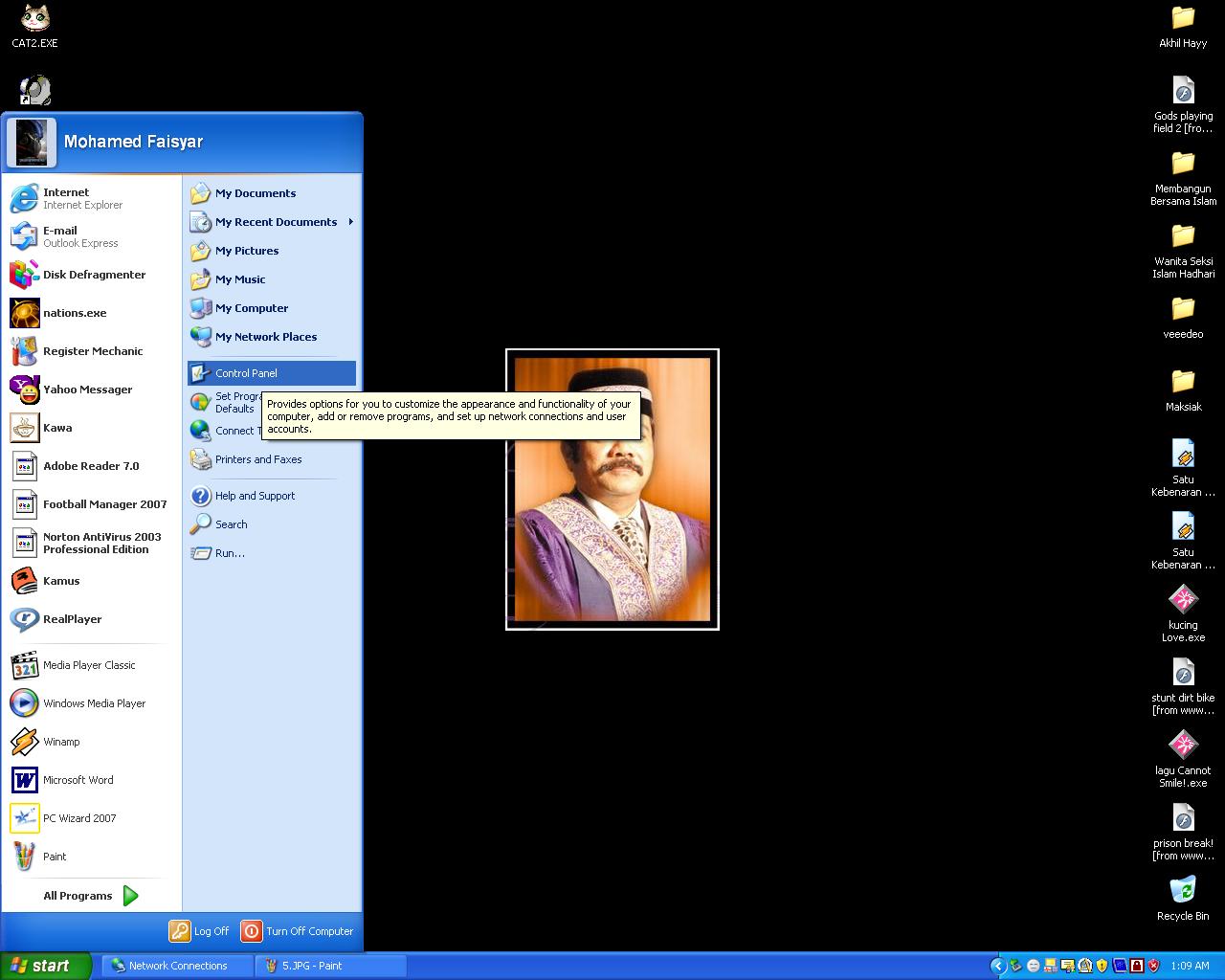
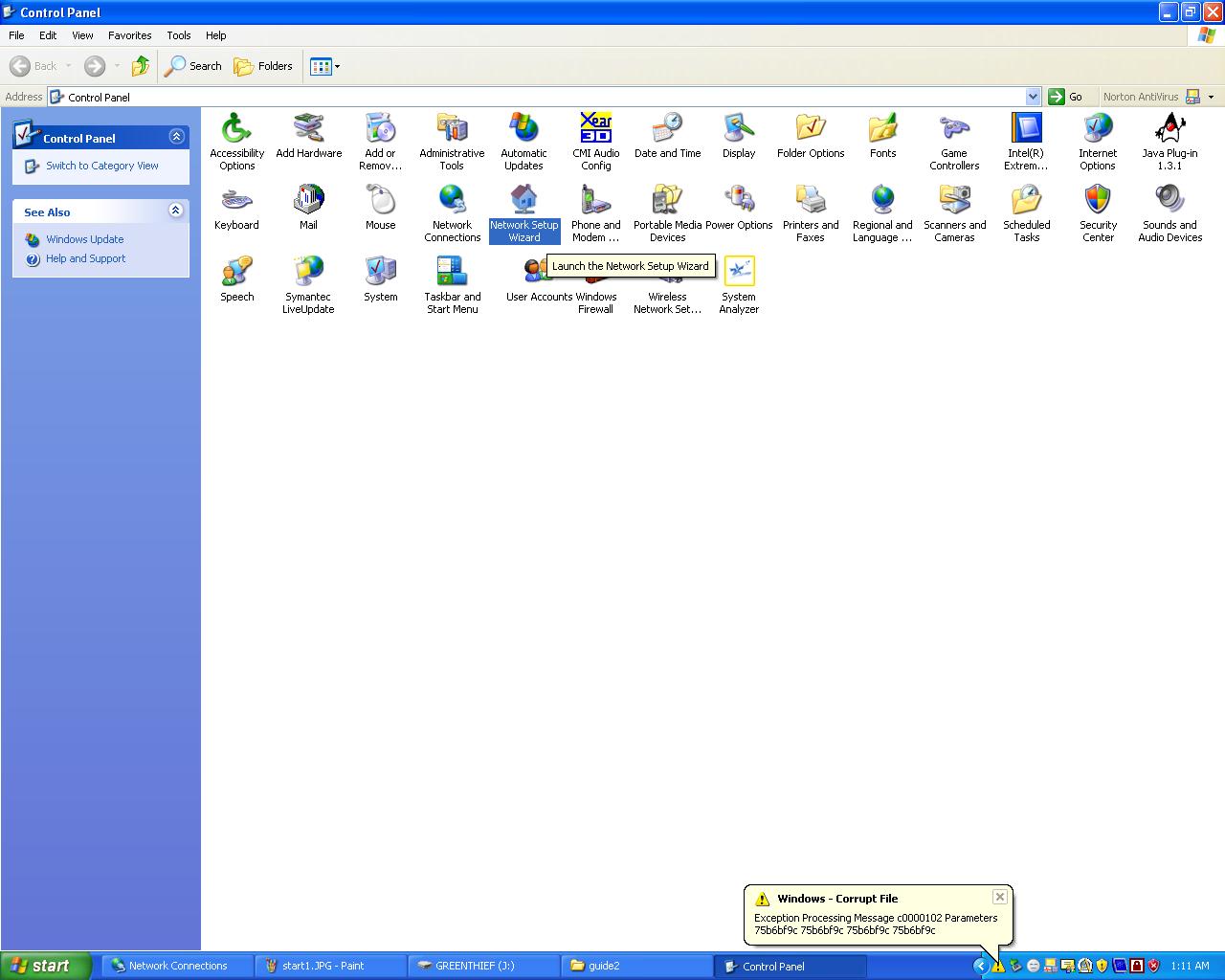
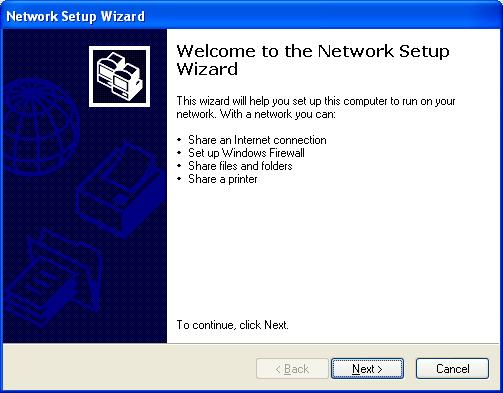
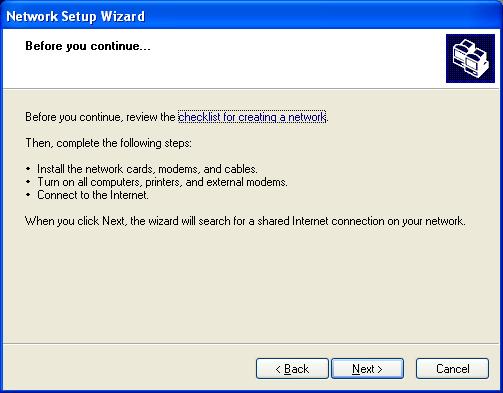
Attention : 1. Make sure crossover cable is connected to the LAN card for both pc 2. Step 1-10 must be done to all the computer (PC 1 and PC2) before proceed to next step. 3. After finish step 1-10,PC 1 follow step 11-15 and PC2 follow step 11-16(dont use step 15 because step 15 for PC1 only) | ||||||||
| ||||||||
|