Let's see if you can apply what you've learned in the past lessons.
Do The Following Activities below to enhance your Photoshop Skill!
1. Okay, for the first activity we'll use this resources:
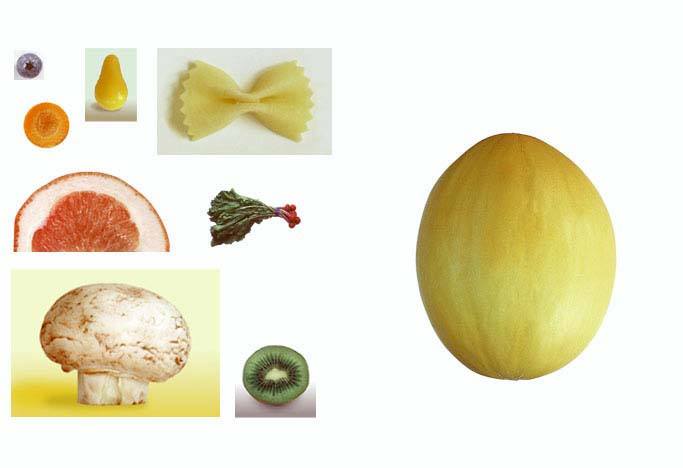
Then by using the selection tools especially the magnetic lasso tool, magic wand, and polygonal lasso tool and also the move tool, you should come up with this output:
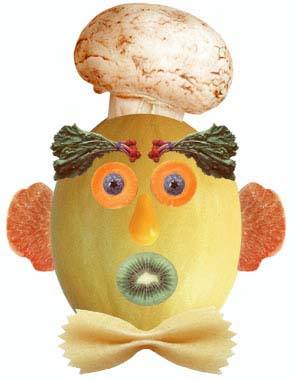
2.Okay for the second activity, we'll use this resources:
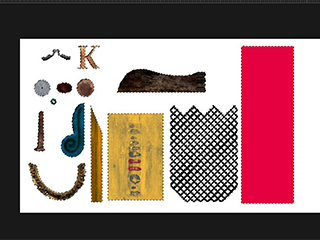
Then by using the selection tools especially magnetic lasso tool and polygonal lasso tool, the move tool, and the paintbucket tool, you should come up with this ouput:
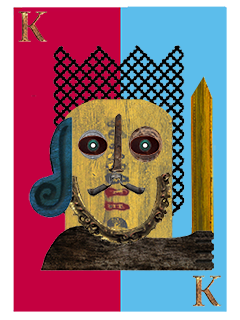
3. For your third activity which will test your editing skills in photoshop, we'll use this resources:
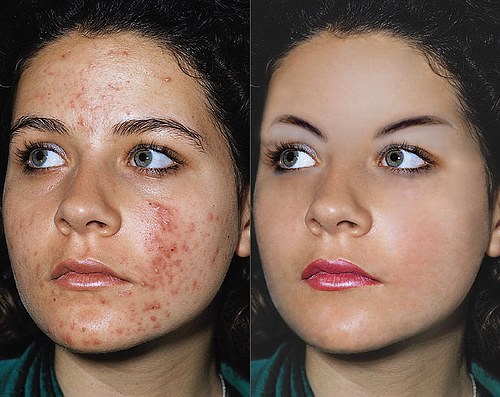
Then by using the alteration tool healing brush, you should come up with this output:
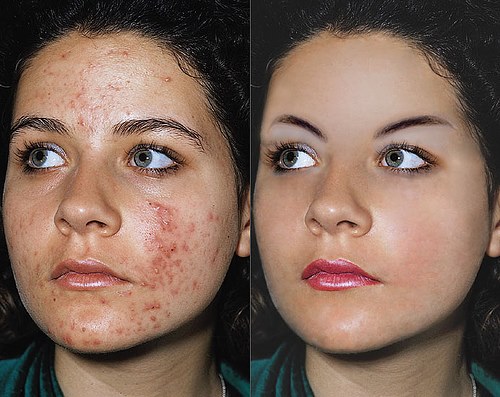
4. For your fourth activity, we'll use this resources:
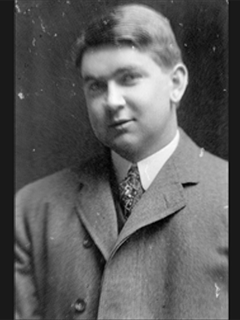
Then by using the alteration tool clone stamp and by adjusting the Hue and Saturation, you should come up with this output:
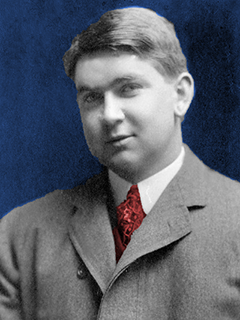
5. For your fifth and final activity, we'll use this resource:
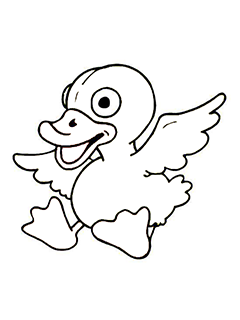
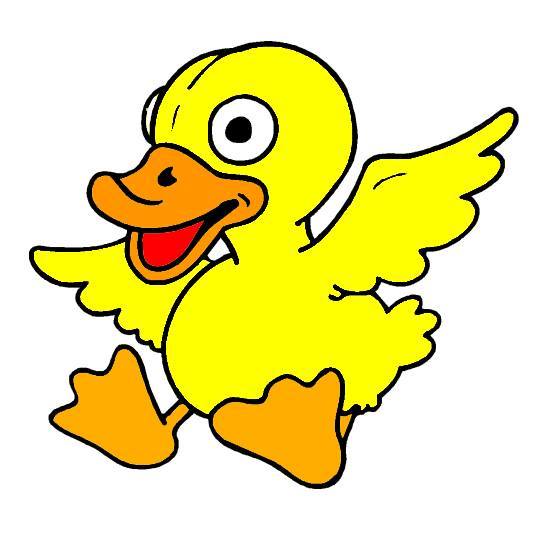
Then by using the paintbucket tool, you should come up with your own colorful and more lively duck! Example Output:
Congratiulations! Those are some of the activities that will help you in becoming a better user of Adobe Photoshop, hope you like it!