

IMPORT & EXPORT
Import means to
bring data into the application and export means to send data from the
application.
Data
integration
means that the data can be shared between many applications.
There
are two main methods of data integration
1. STATIC
The
source application (where the data comes from) does not maintain a link with the target application (where
the data is going to). An example of this is when we have used the shortcut
keys ALT+PRINT SCREEN to copy what is on the screen into clipboard. We can
change what is on the screen but clipboard stays the same. It does not get
updated.
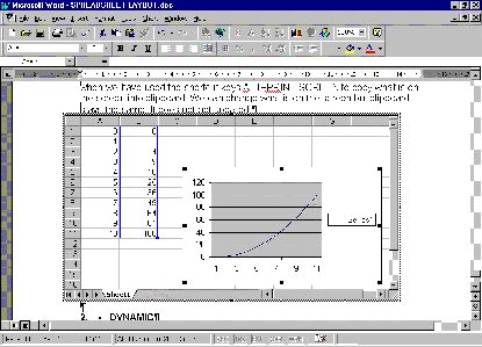 This is what my
screen looked like as I was typing this page
This is what my
screen looked like as I was typing this page
2.
DYNAMIC
The
source application (where the data comes from) does maintain a link with the target application
(where the data is going to). An example of this is in fully integrated
packages of wordprocessor, database, spreadsheet & communications (Works,
ClarisWorks, Office 97). If a wordprocessor document is linked with a
spreadsheet, any change in the spreadsheet will be automatically updated in the
wordprocessor document. This could also include any chart that has been
imported into the wordprocessor document.
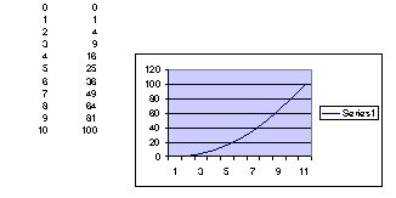
The table and
chart are linked to the speadsheet
application