
Lesson 1:Importance of Adobe Photoshop
A fundamental and a necessity for designers, photographers or for magazine companies.
It is used to modify and alter images at your pleasure. It uses different knid of extensions
like .tmp which layers are visible, .gif for animated pictures, .jpg for the standard use,
.png for internet uploading, and .psd for the default extension name of adobe photoshop.
Lesson 2: Knowing the parts
1.. Tool Options Bar- displays the current setting for each tool.
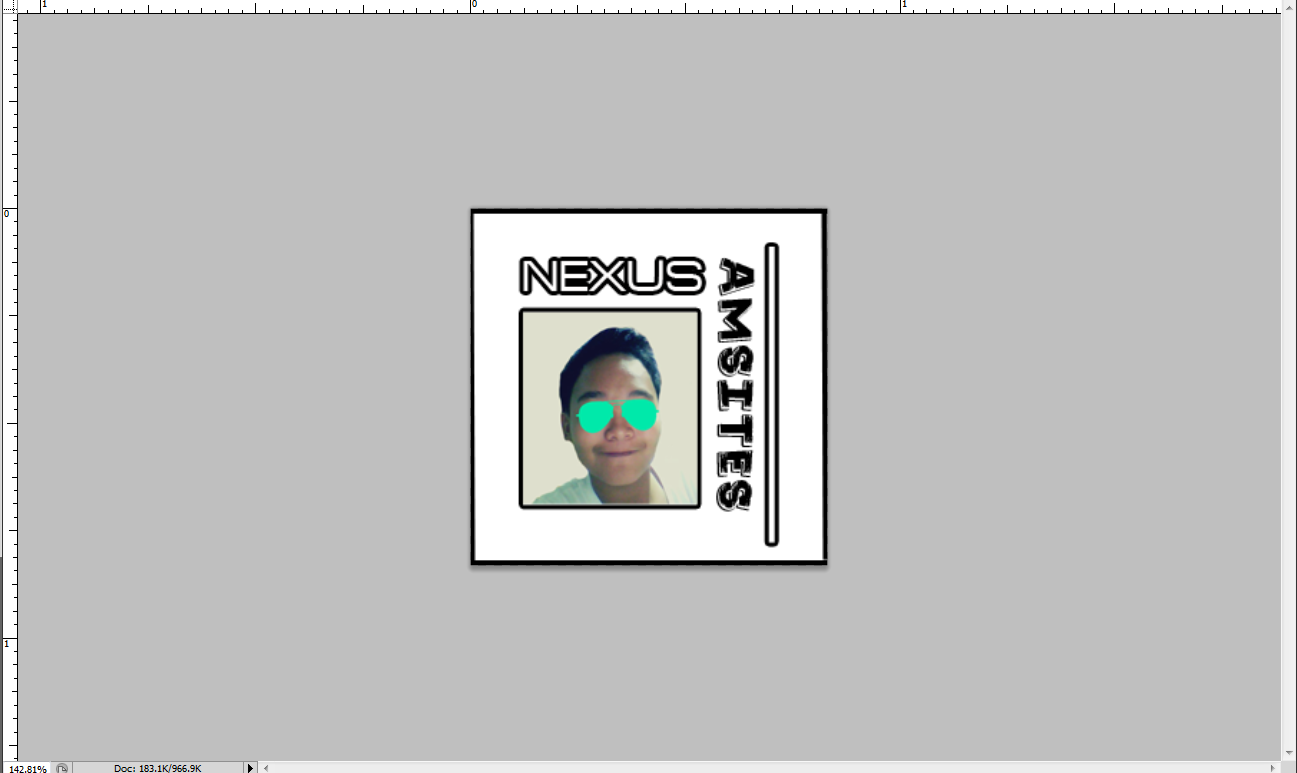
2. Document Window- also knowned as "canvass"
3. Application Bar

4. Adobe Bridge- visual file browser

5.Workspace Switcher- sets settings to default.

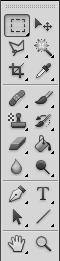
6.Tool/Panels- used to verify settings and modify documents.
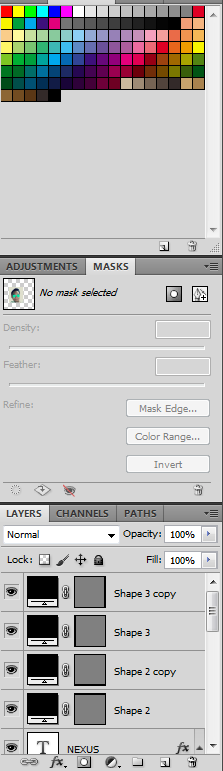

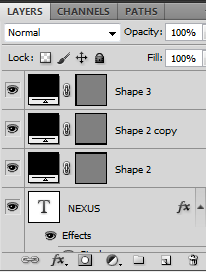
7.Layers- used to organize your work into distinct levels
 PAGE2 Proceed