AMSite 
AMSite
AMSite
AMSite
TEST WHAT YOU HAVE LEARNED FROM THE TUTORIALS PAGE.
Ready your pens and paper.
Exercise #1:
How important is the use of Adobe Photoshop?
State how you can apply your knowledge on photoshop to be applied in your daily life.
Exercise #2:
Enumerate at least 17 tools used in Adobe Photoshop.
Exercise #3:
Identify the following if it is Selection, alteration , vector or assisting tools.
1.Zoom Tool
2.Move Tool
3.Patch Tool
4.Type Tool
5.Hand Tool
6.Lasso Tool
7.Marquee Tool
8.Line Tool
9.Stamp Tool
10.Gradient Tool
Exercise #4:
What are the keytips for the following?
1.Adding a rectangular Shape.
2.Zooming In
3.Cropping my 1x1 picture
4.Cut
5.Copy
6.Erasing the excess pixels
7.Activating the grids
8.Liquifying your enemy's face
9.Disabling Rulers
10.Making a pattern of your face
Exercise #5:
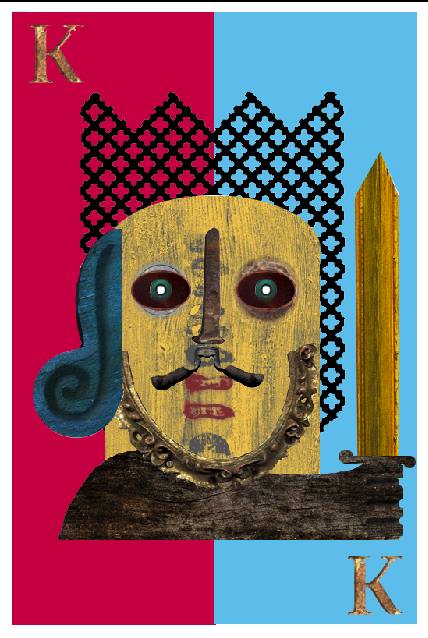
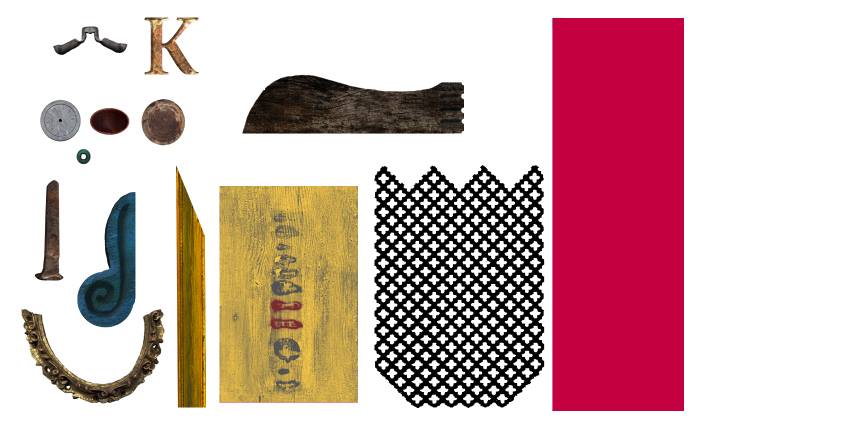
Hint* Use Lasso tool or Marquee. Drag and transform images to form the knight.
Exercise #6:
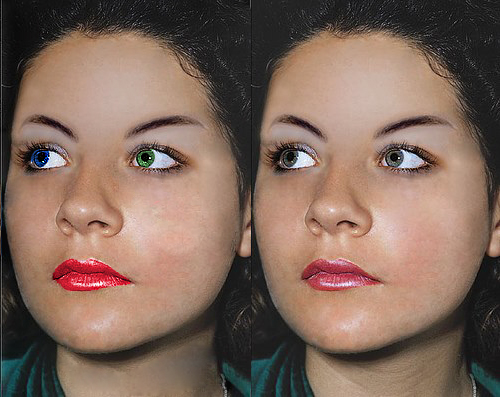
Beautify her more. Use the quick selection tool for the eye and use the Hue.
Exercise #7:

Make your own shirt. Hint* Download a plain tshirt layout and use the vector tools.
Exercise #8:
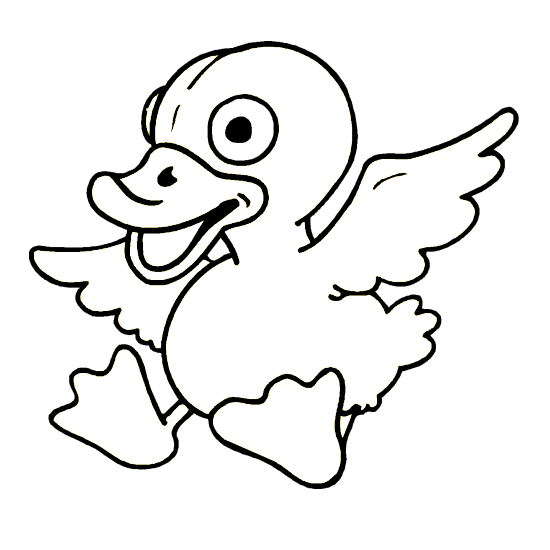
Color the duck! Hint* Use paint bucket tool. Easy-Weezy!
Exercise #9:
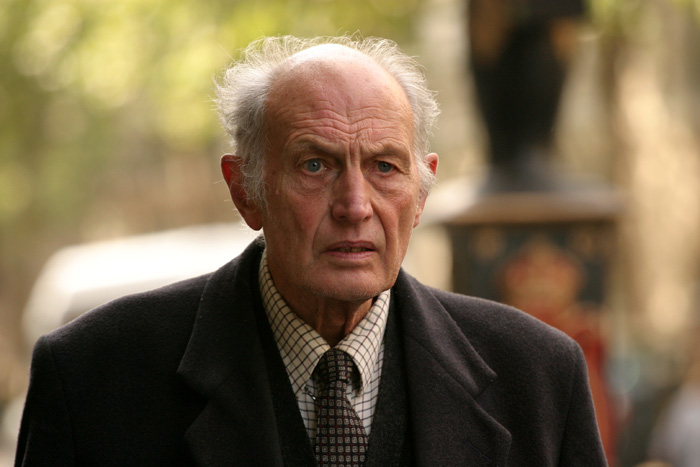
Remove the wrinkles! Hint* Use patch tool.
Exercise #10:
Make a letter for a friend!
Use all the kind of tools as possible!