|
Layouts > All windows |
Viewing Combinations of Windows | ||||
|
| |||||
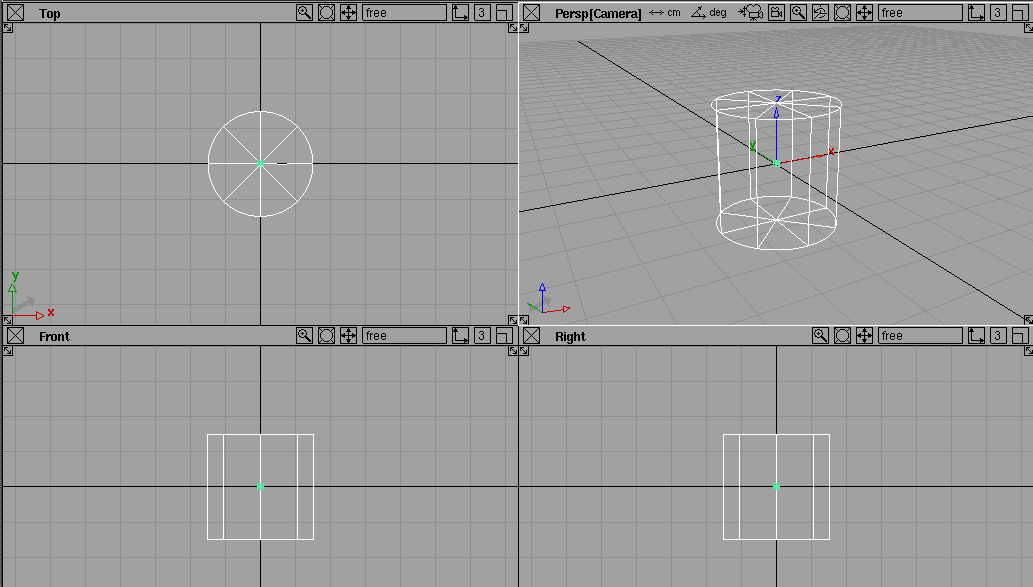
PurposeDisplays all four windows on the screen (with the User windows, Studio or AutoStudio choice), or lets you choose another type of layout. The following views can be seen in various combinations: | |||||
|
In AutoStudio, the Front and Right windows are named Side and Back respectively. |
| ||||
|
|
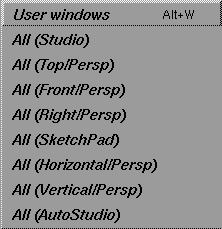
How to UseSelect Layouts > All windows to display a cascading menu from which you can choose the layout you want to use. Browse through the following sections for details on each type of layout. User Windows LayoutTo view all windows on the screen in the default configuration for your product, select the User windows layout (or press the Alt key and type the letter W).
Tips
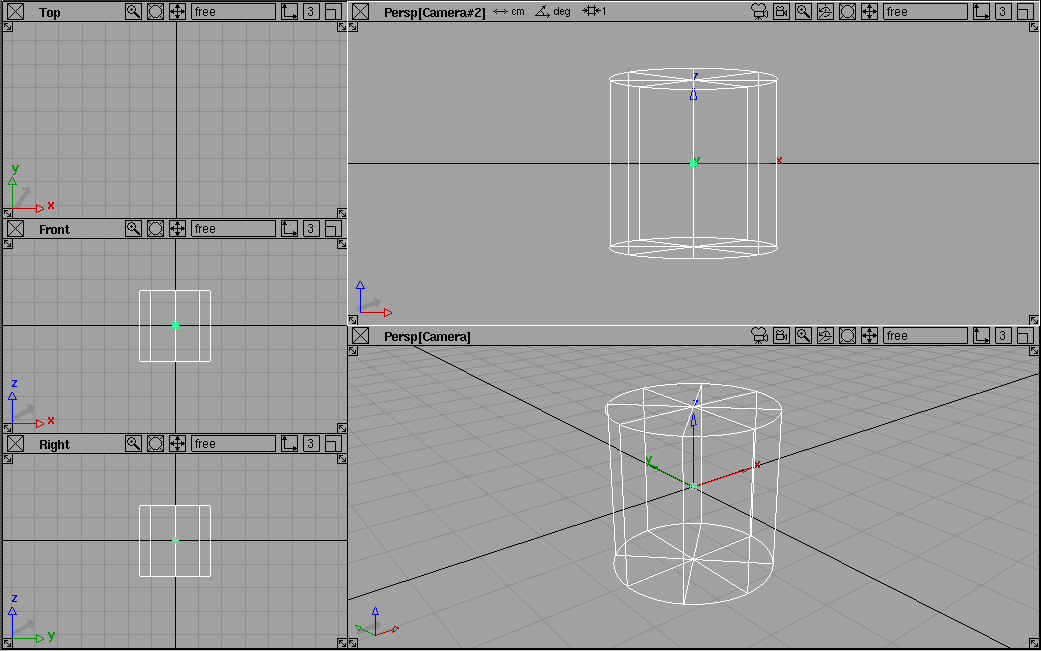
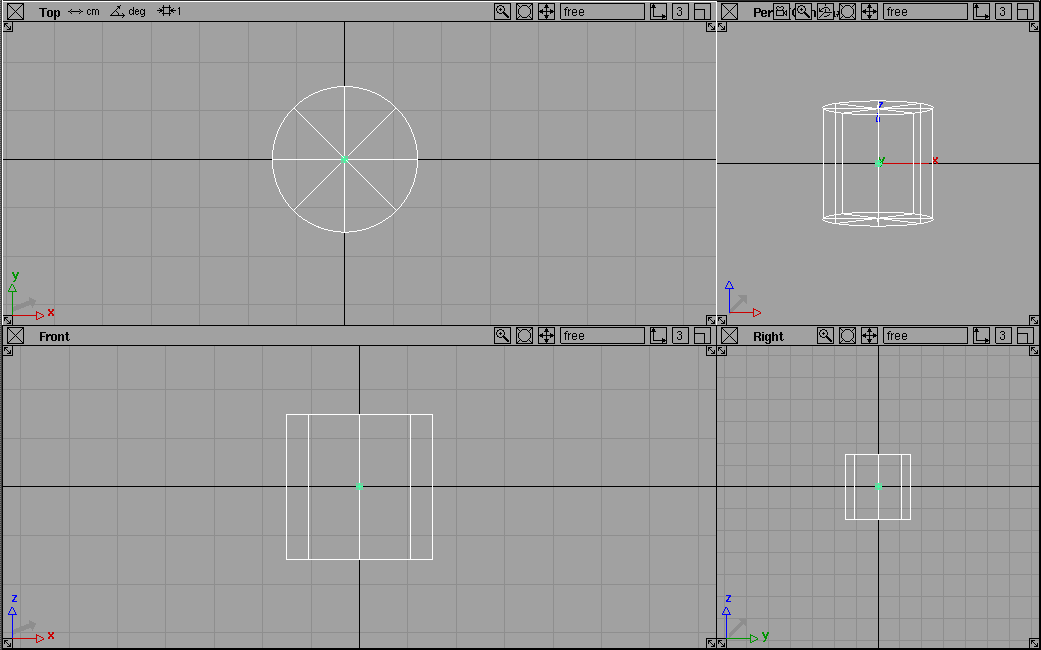
All (Studio)Provides a window configuration suited to general design use.
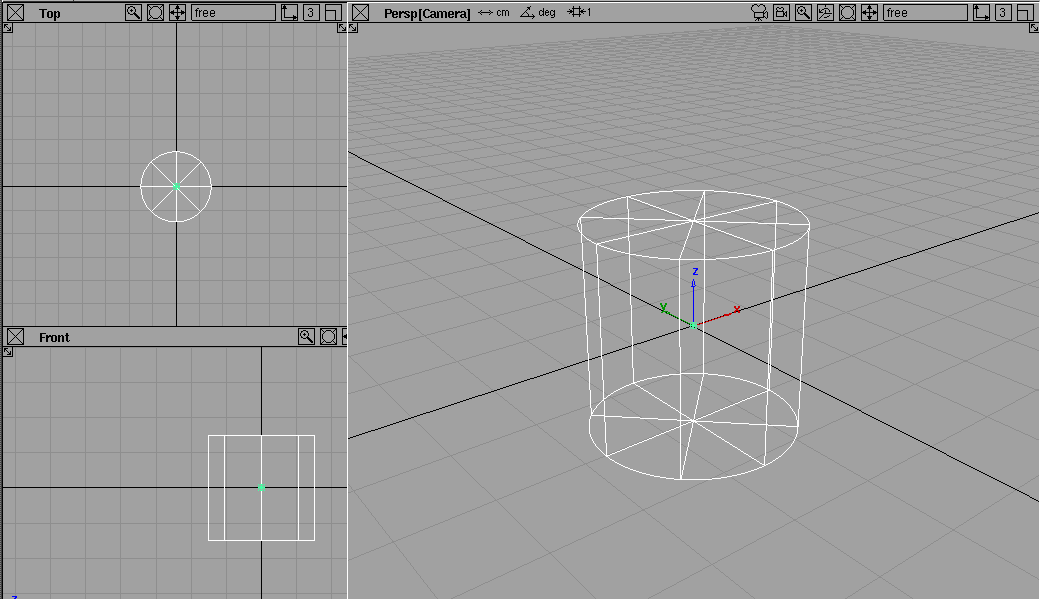
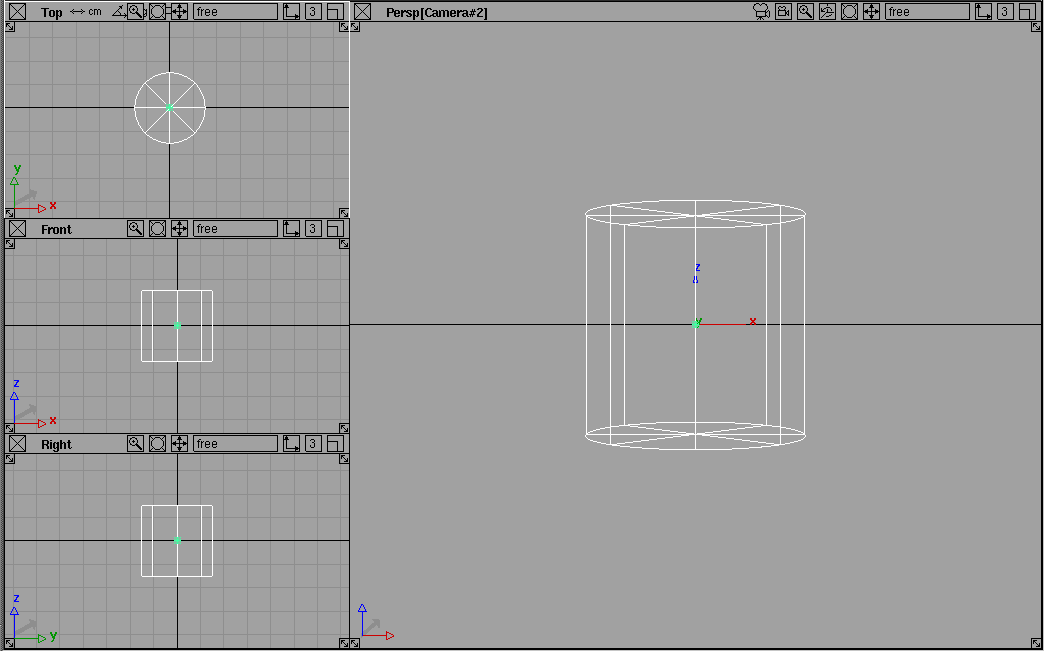
All (Top/Persp), All (Front/Persp), All (Right/Persp)Shows the Top, Front or Right windows, along with a large Perspective window. For Top/Persp, the Perspective window is displayed to the right of the Top window (as in the following example).
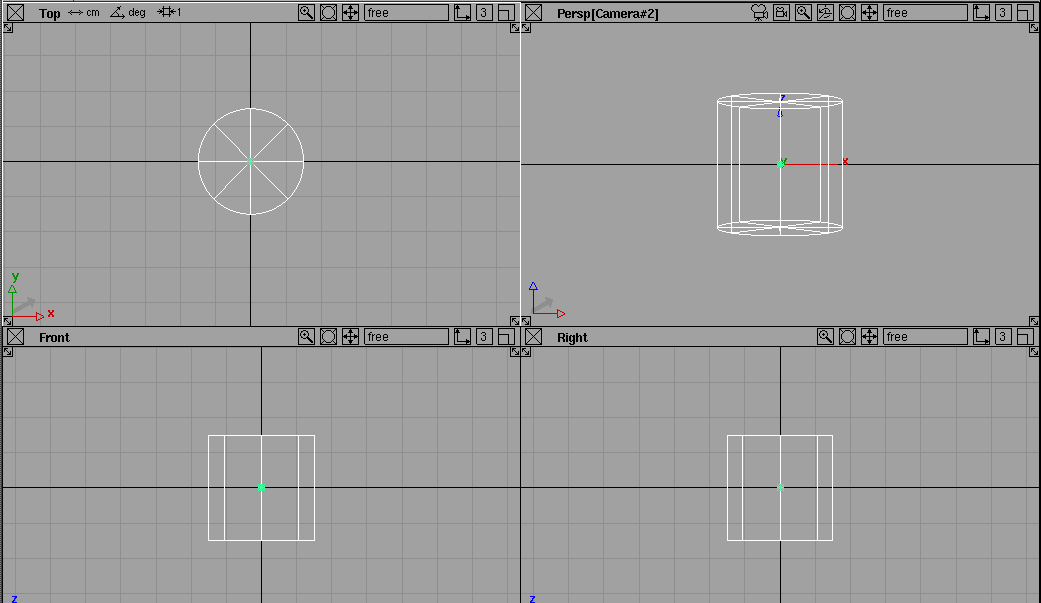
For Front/Persp or Right/Persp, the Perspective window is displayed above the Front or Right windows. All (SketchPad)Let you sketch in the three orthographic windows and see two perspective views as you work.
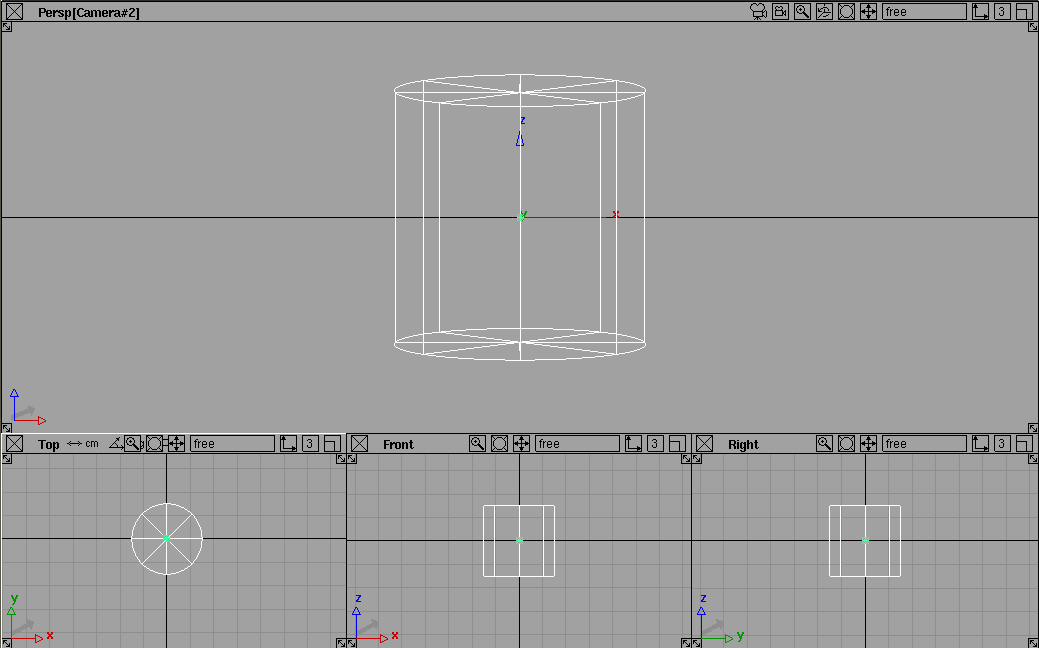
All (Horizontal/Persp) and All (Vertical/Persp)Displays the three orthographic windows along the side or bottom, along with a large perspective view. For the Horizontal/Persp layout, the orthographic windows are displayed at the bottom of the screen and the Perspective window is displayed above them.
For the Vertical/Persp layout, the orthographic windows are displayed on the left of the screen and the Perspective window is displayed beside them.
All (AutoStudio) | ||||
|
In contrast, the Studio layout is more suited for general design. |
If you have purchased Alias AutoStudio, the AutoStudio layout is designed especially for automobile design, with wider side and top views to contain the length of the automobile.
|
| Copyright © 1998, Alias|Wavefront, a division of Silicon Graphics Limited. All rights reserved. | Please send questions or comments regarding the documentation to: [email protected] |