More About Resizing - AVI Editor resizing.
OK, this part is about resizing video size. As everybody knows, not all capture boards have flexible screen size option. Some captures are limited to 640x480, some others are limited to 720x480, while some others have all the options. Is this really a big problem? To make 352x240 sized VCD MPEG, what size do you need to capture? 720x480? 640x480?
In this section, I will talk about how resized pictures from various sizes compares. All samples here are made using Windows Paint program, than pasted into VidEdit to make short AVI clips.
Resizing from full size
Original pictures (Click to download)
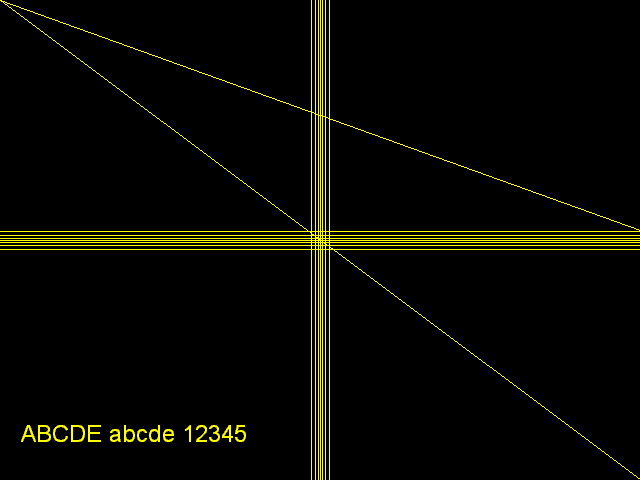
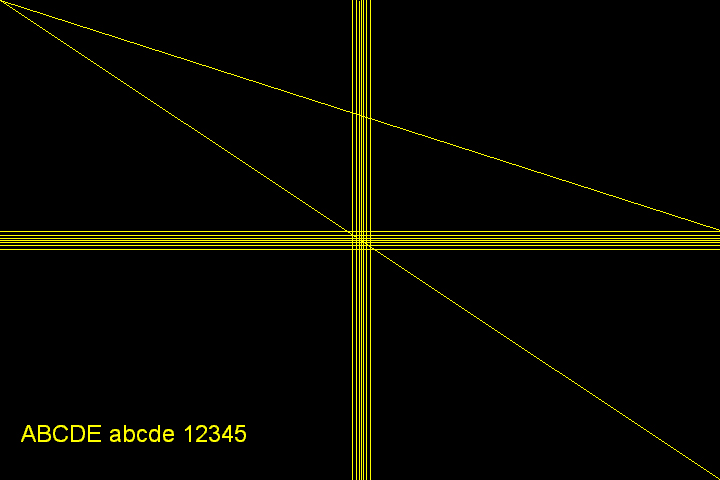
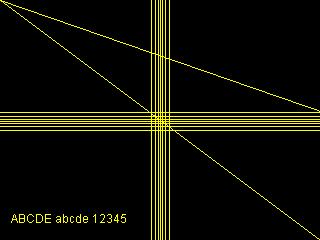
Original 640x480 picture Original 720x480 picture These two pictures are original full size pictures. Click on each picture or name to download full size JPEG file.
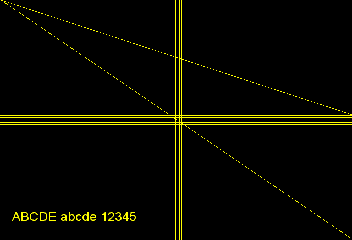
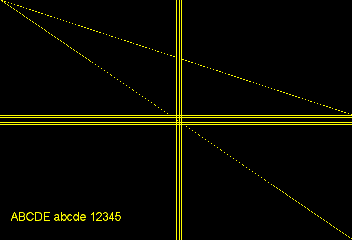
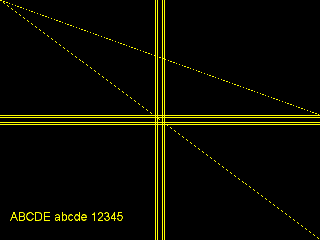
There are 7 lines in horizontal and vertical lines. With one line at the center, 3 lines are on each side, with 1, 2 and 3 pixels of intervals. Above pictures, which what you are currently looking at is resized using Photoshop. These pictures do not reflect resizing of video editors since these pictures are exactly halved. So, atop one is 320x240 in size and below one is 360x240 in size.
If you ask why I didn't use actual capture sample, there is a reason. Captured picture can never be better than the picture actually drawn from the desktop. So, this way, you can assume you got the "BEST" quality capture. With low quality and blurry captured images, those small differences are not very visible. But in this way, you can see even tiniest differences.
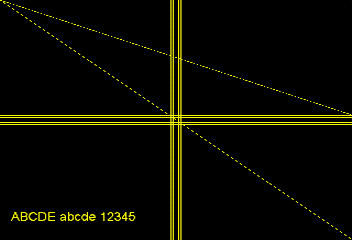
MS VidEdit resized
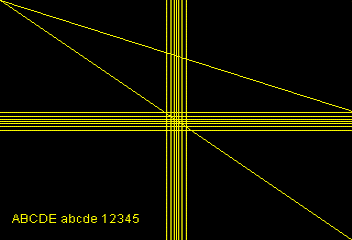
Resized from 640x480 sized picture Resized from 640x480 sized picture Do you want to use this? This just duplicates or deletes lines to resize. If you want to use this, just capture in half size. It will be far better than using this method.
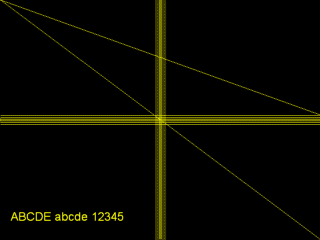
Primiere resized (used Premiere 4.02, with no filter, full frame option)
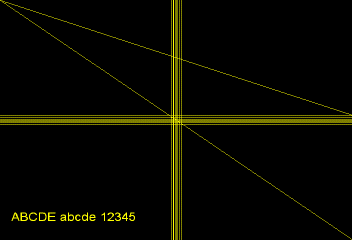
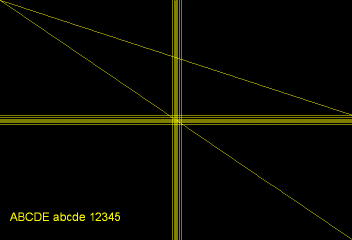
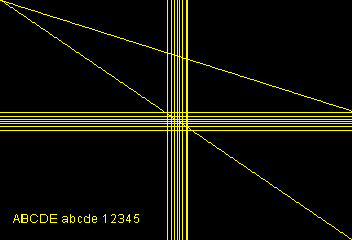
Resized from 640x480 sized picture Resized from 720x480 sized picture As you see above, Premiere does better job than MS VidEdit, but still, spaces between lines are uneven and diagonal lines are bit jagged. There were some people using Premiere saying not to resize image because it will make diagonal lines jagged. Probably they said so because they were using Premiere.
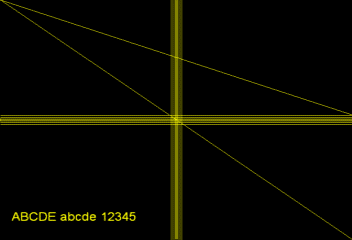
VirtualDub resized
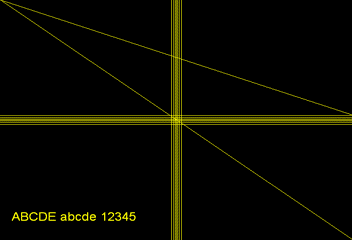
Resized from 640x480 sized picture using Bilinear or Bicubic filter.
Resized from 720x480 sized picture using Bilinear filter.
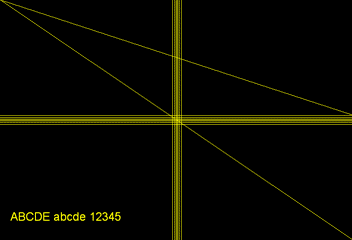
Resized from 640x480 sized picture using Precise Bilinear filter.
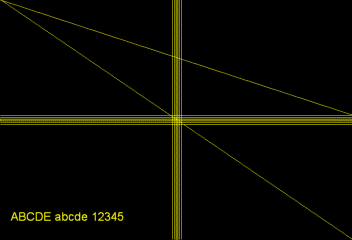
Resized from 720x480 sized picture using Precise Bilinear filter.
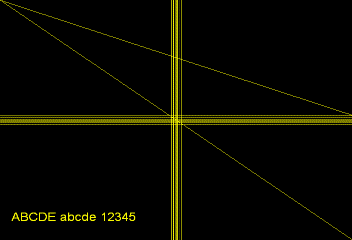
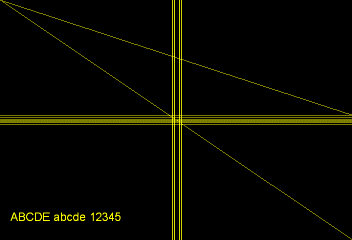
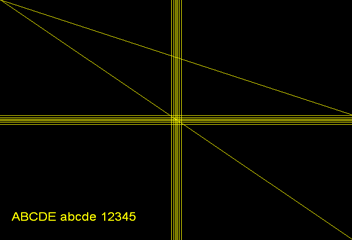
As you see above, Bilinear or Bicubic filters did similar job as Premiere, but below Precise Bilinear and Precise Bicubic filters did really excellent job. They are far better than even pricy Adobe Premiere. You see evenly spaced lines, and almost no jagging on the diagonal lines. You will notice one resized from 720x480 has bit finer corner-to-corner diagonal line, but I think it is not worth to afford a new card that capture 720x480 sized video. Or, it might be my mistake not drawing exactly from corner to corner.
One thing to note is, you will see vertical lines as well as fonts are smaller with 720x480 one. This is because resize ratio of 720x480 sized picture was higher than 640x480 sized picture. You don't have to worry about this. You will get proper video with both 640x480 or 720x480 sized video.
How are they compared to exactly halved image?
OK, I know and I didn't miss this. With 720x480 sized capture, usually it captures outside black border of the image as well. Those black borders can be cropped out, and in this way, video can be exact twice size of 352x240, which is 704x480. Then how it compares from the image resized from 640x480? Let's take a look...
Resized from 640x480
using VirtualDub Precise Bicubic.
(Same picture from the above)
Resized from 704x480
using VirtualDub 2:1 reduction
(High quality)
Well, it doesn't look like that even exact 2:1 reduction makes a huge difference. Ah, by the way, one thing. You might notice few center vertical lines are jagged, but it is GIF compression effect. Original BMP file does not have that. Same to all above pictures. If you want to see the original BMP file, download it from HERE.
Resizing from half size
OK, now, you have RAW AVI capture, but your HD is way too slow to handle full size video and you don't have money to afford MJPEG capture for full size capture. Or, you want to use WinVCR for realtime capture from RAW AVI capture. Then what? your only option is half size capture. When you want to make VCD from it, but if your capture card is only capable of 320x240 size, you have to resize it to 352x240 size. How it differs from resizing from the full size? Well, in this way, there is almost no quality or detail loss. Let's see below samples.
Resized from 640x480 using VidEdit Resized to 352x240 from above picture, using VirtualDub Precise Bicubic filter.
Resized from 640x480 using VirtualDub 2:1 reduction (High Quality)
Resized to 352x240 from above, using VirtualDub Precise Bicubic filter
Drawn 320x240 sized picture. Resized to 352x240 using VirtualDub Precise Bicubic filter.
Resized to 352x240 using VidEdit.