MPEG Encoders
This section is contrasting and comparing those software MPEG encoders. I will update this section if I find any new software MPEG encoders.
Samples in this part is 5 sec scenes from star wars, where Luke fires proton torpedo. It was captured from VHS using TV tuner in full size uncompressed format. I removed telecine effect, added 10 contrast, then resized using VirtualDub. So, the source is probably the best quality I can get.
However, original capture from VHS had some amount of video noise. So, of course, if you can capture from something like Laserdisc, the quality should be better. I will update it if I can get LD version of the movie. And, I might put some more comparison later.
Finally, one thing to note is, all samples here are for just comparison between each software encoders. As everybody knows, source quality is the most important thing. Therefore, it does not mean you can get these quality with these encoders, just with any method of processing the source AVI, although I am not sure whether quality of these clips is good enough to say so.
* Time comparison note :
They are encoded under Win95, with Celeron 550MHz (O.C.ed 366), 128MB RAM, and source AVI and encoded MPEG were both on RAID 0 HD. Time is measured just from the point I pressed "Encode" button, unless the encoder has feature to measure the encoding time. So, this includes all initializing, encoding and multiplexing time.
* MPEG Encoding note :
All sample MPEGs are in FILM VCD format (supposely). If there is VCD option available, I used it. If there isn't, I just encoded video using 1123Kbit/s bitrate. So, since it has the same bitrate, you will get this quality from VCD, even if sample clips in this page are not VCD compliant. And, if possible, I used 12 GOP with 3 sub GOP setting. To download each MPEG clip, click on the images.
By the way, if you download each clip and play it in full size using Windows Media player, it might make strange letterboxed image. I have no idea what causes it. So, do not play it in full size, rather 200% to compare video quality.
* Note about images :
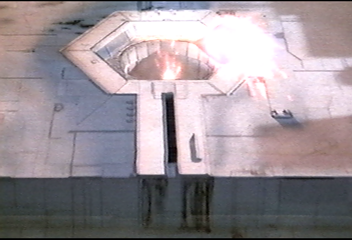
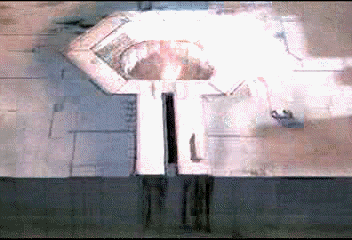
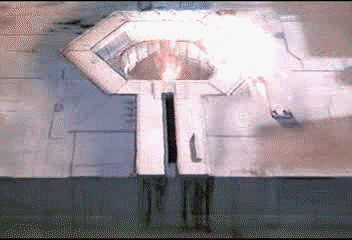
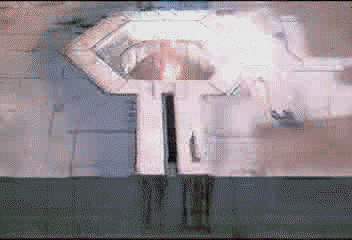
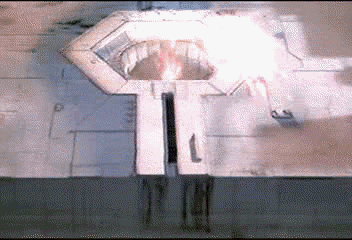
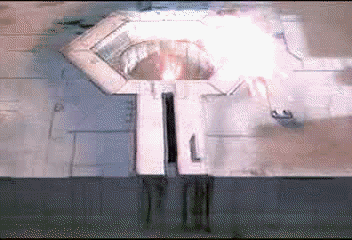
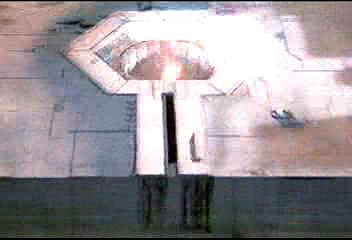
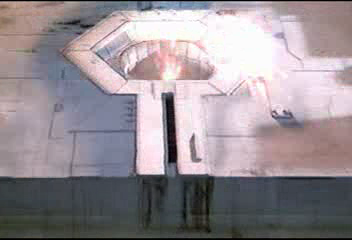
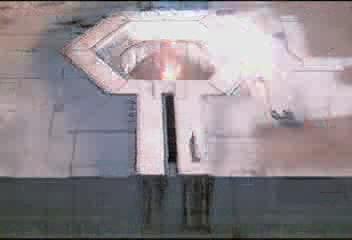
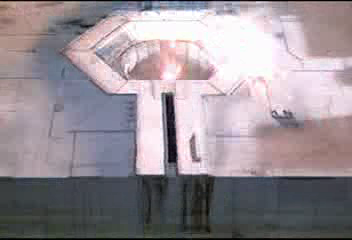
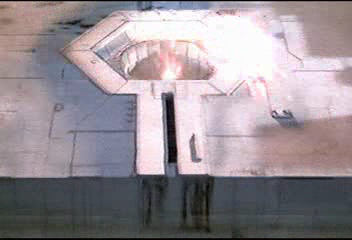
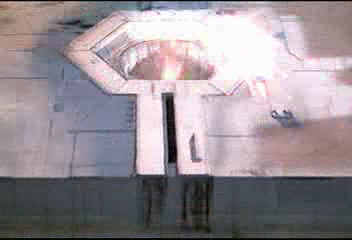
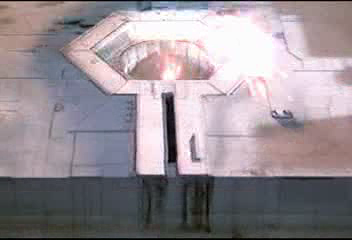
The images shown below that are linked to MPEG clips are 83rd frame (frame # 82) of the MPEG. It is very fast moving and flashing scene, so for me, this frame shows the most quality difference. I extract them using VirtualDub's "Copy frame to clipboard" feature, then pasted into Windows Paint program.
To compare the quality, open the images on separate Windows Pain program windows, then maximize the them. If you select the each window back and forth, the image will be overwrapped on the other, so it will be very easy to see even tiny differences.
By the way, due to GIF image compression, each image does not truely refect the MPEG quality. It has some noise-like colors. If you want to see the original BMP file, click on the file name under the image. This will let you download the original 225KB BMP file.
And, all frames are B frames of each encoder.
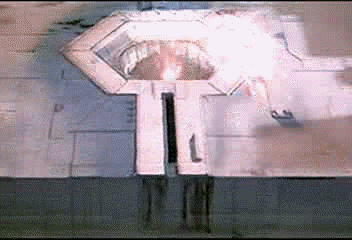
This is the frame from source AVI clip. If you see carefully, you will notice diamond shaped object in the flame, which is the torpedo. When you compare images, please note the visibility of this torpedo and the textures around the hole.
Of course, you can adjust brightness/contrast and/or other things to make that torpedo more visible. However, it is not what I am talking about here. I am just comparing original vs. encoded MPEG for the difference. So, it is not like that you got a video that torpedo is far more visible, so your video is better.
By the way, since this is GIF compressed, it does not truely refect the soruce quality. Click on the image to download the original BMP file.
Xing MPEG Encoder 2.2 - $249.99 (http://www.xingtech.com)
Features
- Can import MPEGs for re-encoding.
- Can encode video or audio only.
- Can encode MP3.
- Can multiplex different sound for video when you encode.
- Has free Premiere Plug-in for longer video encoding.
- Very fast encoding.
Bads
- Problem with full size MPEG encoding.
- Quality is bit low considering its high price.
xing.bmp For some reason, this is very well known among people. Unfortunately, this does not make a really good MPEG, but this one has some unique features, which can make people to use this.
Note that torpedo is not visible due to glowing flame, and there are a lot of artifacts around the hole. Considering this one's feature and price, probably buying both Panasonic MPEG encoder and Panasonic MPEG encoder premiere plug-in would be better.
Encoding time : 7 sec.
Ligos LSX MPEG Encoder 3.0 - $299.99 (http://www.ligos.com)
Features
- Automatically puts I frame on shiftly changed scenes (partially works).
- Has a lot of settings to control.
- Can encode MPEG-2.
- VBR support (For MPEG-2 though. But you can try it with MPEG-1 if you want)
- SMP support (about 2X speed under WinNT with dual CPU)
- Can make MPEG-1 up to 720x576 size. (Tends to have some problem with bigger size)
Bads
- No resize option available.
- No audio only encoding.
- Too expensive.
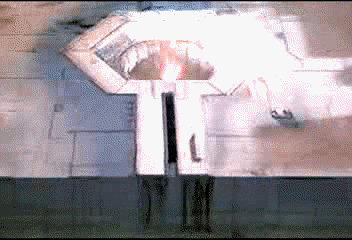
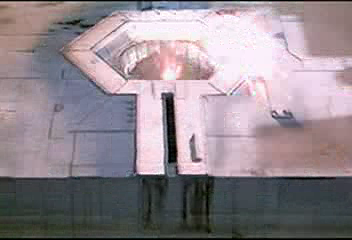
lsx.bmp I rate this encoder on top. This is really a great MPEG encoder. For MPEG-1 encoding, even 2.5 did the great job (Ligos tech support said there is no change on MPEG-1 quality) for far cheaper price. Too bad we can't get version 2.5... But since Ligos has educational pricing, you can get it for half price if you are a student. If so, this is definitely the one to get!
As you can see from above frame, you can see the torpedo in the flame. And, artifacts and blockness are not very noticeable. This is definitely the one that has the closest quality to the original.
Encoding time : 17 sec (very slow setting)
Darim DVMPEG 5.0 - $199 (http://www.darim.com)
Features
- Has a lot of control options, including very fine controls.
- Can encode MPEG-2 as well.
- This is a codec, so you can encode MPEG from ANY AVI editor.
- Pretty fast.
Bads
- Lack of explanation of controls (Is this just because it is demo?)
- No VBR for MPEG-2.
- Quality isn't very good, even with slowest setting.
- Only for half size is allowed for MPEG-1. (If you have full size source, it forces you to use MPEG-2)
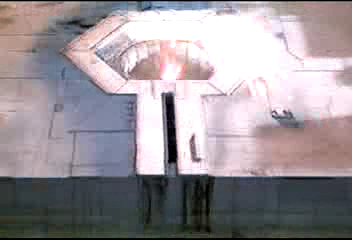
dvmpeg.bmp This is... Umm... Good? Below average quality, no full size MPEG-1 encoding, pretty high price... Only good point is this is a codec type, so you can encode MPEG with ANY AVI editor, even with MS VidEdit. But, considering high price and its quality, I am not really sure whether this is worth buying.
As you can see, image looks washed-out little bit, and it is lacking on texture detail.
Encoding time : 9 sec (very slow setting)
Vitec Multimedia MPEG Maker 2 - $99 (http://www.vitecmm.com)
Features
- Easy to use.
- Can encode MPEG-2 as well.
- VBR support.
Bads
- No sound? (Probably because it is demo?)
- No audio-only encoding.
- No resizing option.
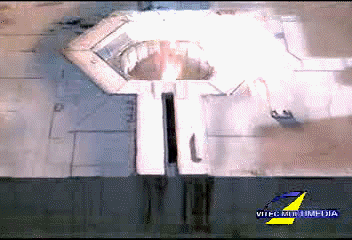
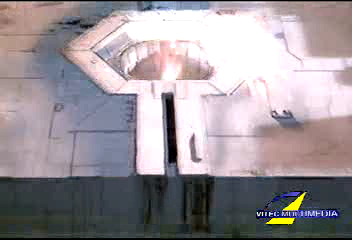
vitec.bmp This one does descent job, although it is bit low on quality. This is somewhat easy to use, and considering this can do MPEG-2 as well, it is pretty cheap.
Although this one looks pretty good, flame is too glowing so torpedo in the flame is not very visible. But considering this one's proce and features, this is a quite good one. By the way, forget about the quality around the Vitec Multimedia logo.
Encoding time : 16 sec.
Panasonic MPEG Encoder - $79.99 (http://www.networkserve.co.jp/mpeg/index_e.html)
Features
- Have a lot of options to control.
- Has Premiere plug-in for another $79.99
- Can make MPEG-1 up to 1024x1024 size.
- Manual Infra frame (I frame) insertion feature.
- Very cheap.
Bads
- Probably not very fast speed.
- Bleeding of edge color. (Click here for more info about this)
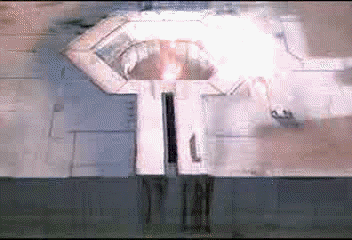
pana.bmp This one is another great MPEG encoder, for cheaper price. This one does very good job, and makes comparable picture to LSX, but edge colors are sometimes blended to the outer color, and makes some undesireable color. However, this is not very noticeable, so you shouldn't worry about that.
Someone think Panasonic MPEG Encoder's quality is better than LSX, but in this test, LSX showed bit smoother color. It is not very visible with these images, but you can compare them by yourself by downloading MPEG clips.
Encoding time : 26 sec.
AVI2MPG1 - Free (http://www.mnsi.net/~jschlic1/)
Features.
- Can encode multiple AVI clips to make all connected MPEG.
- Free!
Bads
- Way too slow. (more than 9x time to encode)
- Use DOS command line.
avi2mpg1.bmp This is a FREE MPEG ENCODER! And the user knows what users want; this one is the only one that can make ONE, WHOLE MPEG from multiple chunks of AVI clips! Quality is acceptable, too. Only problem is this is way too slow... This one will probably take a whole day to encode 1 hour clip, even if you have the fastest CPU. But this will be a very good choice for those who are short on budget.
Encoding time : 47 sec.
bbMPEG - Free! (http://members.home.net/beyeler/bbmpeg.html)
Features :
- Can encode multiple AVI clips to make all connected MPEG.
- Can encode MPEG-2 and SVCD.
- Has Premiere plug-in.
- A lot of options.
- Free!
Bads :
- VCD option forces video to VCD frame rate without frame duplication. Video gets fast and A/V unsync occurs. (You will notice it in the sample)
bbmpeg.bmp * Note : Since it forced the frame rate to 29.97fps, this one is NOT Film VCD format, rather NTSC VCD. However, since it just changed the video speed to 29.97fps, captured frame is still 83th B frame.
Here we go again. A free MPEG encoder that can encode multiple AVI clips into one big MPEG. Probably this is the most wanted feature for MPEG encoding. Again, only user knows what users want.
By the way, I see almost no difference from AVI2MPG1. Probably MPEG-1 encoding is imported from the above AVI2MPG1 by whoever wrote the AVI2MPG2 program. I don't know though,
Anyway, this is a lot faster than AVI2MPG1. So, for the people short on budget, this is definitely one you should try before taking a look of Xing or other MPEG encoders. Just don't try to make VCD from the MPEG with non-VCD frame rate.
Encoding time : 28 sec.
TMPGEnc - $ Free! (http://www.yks.ne.jp/~hori/TMPGEnc.html)
Features :
- Huge number of options, although I couldn't test them all for whether they are all working.
- Built-in multiplexer, demultiplexer and MPEG joiner/cutter.
- FAST!
Bads :
- Some Audio problem is reported.
tmpgenc.bmp This one is one is another great free MPEG encoder. You will see the quality is really excellent! It is almost the same as LSX. I can definitely say this one will be a great choice for most people.
By the way, this one is encoded without "Scene detection" feature. Scene detection is a really nice feature. It will automatically put I frame where scene change occurs. BUT! Due to increased number of I frames, general quality of whole movie drops because I frames take up space that can be used for other frames.
This option is ON by default. This might be good for a long clip with few scene changes, but this might not be very good to use for a short clip with a lot of scene changes. Look at below picture for the quality with scene detection option turned on.
tmpgenc2.bmp You see, the quality isn't really good as the above one. Tail of torpedo that goes into the hole has blockiness, and other glowing area is blocky as well. Since this was produced from the same encoder, same setting but that option, I can only think that scene detection feature makes such difference. So, be careful when you use that option.
By the way, linked TMPGEnc page is in Japanese, so the program is. There is a patch program that makes the program English, but I lost the link... I will put it once I find it.
Encoding time : 17 sec.
Ulead MediaStudio Pro 5.2 - $499.95 (www.ulead.com)
Features :
- All things that you can expect from real video editor.
Bads :
- No full size MPEG encoding.
- Too slow.
ms52.bmp OK, this is NOT a dedicated MPEG encoder, rather video editor. This one has built-in MPEG encoder, as number of other video editors do. However, since I currently have only one video editor to test, I couldn't make separate section for it, so I just added this one at the end of MPEG encoders.
This one I tested isn't exactly version 5.2. In fact, this one was version 5.0 with upgrade patch, but I don't think there would be any difference on MPEG encoding part.
As you know, the biggest advantage of using video editor's MPEG encoding capability is elimination of the need of MPEG editor. Although there is number of encoders that can make multiple AVIs into one MPEG, but they still require you to save the clip as AVI format if you edited it using some kind of editor. You can do everything in the video editor, and just make the whole MPEG at the end, which is really a great way, and that is the reason why people talk about MPEG plug-ins etc.
By the way... Look at the quality. It is simply great! It is almost the same as LSX quality, although it is bit worst on the textures around the hole. Well, since Ulead is a partner of Ligos, so it is not surprising to see the similar LSX MPEG quality from this expensive video editor. Only problem is, as you know, this is way too expensive for normal use. By the way, the funny thing is, I got this one for $50 shipped at the Egghead auction! At that time, only thing I needed was a good CG software. But, since the cheapest CG software I could find was $100, and compared to that, this one was really cheap, I thought. Now, look at what I got! A great MPEG encoder + great video editor + great CG software + etc, etc, for only $50! It was just a steal. Keep your eyes open for the Egghead auction, and you might be able to find one!
Only problem is this is very slow, even slower than AVI2MPG1, and lack of full size MPEG encoding. But, this is really great for something like VCD. You can sacrifice those few things when you can get whole a lot more things, right?
Encoding time : 48 sec.