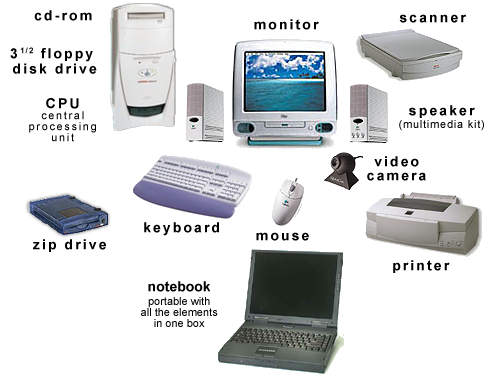
Installing and upgrading hardware is typical of the day-to-day tasks that an IT support technician carries out.
Installing new hardware components and carrying out simple upgrades of existing hardware such as replacing
a video or network card or adding additional memory or storage are examples of these types of tasks. The
tasks may be needed because of routine maintenance, fault repairs, upgrades or new software installations.
components.
In this unit learners will first consider why hardware needs replacing and the implications of installing new
hardware components, such as the potential retraining of users. Learners will also look at the risks involved
and will be reminded of the importance of health and safety and Electro-Static Discharge (ESD) when dealing
with electronic equipment.
Preparation for installation is key and it is necessary to understand the type of installation or upgrade required
and prepare the required resources (including tools and facilities). There is also a need to check any relevant
information, such as the compatibility of the component to be installed with the existing system.
The practical part of the unit covers the skills and techniques required to successfully carry out and test the
installation. Testing will include using specialised utilities and knowing how to respond to error messages.