
Installing computer software
Working in the IT Industry
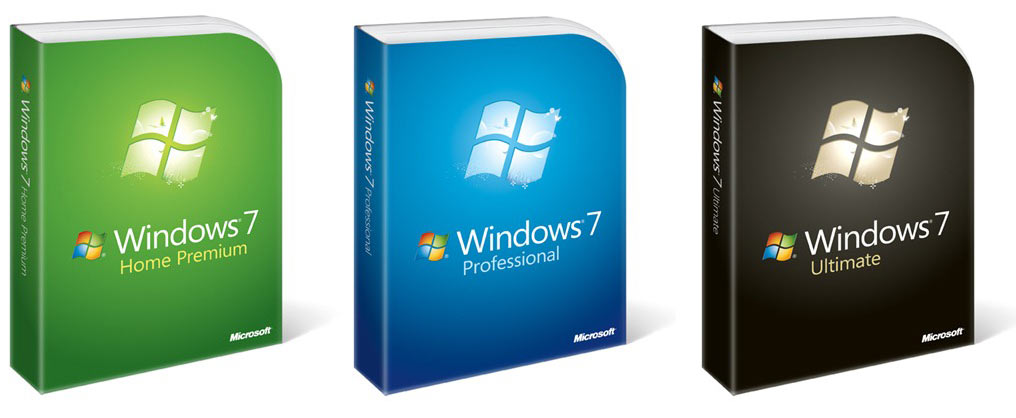
One of the most common questions I am asked from seniors who are new to computers, or anyone who is a new computer user is how do I get this program on my computer? Do I need to buy a disk?
Many people who attend my classes assume that because the computers they use at class have Word, Excel, Publisher, etc on them, then their computer at home will to. Of course, that is not necessarily true. Some computers do come with these programs pre-loaded onto them but in many cases these programs must be purchased and installed by the user.
Depending on the vendor you may get bundles of software already installed when you buy a computer but the only piece of software that will certainly be installed is the operating system, Microsoft Windows or Mac OS. Otherwise you will have to find out from your vendor what programs have been installed.
So let us assume that there is a program that you want to add to your computer. You go to a store that sells software, pick out the program you want and bring it home. You open up the box and there is a disk and a manual. Now what do you do?
Now you must load (or install) the program onto your computer hard drive. Loading or installing a program simply means transferring the required files from the disk that the program came on, to your hard drive. With newer computers and software, once you put the CD into the CD-Rom drive, an installation program will start automatically and by following the step-by-step instructions, you can install the program. If, however you have an older computer it may be more complicated than that. I recommend that no matter what you follow the installation instructions of the manual. The manual will usually give you solid instructions on installing your new software.
Installing a program may seem tricky and somewhat intimidating, but by following the manual and the on-screen prompts even a computer novice should be able to successfully install a new program onto their computer's hard drive.