Copying a DVD to AVI Format
You will need
If the disc has copy protection, run AnyDVD first, this will hide any copy protection
DVDshrink
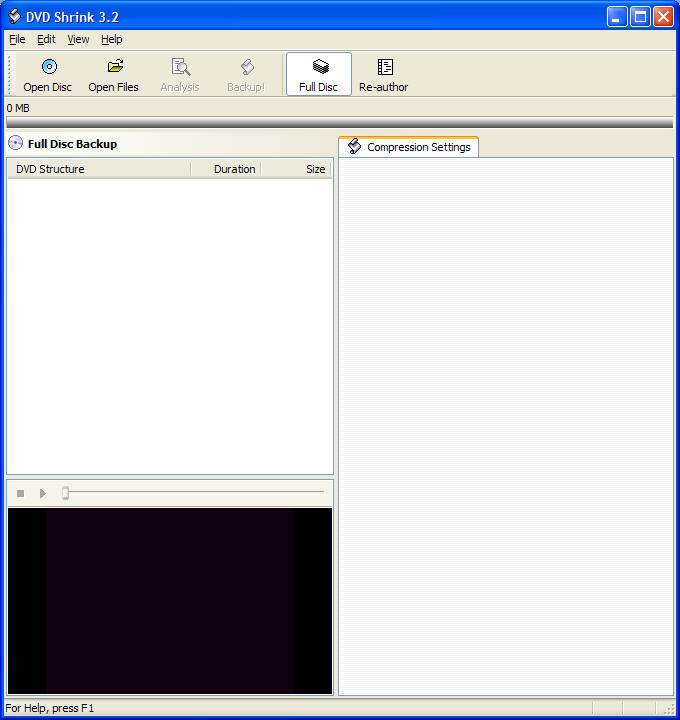
Open DVDshrink
Put dvd in drive
Click open
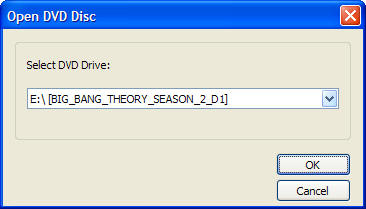
Click ok
DVDshrink will then analyse disc (about 2-5 minutes)
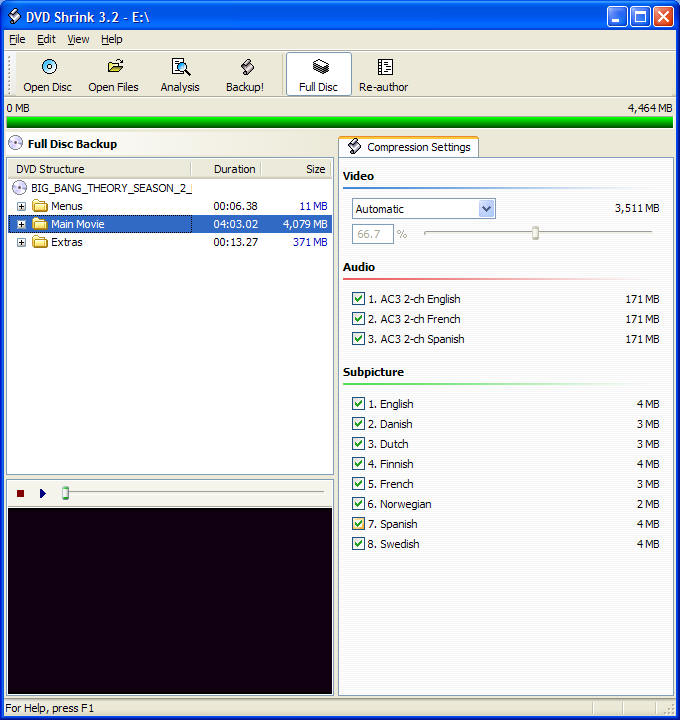
Click Backup
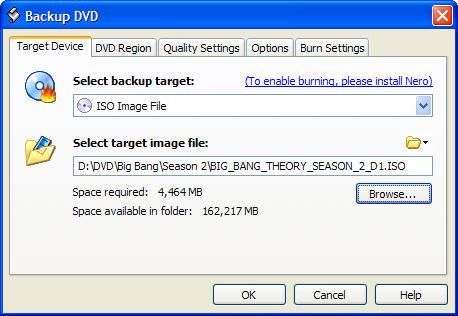
Select back up target as iso image file (need to have nero installed)
Select target Image as a location with plenty of space on your hard drive as
output file is about 4.5gig
Click OK
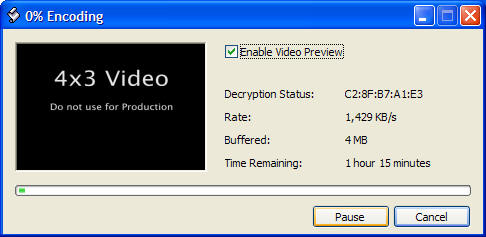
DVDshrink with then create iso file (about 30mins -1 hour)
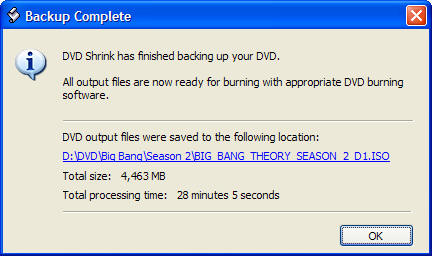
Complete - The file is now an ISO.
One the file is an ISO, you can then but the file to a disc with Nero which
will play like a normal DVD.
However if you want the file now as an AVI file Click
Here