|
|
|
|
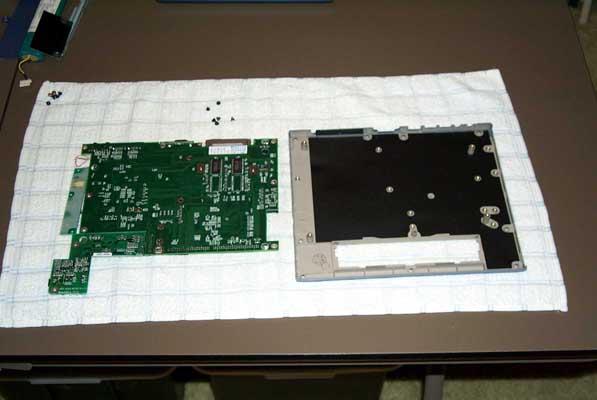
17) Remove the rest of the short screws for the motherboard, power board (lower right) and LCD backlight board (far right). Open the boards "like a book" away from the back case. (you can now see the RAM and empty RAM pads) |
|
Send mail to [email protected] with
questions or comments about this web site.
|