Thankz Roxanne!


Creating Your Own Masks From Black & White Clip Art

And

Making Them Into Tubes!

Hi, my name is sharley and i have never written a tutorial before, not sure why i am attempting this one! I have a hard enough time following one! LOL

But here goes........Please be patient with me, and if you have any problems understanding, feel free to email me
It might be a good idea to read over the tutorial before beginning~~smilez~~


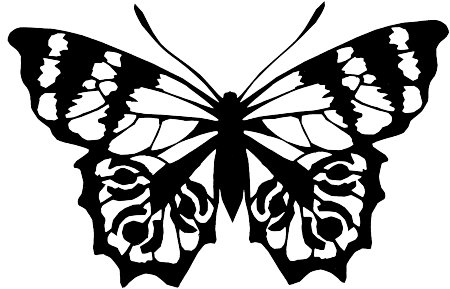
Open your black & white clip art and duplicate it

To duplicate/Hold down the shift key and press d

Close out your first image

I have provided a few images you may use, or you may use one of your own choosing

CLICK HERE for more images

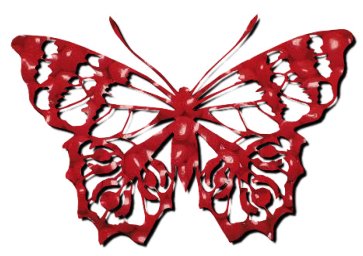
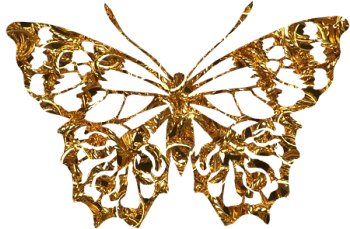
Butterfly without dropshadow

butterfly with drop shadow applied

butterfly

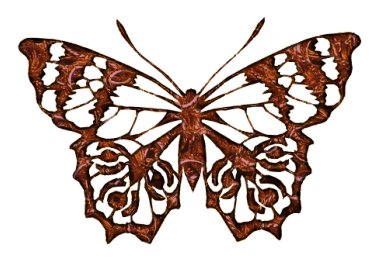
Butterfly with Inner Bevel applied

Inner

* Note* The results you end up with depend mostly on the clip art and image you choose to work with....Masks, i find, can be a lot of trial and error to get the results you desire


Now, we have our B&W image open, you might need to increase the color depth on it

Go/Color/Increase color depth/24 bit color

If your clip art has any specks or flaws on it, use your smudge, paint brush, or eraser to fix them, But, if you want to decrease the size of your image, that sometimes takes care of any specks or flaws

To Resize, Go to/ Image/ Resize

I usually resize mine somewhere between 250 to 350 pixels in width

But, you may choose any size you like

Have the keep in perspective box checked

Now, Go to/Masks/New/From Image

Have these boxes checked

Source Luminance

Invert Mask Data

Click OK

*Note* It really doesn`t matter if you Invert, because you can allways invert your mask later


Now you should have a picture with a transparant background

Go to/Masks/Save to Disk

Name your mask

I named mine Butterfly.msk

Click/Save

*Note* Be sure to take out the ( * ) astrix but leave on the .msk

why? i don`t know, i just read that somewhere...lol


Continue


Sharleys~Forever~Timeless~Creationz


Write To Sharley


Counter

Hosted by www.Geocities.ws

1