C:\WINDOWS\Start Menu\Programs\StartUp
contains a list of programs that start when windows starts.
In general everything in here can be moved to a different folder.
You should have an idea what you are moving before you do so,
check all the files listed in this folder/menu.
I move programs such as fast find, office start bar, OSA,
video card utilities, sound card utilities, crash guard etc.
You can move them by following the link above,
Or from the start button/settings/task bar & startmenu/
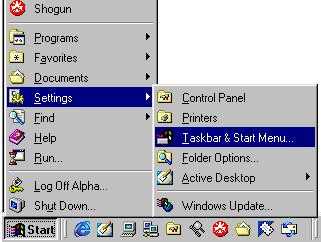
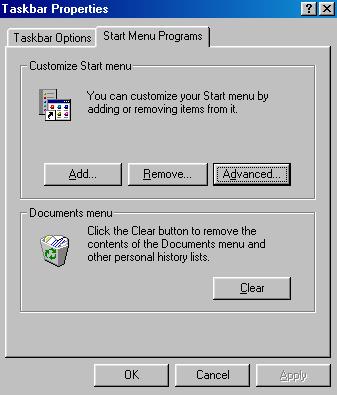
taskbar properties/advanced
startmenu/programs/startup/...
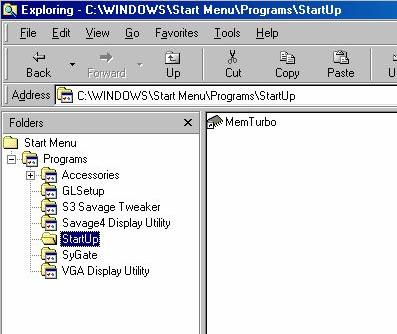
Simply move all the programs in the startup folder
into the programs listing/directory,
or create a new folder/menu tree and put them there.
Reboot your PC and check all is well.
If you want to replace any of these utilities and programs,
simply move them back into the startup folder.
4 - Virtual Cache
Performance Index