
About Me
N Currently
N Favorites
N In My Purse
N Quick Bio
N This/That
Interactive
N Tagboard
You
N Backgrounds
N Beauty Tips
N Buddy Icons
N ID Cards
N No Copying Signs
N Wallpapers
Adobe Tutorials
N 3d Text
N Blending
N Clear Text
N Faded Box
N Pryamids
Reads
N 10 things men will never say
N $500 Porshe
N Friends/Best Friends
Links
N My Link Buttons
N Affilates?
N home
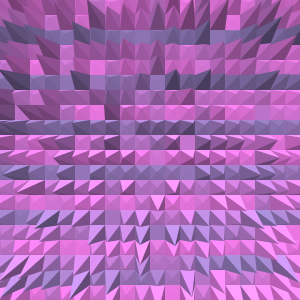
open a new image. (i used 300x300) pick two colors that you want to use. use the paint bucket to fill the background with the 1st color. and then use the paintbrush tool to make a checker board pattern over the background. it should look something like this:
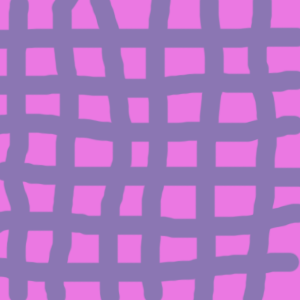
go to filter-->stylize-->wind. set the settings to blast. (from ether direction) next go to stylize-->extrude. set the settings to this. Type: Pryamid Size:15 Depth:30 and choose random. now click ok. your results should look something like this: