
About Me
N Currently
N Favorites
N In My Purse
N Quick Bio
N This/That
Interactive
N Tagboard
You
N Backgrounds
N Beauty Tips
N Buddy Icons
N ID Cards
N No Copying Signs
N Wallpapers
Adobe Tutorials
N 3d Text
N Blending
N Clear Text
N Faded Box
N Pryamids
Reads
N 10 things men will never say
N $500 Porshe
N Friends/Best Friends
Links
N My Link Buttons
N Affilates?
N home
open the image that you want the faded box to be on. make sure that the color selected is white (or whatever color you want to use. i would suggest for it to be a light shade of the color). go to layer-->new-->layer. (this is located on the tool bar at the top of your screen. after you have created a new layer, take the rectangle tool and make a box. it should look something like this:
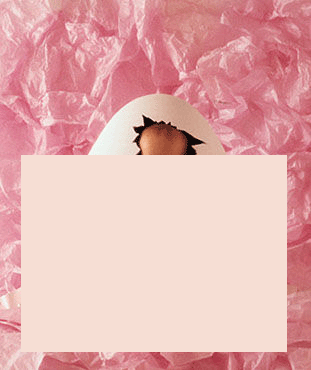
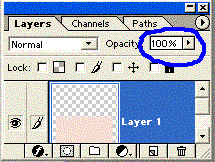
now, change the layers opacity to 50% (you can adjust that however you like)heres a picture of where you change that
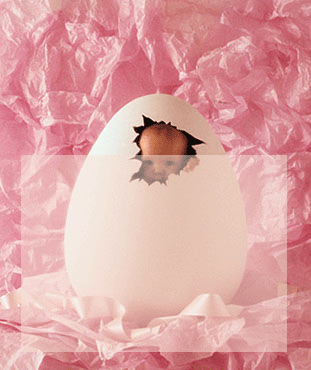
after you change the opacity, your picture should look something like this: