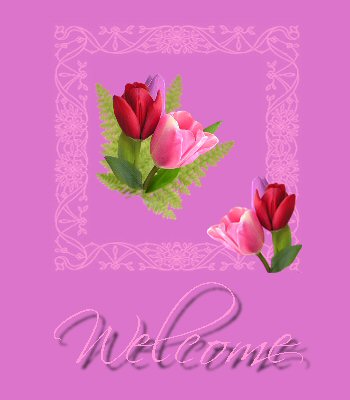
This lesson is all about Dividers 'n' Buttons.
I made the picture from some tubes I found, and then I chose
some colours from there
to make a gradient.

I used the same basic colour to make several backgrounds;
a simple plain one for the centre, I added a leather texture for
the middle one, and for the outside one I added a filter.
As this was my first real trip into filters, I just played around
with Eye Candy til I found something I liked.

So now we come to the Dividers. The idea of these is to
break the page up
to make it more readable.
So for my first one I used the butterfly image above.
Then I made one using the font "Separate".
Lastly came the buttons, I used the same font and
tube as on the main image.

|
|
|
|
|
|