 |
|
|
|
|
|
|
|
|
|
|
|
|
|
|
|
|
|
|
|
|
|
|
|
|
|
|
|
|
|
|
|
|
|
 |
|
|
|
 |
|
|
|
Week Two Journeyman I (cont) |
|
|
|
|
|
|
|
|
|
Back to first page |
|
|
|
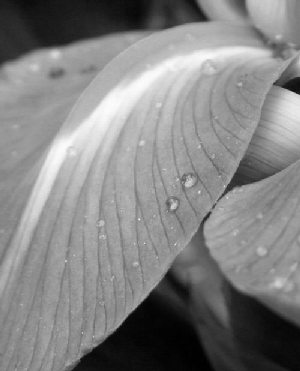
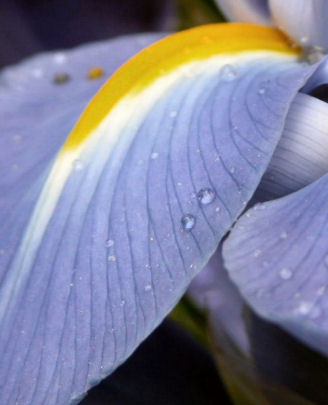
On this page I show several of the greyscale methods possible with.... Image>Greyscale. |
|
|
|
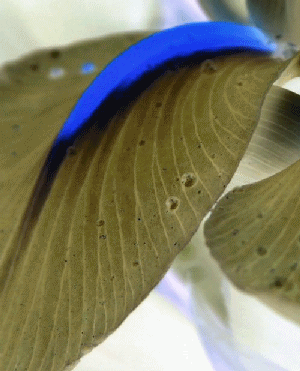
Then this is Negative Image |
|
|
|
This is Image Greyscale |
|
|
|
|
|
 |
|
|
|
 |
|
|
|
|
|
We have here a Negative Image with some Hue and Saturation/Lightness....pushing the blue tones. The real trick was when we decreased the color depth....almost missed that. |
|
|
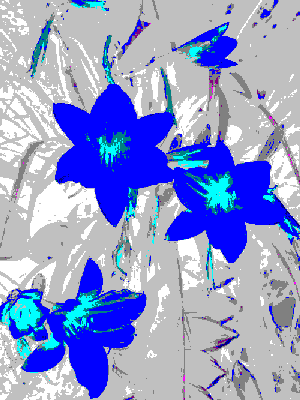
Now this was different..we were shown how to make a selection on the color image, invert and colorize then adding some drop shadow effects to accomplish this lesson. |
|
|
|
|
|
|
 |
|
|
|
|
 |
|
|
|
|
|
|
 |
|
|
|
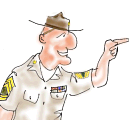
Being very proud of my time serving my country I present Sarg (a self portrait) and the Marine Corps Seal.........SEMPER FI ..... |
|
|
|
|
 |
|
|
|
|
|
|