


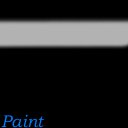
Make a dot on one side, hold shift and click the other side. Keep clicking alternate sides until you got a straight line of a good width.

|
|
|
|
|
|
|
|
|
|
|
|
|
|
|
|
|
|
|
|
|
|
|
|
|
|
|
|
|
|
|
|
|
|
| Whorejones's Hair tutorial for Gimp | |
||||||||||||||||||||||||||||||||
| Origanial Tutorial found here. | |||||||||||||||||||||||||||||||||
|
|||||||||||||||||||||||||||||||||
| Open up GIMP and make a new document 128x128 and color it solid black. |
|||||||||||||||||||||||||||||||||
|
|
||||||||||||||||||||||||||||||||
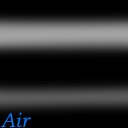
| Now select another color close to black, like grey. Change the brush to 19, I choose the fuzzy one. The air brush will give a nicer line. Make a dot on one side, hold shift and click the other side. Keep clicking alternate sides until you got a straight line of a good width. |
|||||||||||||||||||||||||||||||||
|
|
||||||||||||||||||||||||||||||||
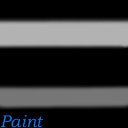
| Keep th brush at 19 and select a darker color (or lighter, your choice but I'll use darker). Do the same thing as before but make a smaller line below your first one. | |||||||||||||||||||||||||||||||||
|
|
||||||||||||||||||||||||||||||||
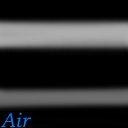
| If you use the Gaussian Blur at 15.0 it makes it look not as solid. | |||||||||||||||||||||||||||||||||
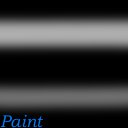
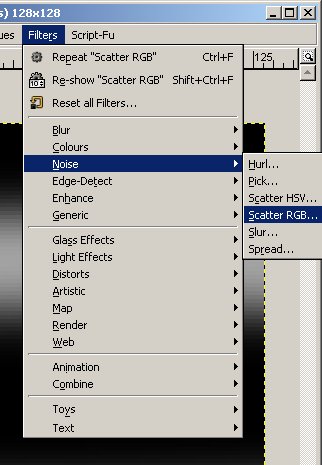
| Now go to Filters>Noise>Scatter RGB | |||||||||||||||||||||||||||||||||
|
|||||||||||||||||||||||||||||||||
|
|||||||||||||||||||||||||||||||||