| Using the Previewer |
| For this tutorial I will demistrate with the help of KittenKat's deverable dress. |
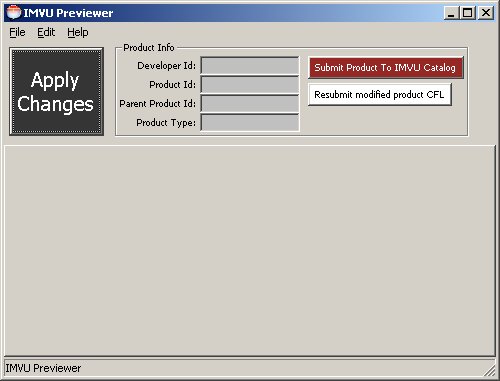
| Open up your previewer and sign it. After that, before you do anything else, you should have two screens. One pure black and the other like the picture. |
 |
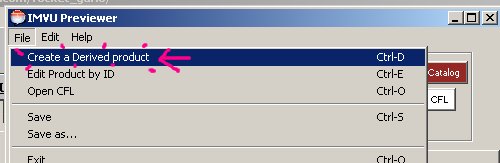
| Go to File>Create a Derived product. |
 |
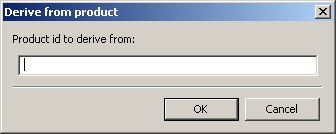
| A box like this should pop up. |
 |
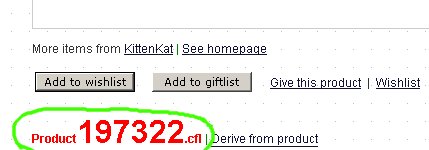
| The product Id is on the product page under the 'add to wishlist' button in big red letters. Those without their name can't see this, but don't worry, there is another way to get this number. |
| The other way is in the acual page link. |
 |
 |
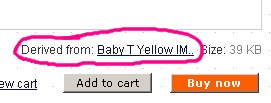
| Remember to check what the product is devired from. There may be a cheaper one that is the same a way back, can save you, and your customers, money. |
 |
| Type in that number and click ok. If it askes you to download some files, do so, you'll need them. |
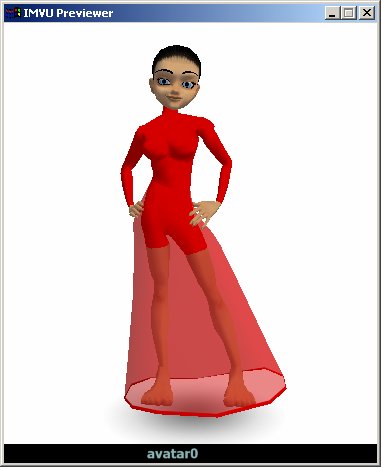
| Both windows should now change. They will look like this, if devirving from the same thing of course. |
 |
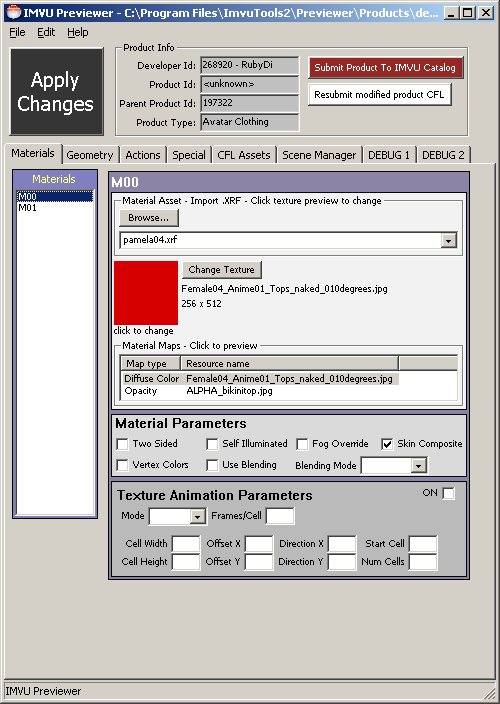 |
| I know, blurry, but doesn't matter, just for the idea of how it should look. |
 |
| Next, How to get the color on the mesh! |