| feedback |
ZPOP2 - One way popup messenger for use within SAP R/3 System (c) SAP AG
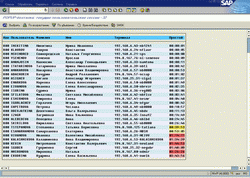
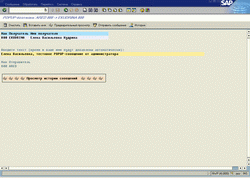
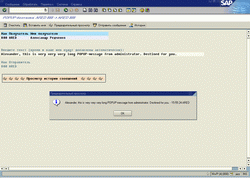
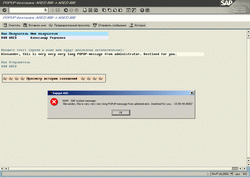
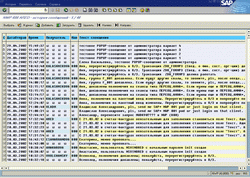
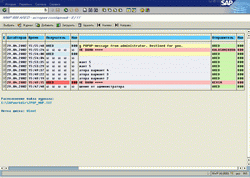
Summary: At first, the list of active users will appear. Then your doubleclick selects user you want talk to. Type message text and press SEND MESSAGE. User will receive your popup message. Before sending, you may use preview button to take a look on a popup. Program automatically adds sender's logon name and time to message text. Your partner can run the second copy of this program to get a chance of reply. It is possible to select messages from history, store/upload messages from PC-file
Compatibility: Russian and English versions are available
 |
 |
 |
 |
 |
 |
DISCLAIMER:
I can't guarantee the accuracy and validity of the materials proposed.
You agree that your use of these materials will be at your own risk.
Download
| feedback |

