Removing the unit from the housing
 Removing the mounting brackets from the side of the unit is
not necessary, but it does help just getting them out of the way.
To open the back panel plate, remove the two screws on the top of the
unit (one on each side) and the two screws on the bottom rear.
As you lift this plate off the unit, you will need to take a screwdriver
and pry the light fastener off of the top plate.
Removing the mounting brackets from the side of the unit is
not necessary, but it does help just getting them out of the way.
To open the back panel plate, remove the two screws on the top of the
unit (one on each side) and the two screws on the bottom rear.
As you lift this plate off the unit, you will need to take a screwdriver
and pry the light fastener off of the top plate.
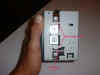
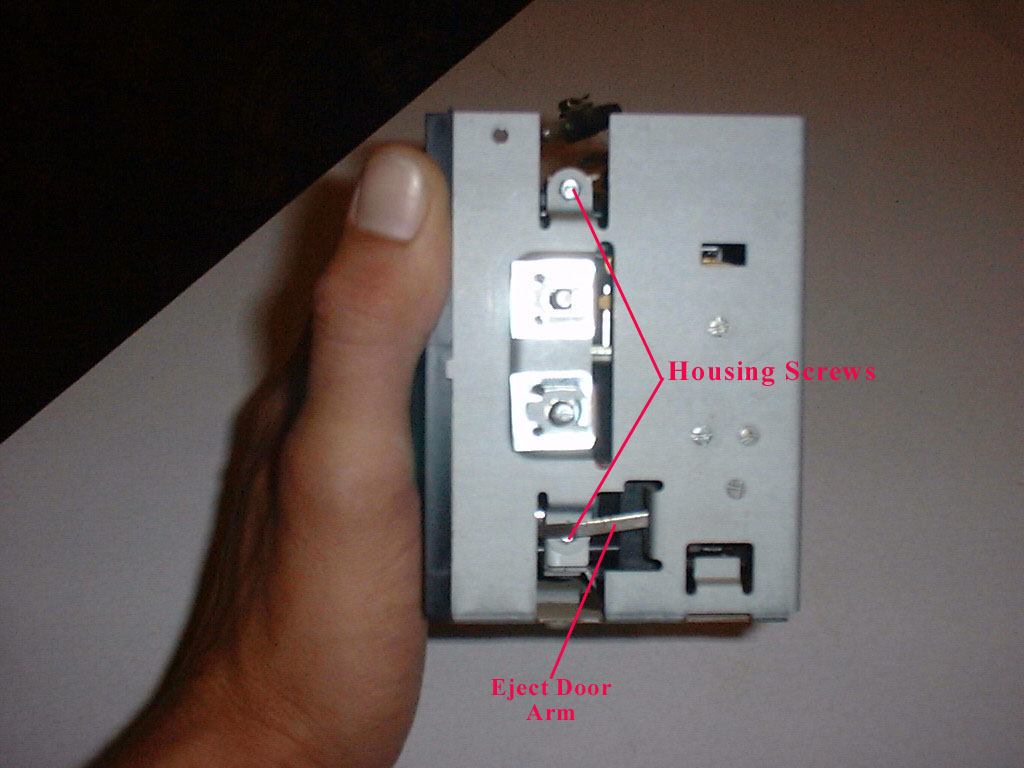
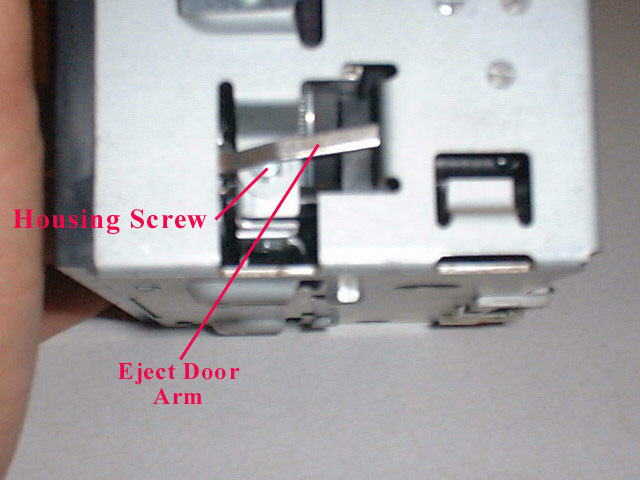
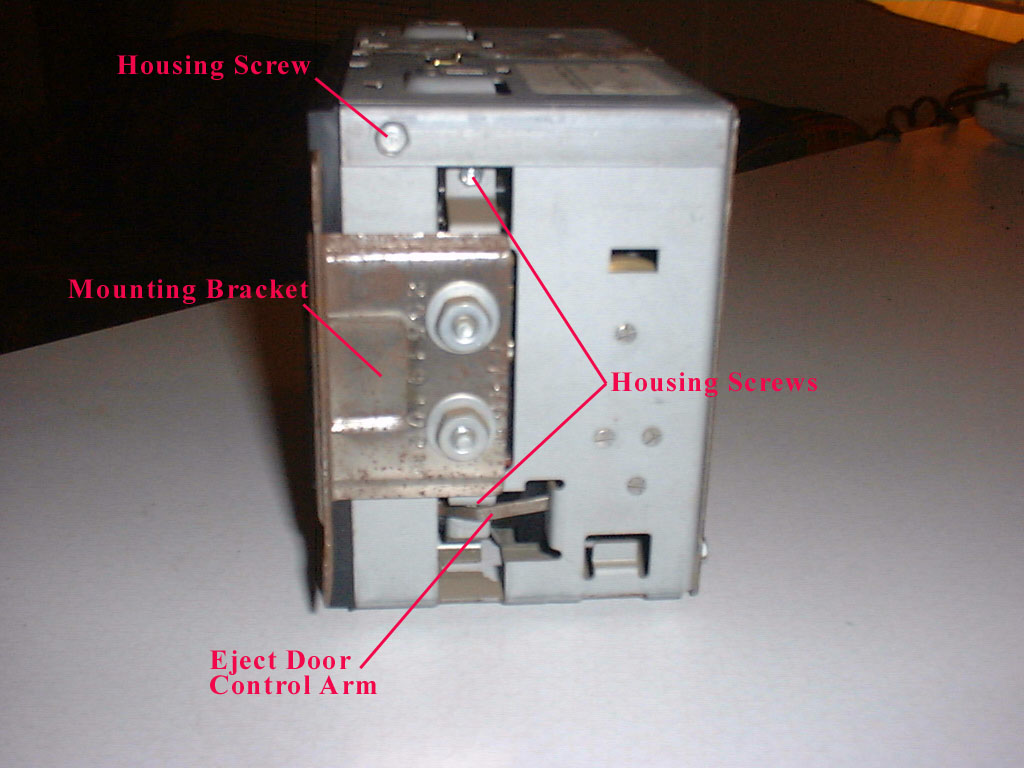
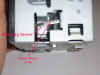 The second cover plate is attached with two screws on the
bottom of the unit and two screws on the right side. The two screws on the right side can be found on top and
bottom of the mounting bracket bolts. The
top screw is easily accessible, but you will see a small metal rod obstructs the
bottom. This rod is part of the
eject mechanism and will have to be removed first.
The next step is opening the cassette door.
The second cover plate is attached with two screws on the
bottom of the unit and two screws on the right side. The two screws on the right side can be found on top and
bottom of the mounting bracket bolts. The
top screw is easily accessible, but you will see a small metal rod obstructs the
bottom. This rod is part of the
eject mechanism and will have to be removed first.
The next step is opening the cassette door.
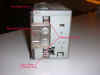

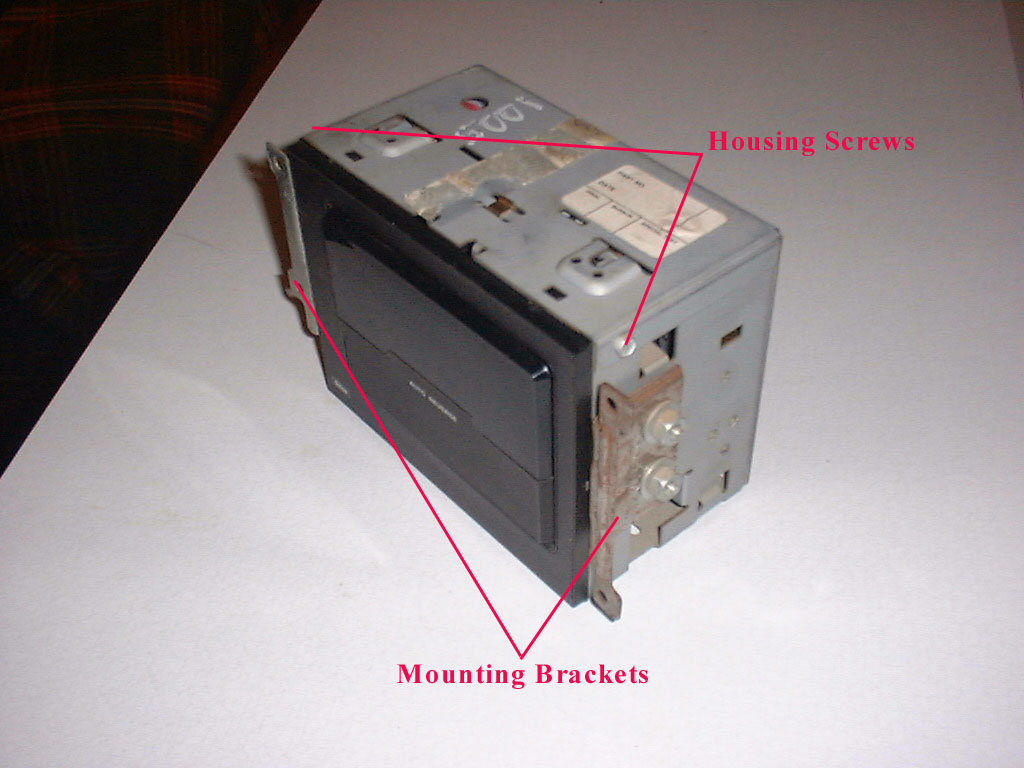 Removing the mounting brackets from the side of the unit is
not necessary, but it does help just getting them out of the way.
To open the back panel plate, remove the two screws on the top of the
unit (one on each side) and the two screws on the bottom rear.
As you lift this plate off the unit, you will need to take a screwdriver
and pry the light fastener off of the top plate.
Removing the mounting brackets from the side of the unit is
not necessary, but it does help just getting them out of the way.
To open the back panel plate, remove the two screws on the top of the
unit (one on each side) and the two screws on the bottom rear.
As you lift this plate off the unit, you will need to take a screwdriver
and pry the light fastener off of the top plate.