
One of the most useful tools for doing things on network computers is CMD. CMD is a program which is on every Microsoft Windows PC. For this very reason it is so useful as you don't need to copy any programs onto your school/work computer.
There are several ways to run CMD:
1. Click: Start -> Run -> and type in CMD in the run box.
2. It can also be found in this folder: C:/Windows/System 32
- Note - On some computers or networks CMD is disabled so try using an identical program called "command.com". Command.com is found on in the same place as CMD and is very similar.
When you run CMD you will see a box open like this:
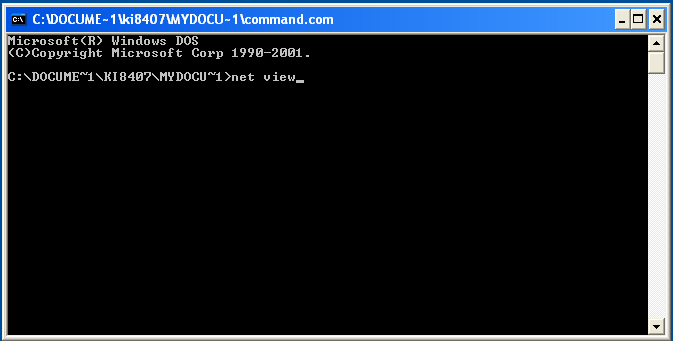
Now that we know how to open up CMD we should try to run some commands from it
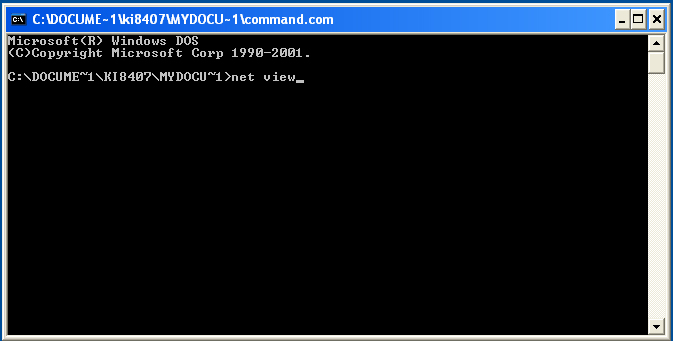
To find your target on the network we can use a command called 'net view'.
So open up cmd and type in net view like in the picture below:
two columns. The names on the left are the host names. These
are the names used to identify the computer. You should select
your target from this list. The name should be something like this:
//HOMECOMPUTER
BACK NEXT