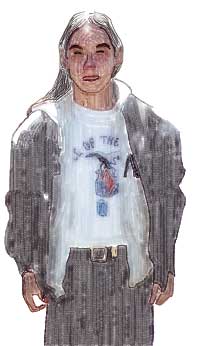
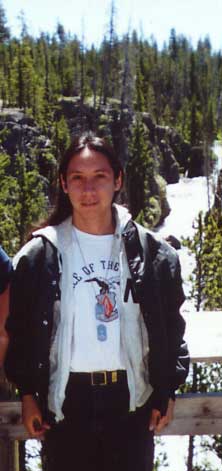
The original at left. Sharpened slightly using the Unsharp Mask Filter in Photoshop. The one below and on the left I created using Painter 6. I used a variety of different tools, but most of it was done with pastels and colored pencils. This one took me the longest time to make, so after this one, I decided to make the other ones in Photoshop where I could work a bit faster.
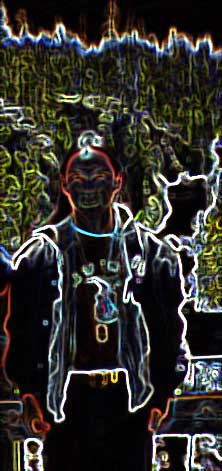
The one in the center I used Photoshop's Stylize Glowing Edges Filter and then followed it up with a little bit of color balance in favor of more green, red, and blue.
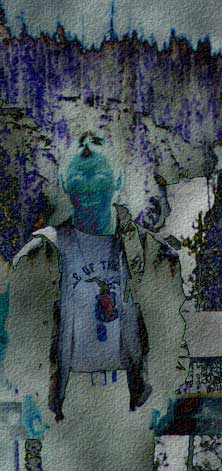
The final one I used a variety of Filters beginning with Render Difference Clouds which created the alien looking colors. Next I used the Add Noise Filter and finished with the Texturizer Filter for the stone tablet look. I adjusted the colors in color balance, adding more green and blue.
All are saved as Jpgs at 30 quality.
|
|
|
|
copyright © 2000, 2003 Broken Helix Web Productions All rights reserved
Most recent update: 28 Apr 03
For more information contact [email protected]