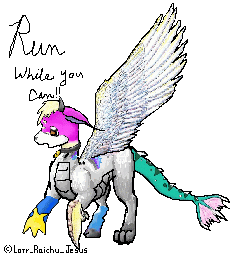
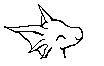
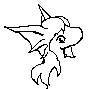
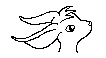
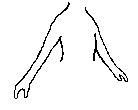
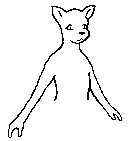
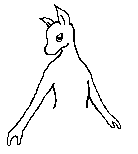
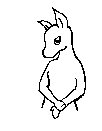
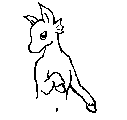
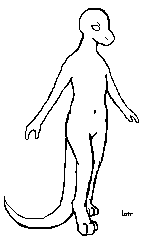
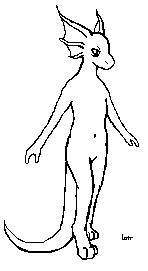
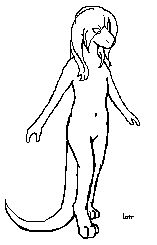
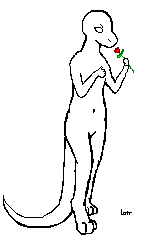
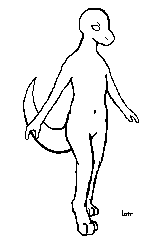
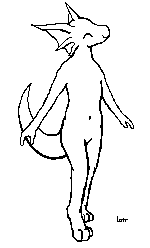
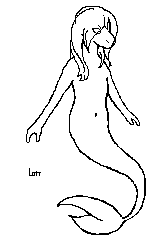
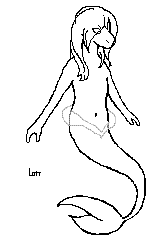
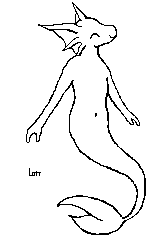
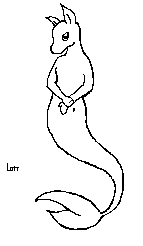
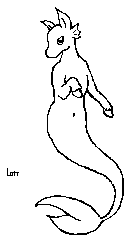
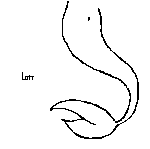
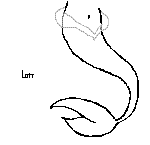
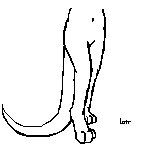
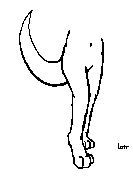
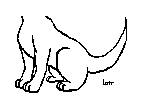
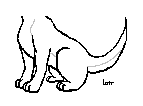
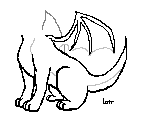
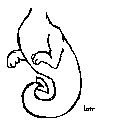
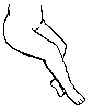
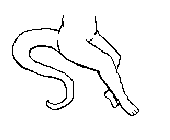
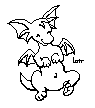
For your entertainment. :3 Welcome to my page of editables. Editables are little pre-made pictures that you paste together to create a character but before we begin there's a few rules that need to be mentioned. After you have taken a few minutes to read over them (They are not hard people) then the fun can begin. ^ ^ First off, these are my artwork. Do not claim them as your own. It only makes you look illiterate ok? Thank you. I worked very hard on these to make something nice for you to use and to edit. If you want your own editable OR adoptable set make one yourself. I used the plain run-of-the-mill paint program to make these and so you can too with a little bit of effort. Mkay? Thank you. (Also if you enter these in the Beauty Contest you will be reported for stealing which is against the rules and very uncool.) Second, Please give the artist credit, meaning me, lotr_raichu_jesus. If you do use these link back to me so that others can find their own okay? Thank you again. Third, LEAVE my Signature on these! Do NOT take it off. If you have to move it somewhere else that's fine but LEAVE IT ON! Thankies. Fourth, common courtesy is to not adopt another person's custom and also not to completely steal their design ideas. That's just wrong. Be creative please. Thank you once again. These are for you to customize your own. Lastly, I do not give out any other messengers sorry. To contact my via neopets click here: Neomail lotr_raichu_jesus All customs have been made by their designers and will be linked to the last known place their creators have asked. If you want your custom posted on this site you will have to neomail me. Thank you.
Editing your editable: These were made in the simple paint program paint and can easily be edited and colored in the same program or any other graphics program such as Photo Shop and Corel Draw. I will explan how to piece these together using paint. The other programs you'll just have to figure out yourself as I don't know. One, you need to save the head, body, torso, legs, all the pictures that you are going to use to make your custom editable. Two, open paint. I myself open two - four paint windows so that I can copy from one and paste it into another without opening and closing the image I'm working with over and over again. Give yourself some room you work with. I would say 400 by 400 pixels is a good start. You can always change the size by going to the top, Image > Attributes then enter the numbers into the boxes. Thrid, once you have a nice work space then open up that other paint window and pick out the head. select the whole image by clicking othe the dotting box on the tool bar, SELECT and right click on the image. This will bring up a list which will have SELECT ALL. Copy by either right clicking once again and choosing copy OR hit ctrl + c. Fourth, Ctrl + v OR right click paste in the working paint window. Put the head by the top then it's time to get the next piece. This is the hardest step. With the selection box (the dotted box) there should be two nearly identical pictures of shapes with a selection box around a green square. The top one is no transparency while the bottom one has a tranparent selection. Click the bottom one the paste the torso into the working paint window and move it around until it lines up with the neck of the first image. Continue this way until you complete the body. Fifth, Time to color! It's the fun part. If you are new to coloring or would like some tips, please see my friend's tutorial of coloring with paint here: Enjoy! And happy editing!
If you would like to see some of the other adoptable sets that I have made you may visit them here:
Legal mumbo: All things Neo (c) to Neopets.com. Customs (c) to their designers. Art work (c) to Marsi, AKA Raichu (lotr_raichu_jesus, lotr_raichu_layout, raistardragon, etc.) Use of this site means you agree to following the rules. Art and Design theif subject to legal actions in a court of law.
|
|||||||||||||||||||||||||||||||||||||||||||||||||||||||||||||||||||||||||||||||||||||||