


|
|
|
|
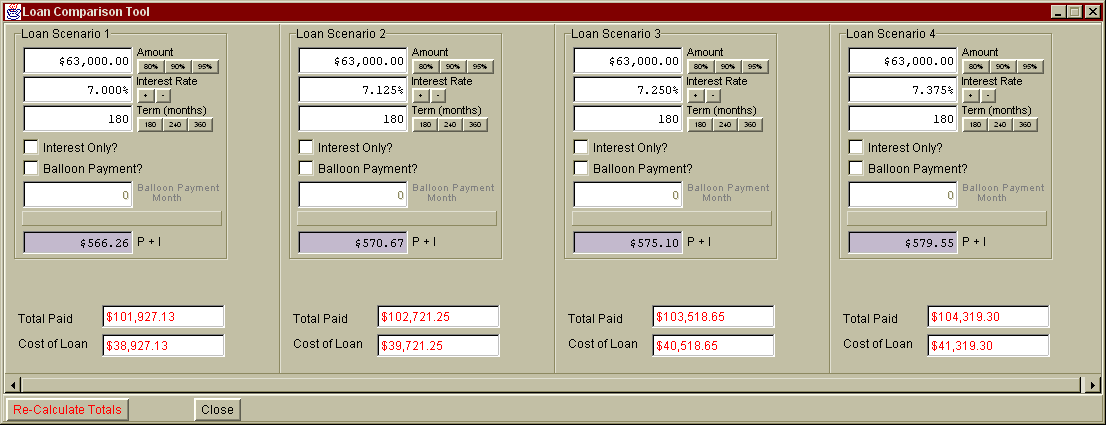
This tool allows you to input the parameters for up to 4 different loans so you can quickly compare the ultimate costs of each loan scenario.
Changing the value in the Amount, Interest Rate, Term, or Interest Only Checkbox (in any of the loan scenarios) will automatically cause the amortization schedule for that scenario to be recomputed (and a new monthly payment displayed). The Total Paid field displays the total amount of Interest and Principal that you would pay over the life of the loan with the given loan parameters. The Cost of Loan refers to the amount of Interest Paid.
|
|
Send mail to [email protected] with
questions or comments about this web site.
|