How
do I install and run the CD?
4.
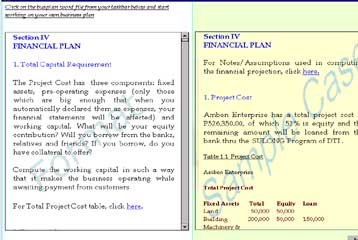
If you click on each topic, you will be prompted to the
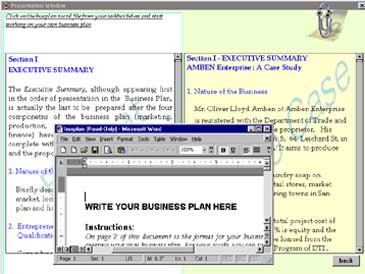
Business Plan format, case study and a word file as shown below.
 . .
Every
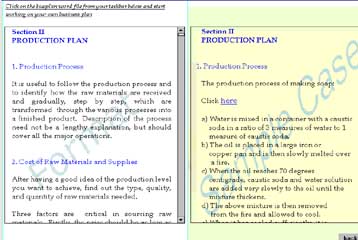
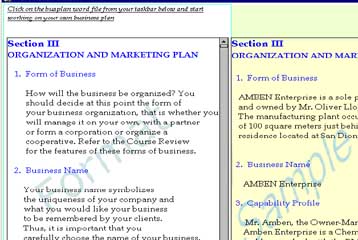
page of the Business Plan format will show two
screens. The left screen provides you with instructions
on how to develop your business plan and the right
screen shows you a case study.
There
is also a pop-up file in Word format where you can
directly write your own Business Plan.
5.
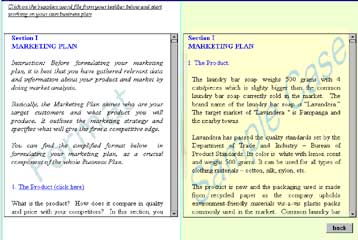
Again, if you click on other Business Plan components,
i.e., Marketing, Production, Organization and Management
and Finance, you will be prompted to the same format
on the left screen and the case study on the right. You
can always restore and maximize the Word file to
continue writing your Business Plan. You need to save
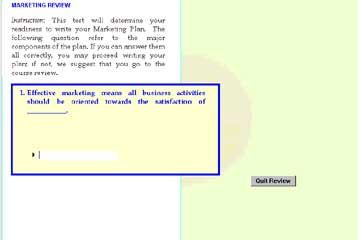
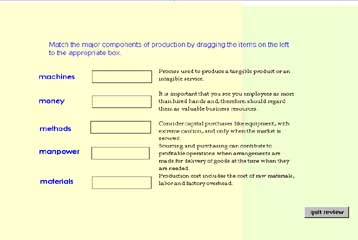
this to your hard disk. There is also a review of each
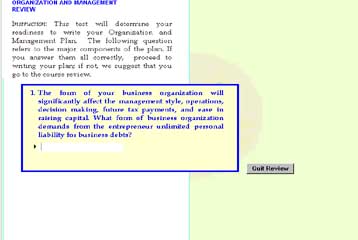
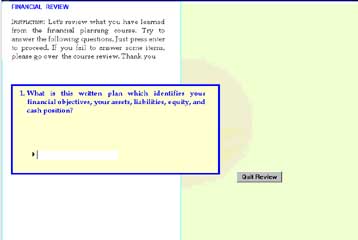
component to test your knowledge on the 4 major
components of the Business Plan, as shown below:
A Review On Marketing
Marketing Format and Sample Case
A Review On Production
Production Format and Sample Case
A Review On Organization and Management
Organization and Management Format and
Sample Case
A Review On Finance
Finance Format and Sample Case
6.
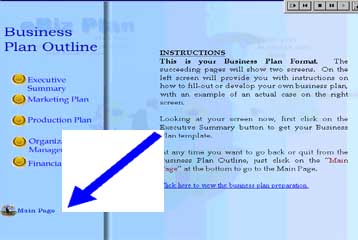
At any time you want to go back or quit from the
Business Plan Outline, just click on the “Main Page”
at the bottom to go to the Main Page as shown below.
<<previous
page next page>>
|