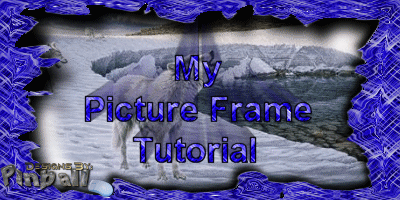
This tutorial is for PSP7 and is my first tutorial. So if
something doesn't seem right
email and I'll see what I can do to correct the
problem that you're having.
All graphics are done with:

1st. you will need the pattern
& the mask that I used in this. Put them where they
belong.
If you need a copy of Winzip click
here
This tutorial is also available in Adobe Acrobat Reader format
Ok? Now, lets get started.
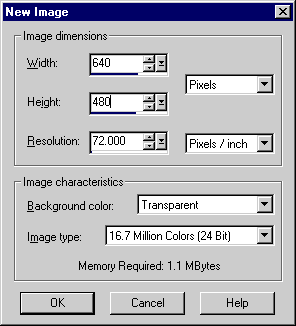
Open a new image 460x480. Use the same settings as I have
here and click ok.
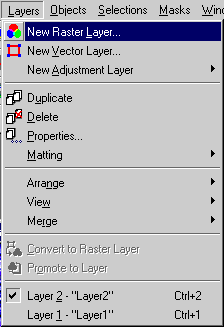
Add a new layer
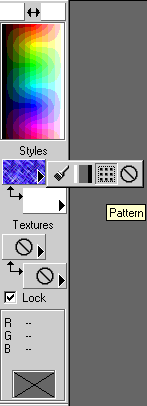
Click & hold the Styles foreground or background and select
the pattern and use the one you grabbed above.
And use the settings you see here and click ok.
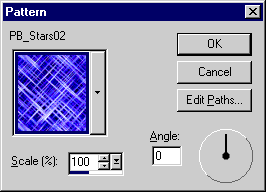
Click on the flood fill button

Use these settings as I have here
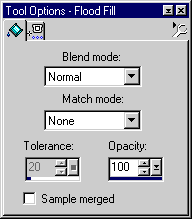
Now click anywhere in the canvas
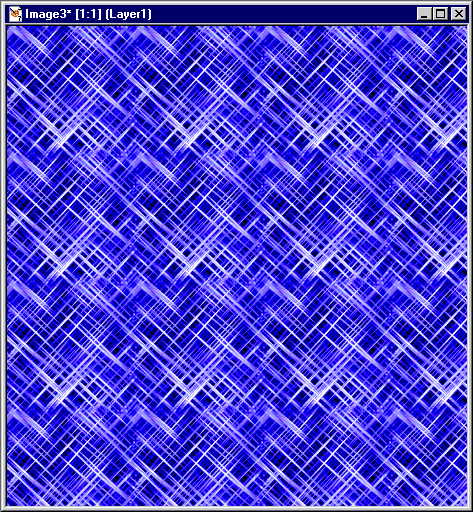
Ok, Lets move foreword.
Next you will have to load the mask file
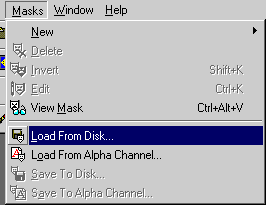
select the one you grabbed from above.
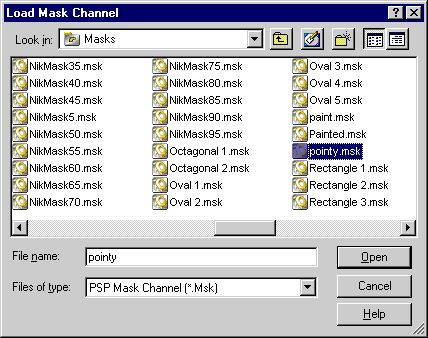
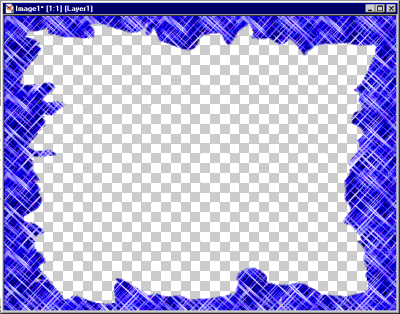
the image should look like this
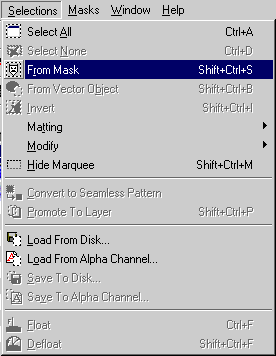
next you will make a selection from the mask
now the image should look like this with the moving ants
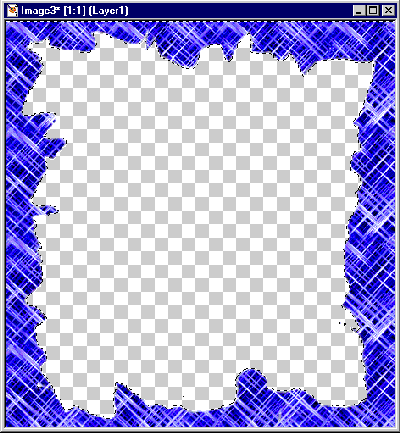
"After you do the selection thing, Now is when you do
the effects
to the frame, if you want to do any effects."
Lets move on.
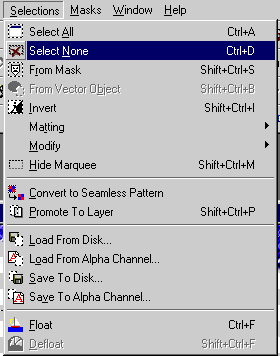
Now deselect the the selection
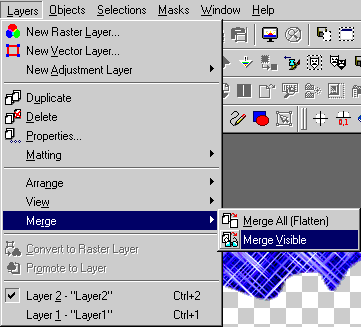
Next go to the layers menu and only merge the visible layers
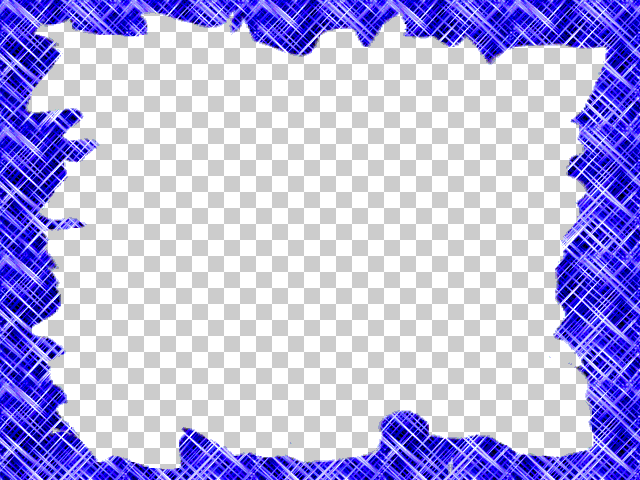
Here's the finished frame.
Copyright © 2001 Scott A. Stults (aka Pinball)
If you want to see my finished frame for this click here.