 |
| 1) Start an image (mine is 300x100 px). And make your foreground color(FIG1) R=102 G=102 B=102 |
 |
| FIG1 |
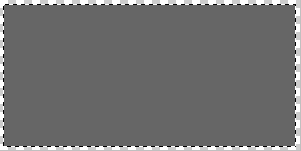
| 2) Select most of the images, but not all of it, with the rectangular selector. Fill it with the foreground color (Alt+Backspace)(FIG2). DO NOT DESELECT. |
 |
| 3) Go to Filter> Noise> Add Noise and copy FIG3, and press OK |
| FIG2 |
| 4) Go to Filters> Brush Strokes> Angeled Strokes and copy FIG4 and press ok |
| 5) Go to Filters> Render> Lighting effects and copy FIG5. It should now look like FIG6. Enjoy! |
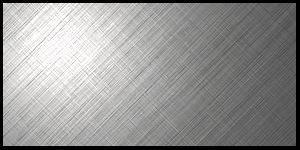 |
| FIG6 |