Back

The Felix MP3 indexing program for One Web MP3 Server v. 2.1
for users with MS Access.
One Web MP3 Server Home
 

Download: Felix-Install.zip (Version: July 21, 2004 - 1.8 MB)
[Minor update: Path bug and data cleanup functions and link here]


The Felix program is free for any kind of use, but is © 2004 Prany Database.
No guaranties for any of its functions are given, and you use the generated data at your own risk!
Warning: There may be a auto uninstall problem on some systems.
If so: Just delete the \Program files\Prany folder and delete the Prany folder on the Start Menu.
The program does not write to Registry or put any files into System32 or elsewhere.
Performance: Typical 5-10 min. for full index and Access import of + 25.000 files and folders.
Felix from a workstation example: http://www.geocities.com/perofoslo/FelixSQL/Connect.htm.
Contact:   Include the word Felix in subject or first line.
 

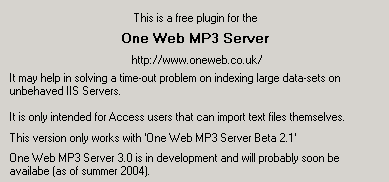
What is it?

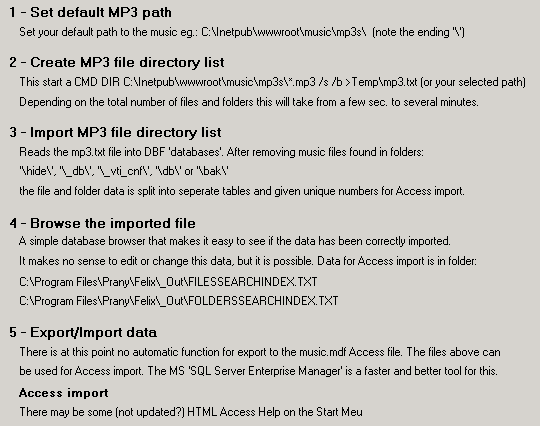
Getting started

How to import to Access?

Open Music.mdb in Access and delete all records in tables:
FilesSearchIndex
and FoldersSearchIndex
or use the "Clear file search index" from the One Web Admin panel.

Then use Compact and Repair Databases from Access.

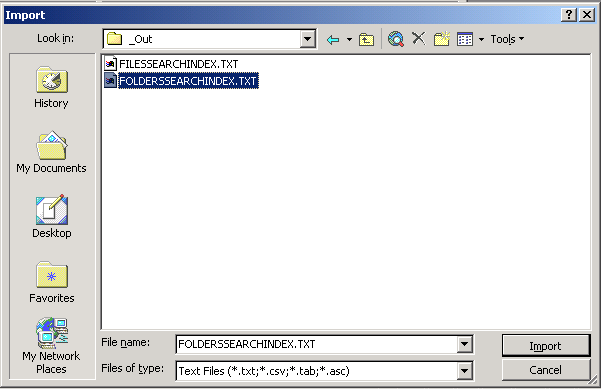
Access Menu: File -> Get External Data -> Import
Locate and select C:\Program Files\Prany\Felix\_Out\FOLDERSSEARCHINDEX.TXT

Click the Import button

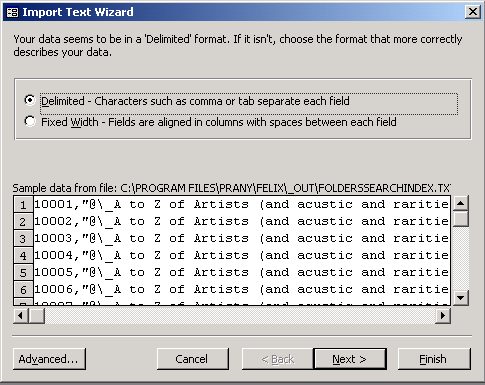
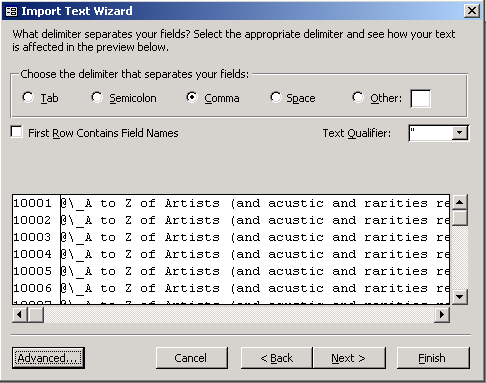
Click the Next button

@ is here an alias placeholder for Classical (_A is before Classical A),
in this case the top group (eg.
Pop\A\Abba\Waterloo\...) Click the Next button


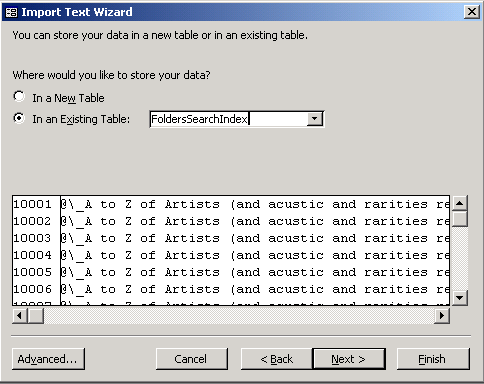
Select: In an Existing Table: FolderSearchIndex. Click the Next button

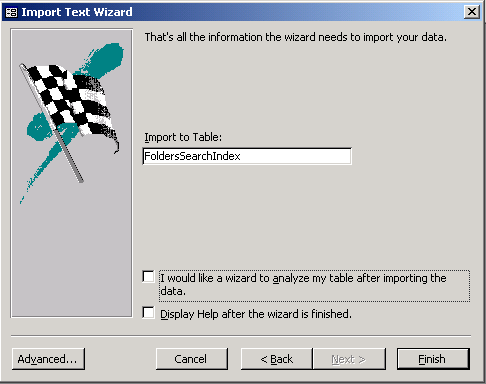
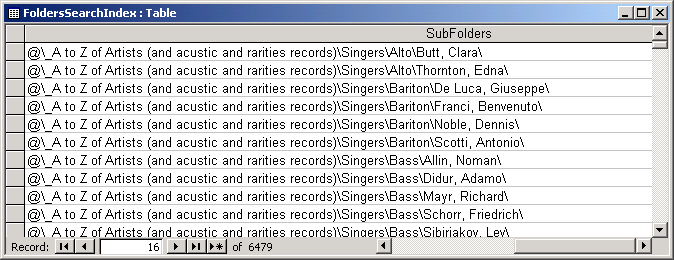
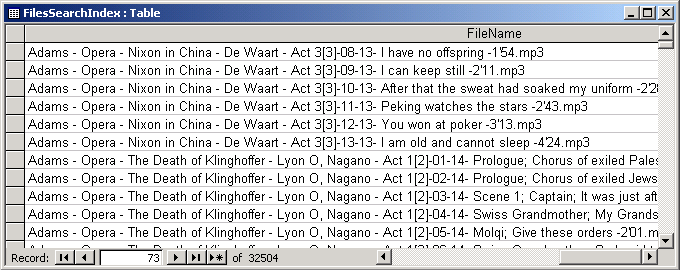
Click the Finish button. Data is imported. Open the FoldersSearchIndex table

The data should now have been imported.

Then repeat the above with the FilesSearchIndex

That's all - you are done!
(If you have selected to have Access index these tables the response may be slow for some time)

Back

1
Hosted by www.Geocities.ws