 - Connect Felix
to the music server
- Connect Felix
to the music server
- Connect Felix
to the music server
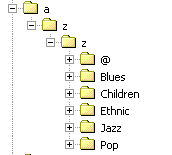
| Go to the music server machine. Use the Windows Explorer to locate the MP3 root. This would normally be [d:]\a\z\z |
 |
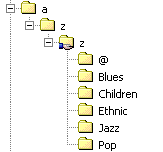
| Right click the second z and select Sharing... Name this share MP3 Create share access for
Administrators |
 |
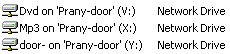
| On the Workstation locate the shared MP3 folder in My Network Places, right click and select Map Network Drive... |
 |
| Map the MP3 folder on the server to letter X This is now the default MP3 root drive for Felix! |
 |
| MP3 server machine = WEB server for the
Data browser Workstation = Machine on the LAN and/or the WEB server. |
WEB server do not have to be the location
of the music files - Subfolders may be virtual links. |
| Back to Index:
|