
 Marshall's Amazing, Colossal and
Sharp Wizard OZ-800 Review
This is an on-going review of the new OZ-800 by Marshall St. John
Updated June 3, 2003
PAGE FOUR OF MARSHALL'S OZ-800 REVIEW
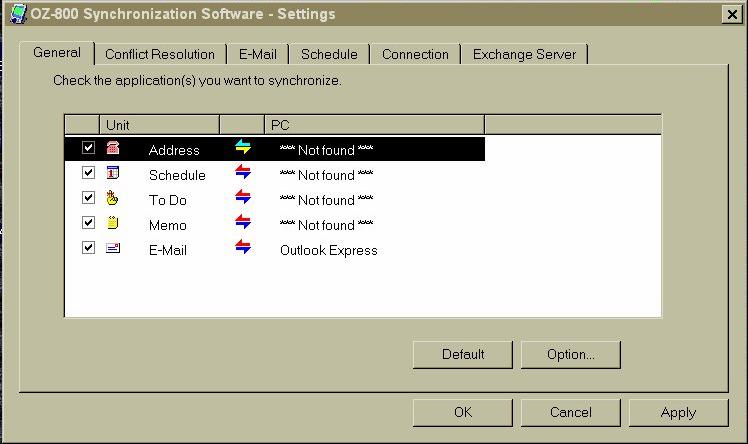
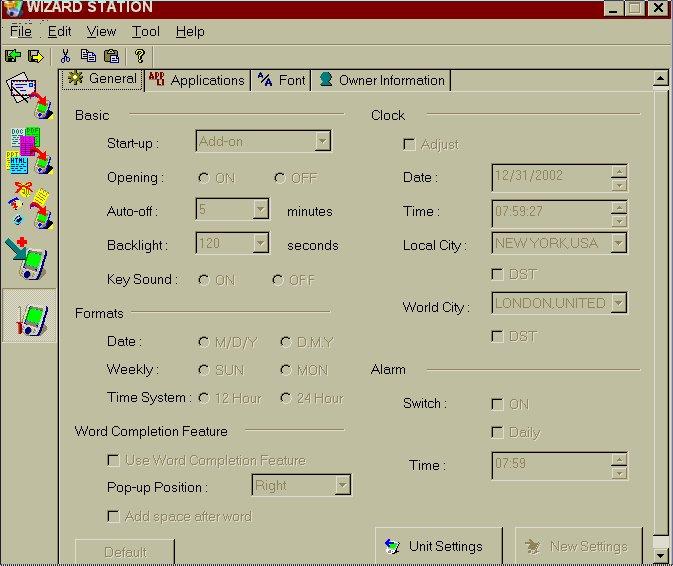
On the CD that comes with the unit, there are two major pieces of software, with which you connect and synchronize with your PC. One is called "OZ-800 Synchronization Software," and the other is called "Wizard Station." Here is the little icon (an image of the OZ-800 with a blue arrow and a red arrow) placed at the bottom of your screen, right hand corner, that opens the synchronization software:
Which leads to this screen:
Here are three screenshots of Wizard Station:
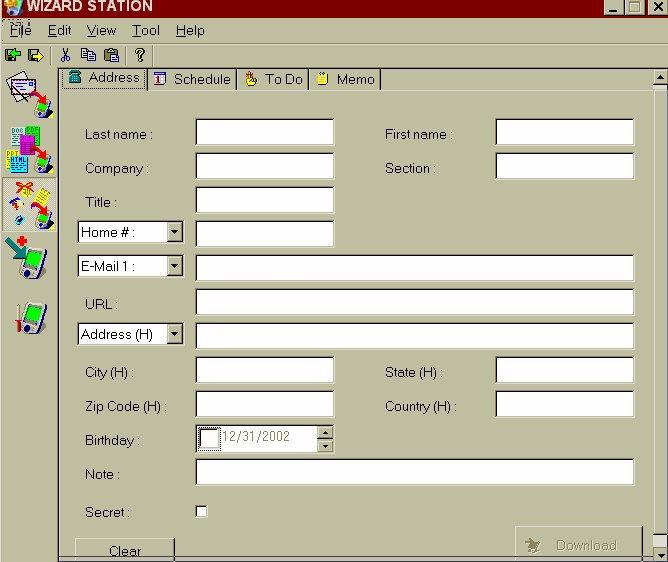
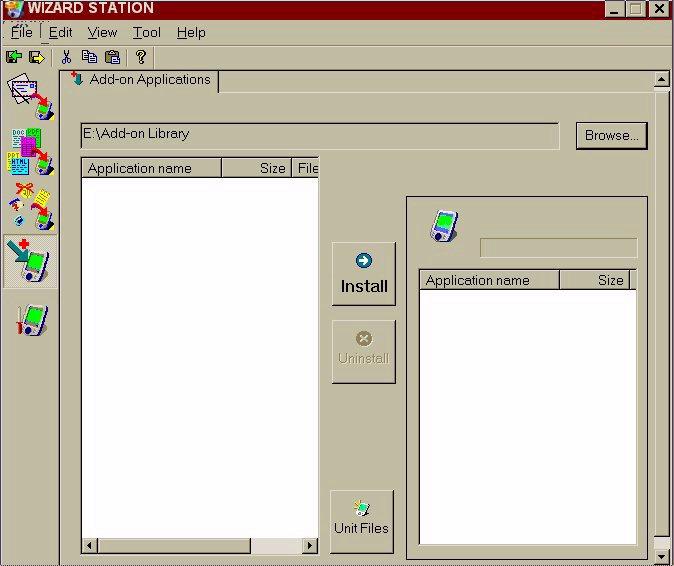
My opinion is that this software "gets the job done," as far as transfering information and applications to your OZ-800 is concerned. It also enables you to do something that could not be done on the OZ-770, and that is to transfer email directly from your PC to the OZ-800, including attachments. The following formats can be read by the OZ-800: Word, Excel, PowerPoint, PDF and HTML.