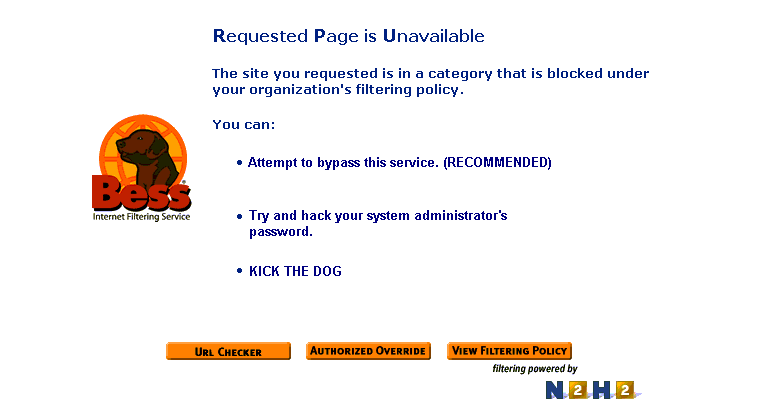
How to Kick the Dog!!!!
You clicked on this link either by mistake or your school has been plagued with the Bess Internet Filtering Software.
Bess is just a proxy server. All requests for a computer must travel thru Bess's Proxy Server thus filtering your webpages.
They call it filtering not blocking because bess cant block everything.
As you may or may not know there are many ways around Bess.
1. A proxy server that has the port 8080.
2. A anonymous websurfing site or application.
3. The use of small visual basic and C++ scripts
The following links/files are for educational purposes only.
A text file of some proxy addresses click here
To demo the acually program BESS click here
A site that happens to have some of the same motives as me click here
For some anonymous web surfing click here
This site has over 400 proxy addresses and ports click here (Bess blocks this site)
Site with a walk thru of proxy bypassing click here
Site with proxy walk-thru and some applications for bypassing fun click here
This is an advanced way around Bess thru microsoft word click here
Some
workarounds for BESS proxy filter
Since
this is a proxy-based censorware program, you can
most likely access blocked pages by accessing them through an anonymizing proxy. Unfortunately, BESS already blocks most
of them. If you're CGI-savvy, you can setup a CGI script on another (unblocked)
server that will forward you the requested page.
You can also access
pages thru AltaVista's translator.
Copy the URL into it, select [(any language) to English] (or whatever your
language preference) and press Translate. It doesn't matter if the page is
already in that language. The page will be displayed thru Altavista's
server, bypassing the URL checker.
Another Possibility is entering the sites IP instead of the
actually URL.
Jonathan C. writes in
the following workaround for BESS-blocked pages: Go to www.safeweb.com, an anonymizing
proxy that encrypts the URL of the site you're accessing, and type in the URL
there.
A final tip, found on
the Anti-Bess
Guestbook, is as follows:
At my school we found away to get around
bess which is pretty easy, it may be different at
your school. Are school uses bess to supposedly block
inappropriate materials, what a joke. We use netscape Navigator to access the internet but you can do
this in Interent Explorer too. In Netscape click on
the edit section on the top of your screen and move your mouse down to
preferences and click. Once the Preference screen pops up click the + sign on
the advanced section. Then once the advanced area expands you will see a
section that says proxies. click on it. Then there
will be 3 bullets. Place the bullet in the one that says manual proxy
configuration. Then click the button that says view. Then the manual proxy
configuration window will pop up. Copy the data in the http text box and paste
it in the socks text box. Change the last number of the data you pasted to a 3.
Then delete everthing in the http and security text
boxes. Now trying going to a web site that was once blocked and poof bess is no longer monitoring or blocking what you do on the
interent. This worked at my school, maybe it will work
at yours. email me at [email protected] if it
worked or have any other ideas to get around bess. It
no longer works at my school because they called in some so called security
expert to fix the loop whole but we will find a new way. WE CAN NOT BE CENSORED.
Anyway,
try fiddling with your browser's proxy settings, particularly if it's someone
such as parents (as opposed to a school admin. or boss) who installed the
software. They are
typically not too knowledgeable when it comes to these things, and will likely
have left loopholes open :)
