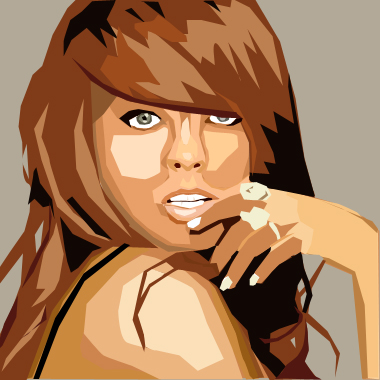
WEE! Your almost finished. Just touch up the little details.. a shadow here. A shadow there.
Through my tutorial, you might have noticed the sudden aparition of a background color that i failed to explain? Well.. to add a background color, is like the EASIEST THING EVAR! All you need to do is go to your layers and click on the one called Background. Take your Brush Tool and just fill it with whatever color you want. WANT more detail? Just take your Pen Tool instead and vector some shapes, or whatever the background you want maybe and it should all fall right behind your other shapes so you can slop around all yah want.
The very last thing you need to do, is delete the ACTUAL image. Just go down to you layers, right click and Delete layer. BOOM its gone. Now you can admire your finished product. |