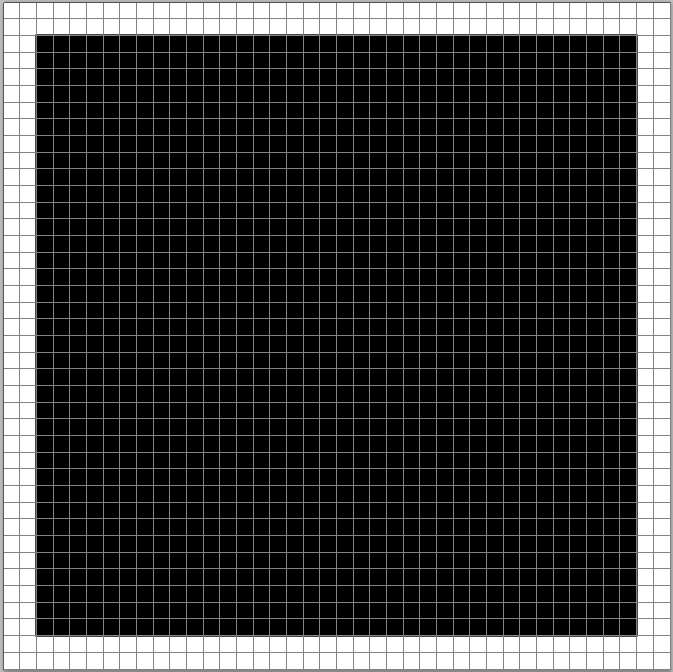
Step 6: Fill Area With Black
Go to the menu bar and select the Edit menu. Choose Fill. Change the Use option to Black.
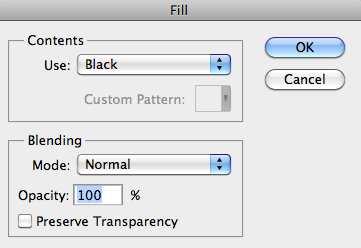
Click OK to close the dialog box.
The area you selected should be filled black now. We don't need the outline anymore so press
Ctrl+D (Windows) / Command+D (Mac) to deselect it.