


You can modify the chart to eliminate grid, change color, change
the legend, and do anything until you feel it's right. In addition to suppressing
the legends, I will add text boxes now. In order to add a textbox, select
Text Box on the drawing toolbar.

 Customize...
tick the box for Drawing). Customize...
tick the box for Drawing).
Once you click on the text box icon and move the cursor over the chart, you will find the cursor has a different look. Place the cursor where you want to make a text box, hold the mouse key, drag the cursor, and release the mouse key to make a text box of your preferred size. Now enter the text in the box. 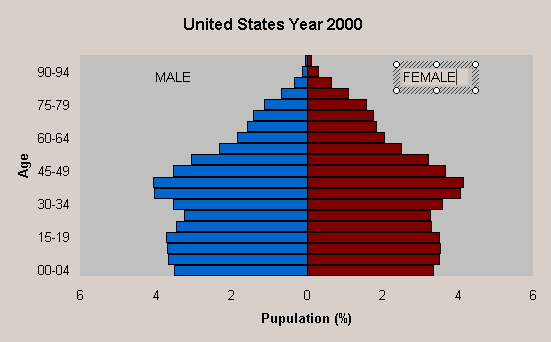
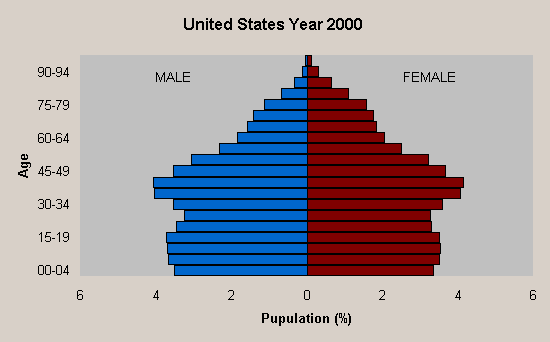
See? It's easy, isn't it? Now it's your turn to create your
pyramid.
|