| Home | Stone | Wood | Tiles | Paintings | Thief-Based | Others | Tutorials | Tools |

- Tutorial: NVWoodPl04 -
I will now explain how I created the texture NVWoodPl04 (which you can download here).
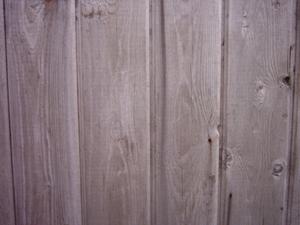
Here is the original photograph from which I made this texture.
Notice how the edges of the planks are not straight:
After adjusting the colours more to my liking, I selected the entire image and then used Edit->Transform->Distort to distort the image until the edges of the left- and right-most planks were straight:
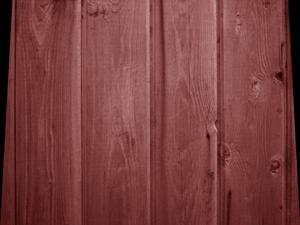
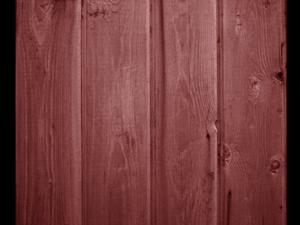
I then cropped the image to remove the partial planks on both sides.
One of the great things about wooden plank textures is that it is so easy to make them seamless horizontally, so long as the image ends at the edge of a plank on both sides, it should look okay:
Making the image seamless vertically is not so easy. In this case, I decided to mirror the image vertically to make is seamless, so I doubled the vertical size of the canvas (placing the current image in the lower half), and then cloned and mirrored the image into the other half of the canvas:
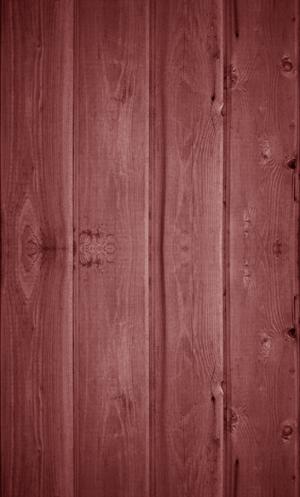
To give the two halves a bit more variety, I squashed the lower half of the image (Edit->Transform->Scale), while keeping the upper half the same size, and then cropped the image.
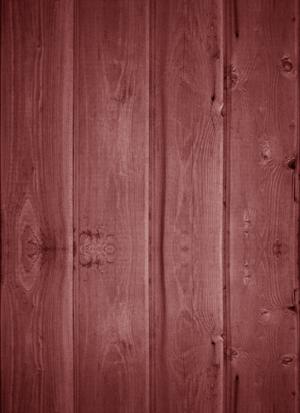
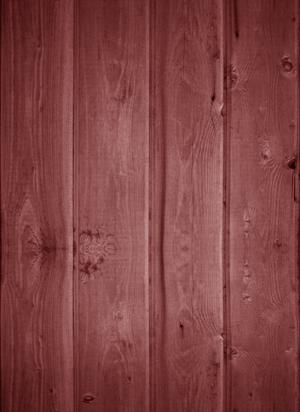
I then used the healing brush to create irregularities between the two mirrored halves, and move/remove details from one half. The healing brush is an amazing tool, in that it will allow you to 'heal' irregularities in an image, by using a source area (designated by alt-clicking on it) and automatically using it to repair the part of the region on which you use it.
You can also use an oddity, such as a knot or hole in the wood, as the source, and then apply that irregularity to another part of the image, before using the healing brush to remove the original by sourcing from an unblemished part of the image.
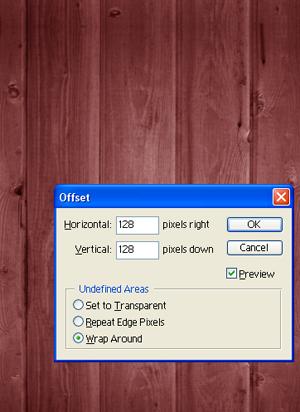
I then used the Offset filter to see how the image would wrap, and make sure it was seamless.
Once I was satisfied that everything looked okay, I pressed Cancel.
I saved the image, then flattened the layers, reduced the size to 256x256 pixels, and saved it as a different filename:
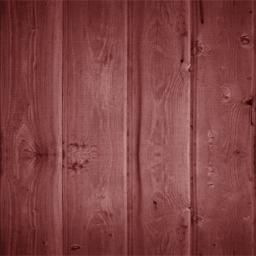
I then adjusted the colours one final time to create a darker, alternate version of the texture:
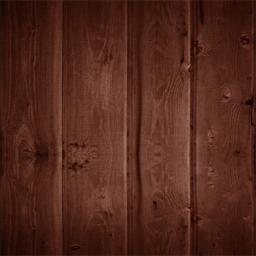
You can download this texture (and several other wooden plank textures) here.
| Home | Stone | Wood | Tiles | Paintings | Thief-Based | Others | Tutorials | Tools |