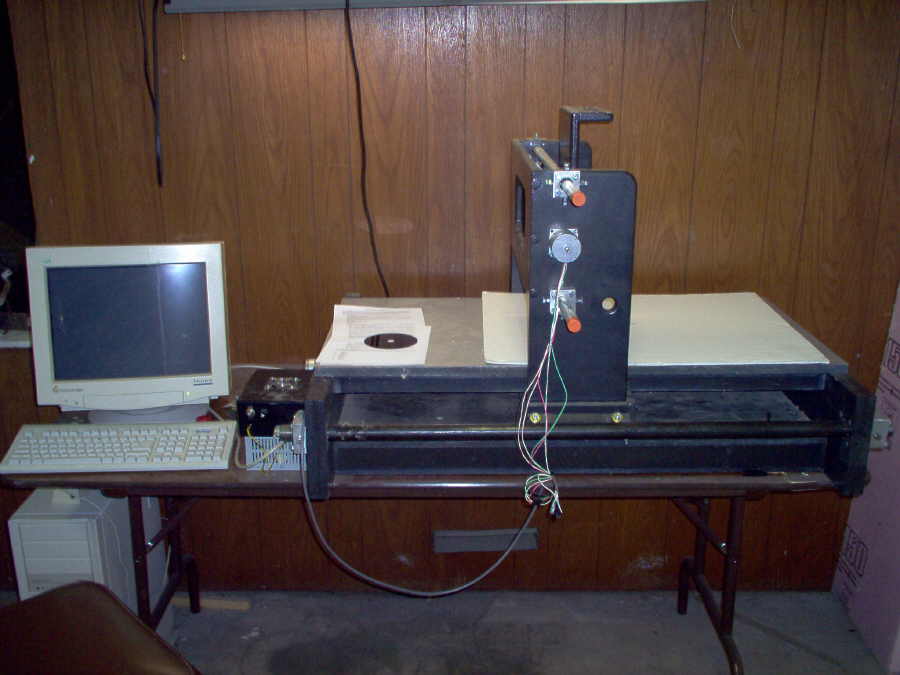
Back this winter/spring, I had a problem with the Y-axis seeming to be too short to fit between the rails. This took away any momentum the project had, and I packed it away for the summer. A few days ago, I decided I needed to finish it or finish it off (haven't had a good bonfire lately...)
After some measuring and discovering that the wood parts of the Y axis had been made right, I found that the holes for the skate bearings in the angle iron were too far from the edge. I drilled them out and to my delight, the carriage fit, shockingly well...
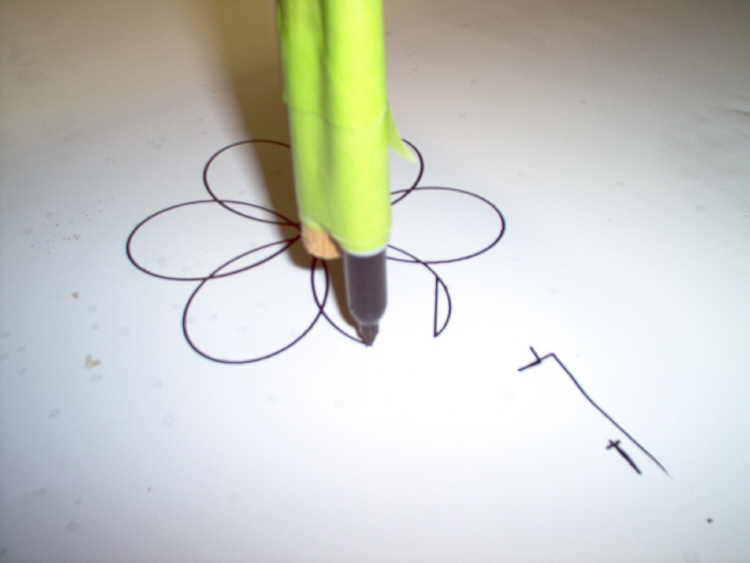
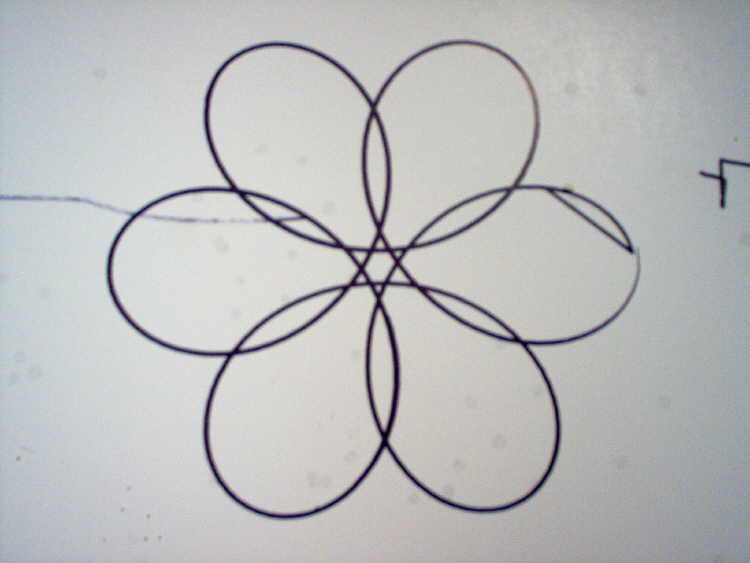
Tonight I roughed out a drive nut and put power to the Y axis. Using a program downloaded from a very smart guy on cnczone.com, I created a G-code file for testing. I stuck a dowel in the Y carriage and taped a sharpie to it. 12 minutes later (speeds set too slow, should've been 4), I had a top-notch doodle...