Setting Microsoft FrontPage and Adobe
PageMill to
Type and Display International Characters
on
a Apple Macintosh Platform

Step 1
Launch Microsoft FrontPage HTML generator application.
Step 2
Webmaster's note:
Microsoft FrontPage 2.0 version for Macintosh does not have a user-friendly interface to handle international fonts and international encoding.
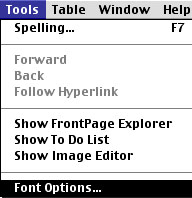
The only setting you can adjust is found under: Font Options under Tools menu.
Step 3
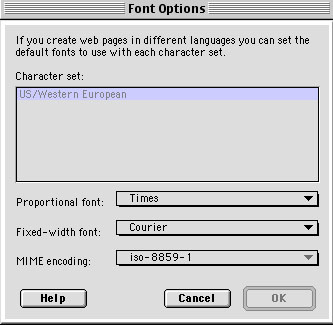
In Font Options you can change MIME encoding settings
only for Cyrillic fonts that are installed in your system and recognized
by FrontPage application.
Not every font type is accepted by this application.
Step 4
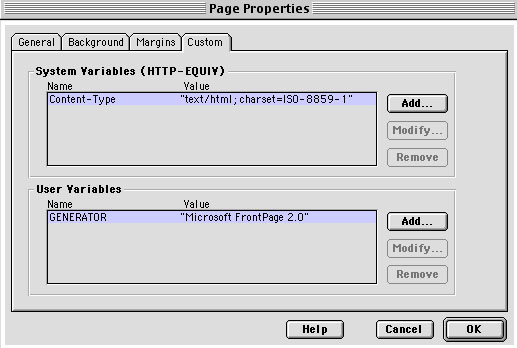
FrontPage 2.0 automatically inserts ISO-8859-1 language and font encoding in document's HTML source. In order to change this part of the code you have to click Add button and than type the whole HTML code yourself.
Due to lengthy and cumbersome process of setting preferences for using international characters, webmaster does not recommend Microsoft FrontPage (Macintosh: version 2.0) for designing multilingual Web pages.
Adobe PageMill

Adobe PageMill application (version 3.0) does not handle non-English characters and international encodings. Therefore, this application (at least as long it is in version 3.0) cannot be used to design Web pages to display international (non-English) characters.