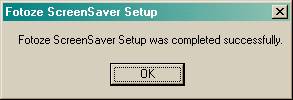
Installing Fotoze ScreenSaver
Downloading Fotoze ScreenSaver
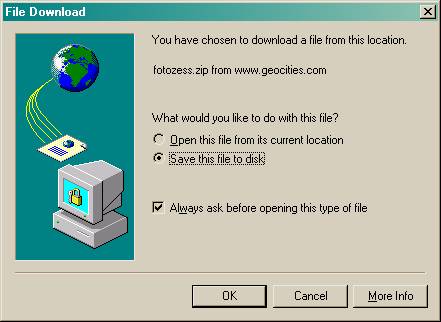
Select “Save this file to disk”
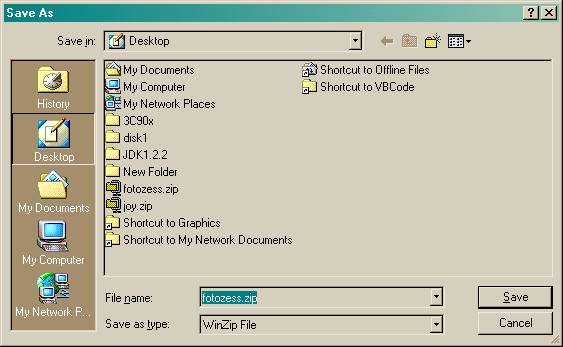
when prompted and click OK and save it to the Windows Desktop or
a folder on the hard drive such as My Documents or Download.
Launching Setup from the Zip File
IMPORTANT: If you have a previous version of Fotoze ScreenSaver installed, uninstall the current version before installing a new version.
After downloading the zip file, launch the fotozess.zip file (usually by double clicking it) on your Windows Desktop or from the folder you downloaded it to, such as My Documents or Download.

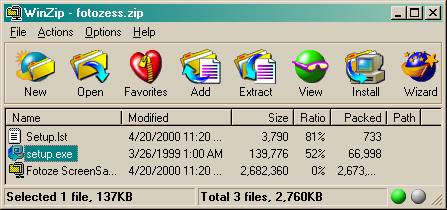
WinZip should
launch and display the following window. If you do not have WinZip or
some other unzipping application installed, then you can download and install WinZip
from http://www.winzip.com
Launch setup.exe in the zip file (usually by double clicking it).
Click OK to minimize the zip window during install.
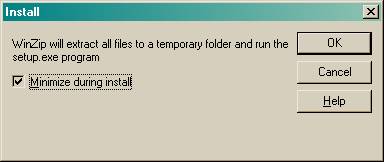
Stepping Through the Setup Screens
The setup application will begin copying files to other parts of your hard drive. You may have to restart the computer after this step. Just follow the prompts presented on the screen.
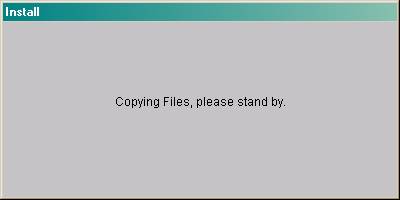
If you receive a message that files need to be updated and Windows restarted, click OK or Yes and let Setup restart your computer. After the computer restarts, launch setup again and continue the installation.
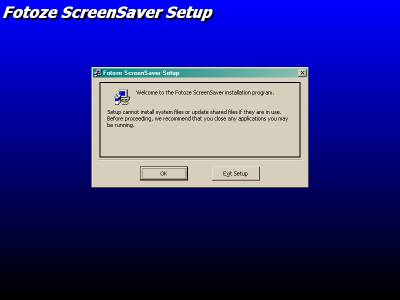
Click OK.
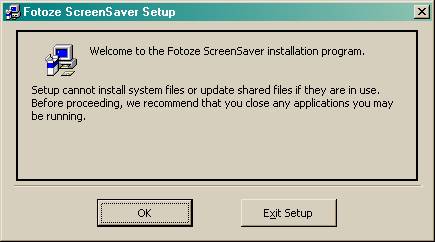
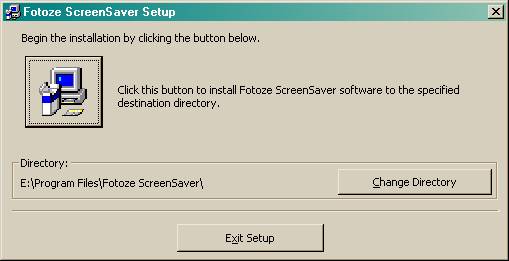
Click the big computer button to start installation.
Click OK.
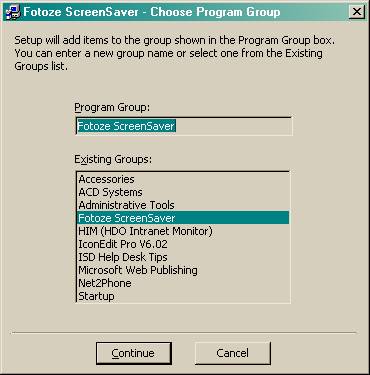
Click OK.