Uninstalling Fotoze ScreenSaver
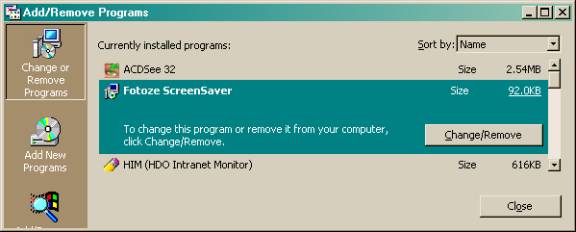
To uninstall (remove) Fotoze
ScreenSaver from your computer system, click the Start button, then
click Settings, Control Panel, Add/Remove Programs. Select Fotoze
ScreenSaver from the list, then click the Add/Remove button. Follow
the prompts on the screen. (Note: these instructions may vary slightly
for different versions of Windows, but the steps are generally the
same). The uninstall process as it appears on Windows 2000 is pictured
below.
Example of clicking Add/Remove Programs, selecting Fotoze ScreenSaver, then clicking Change/Remove
Example of what the uninstall application looks like
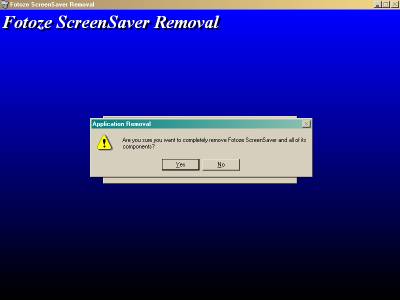
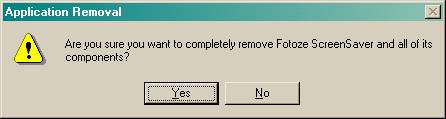
Example of Application Removal prompt. Click Yes.
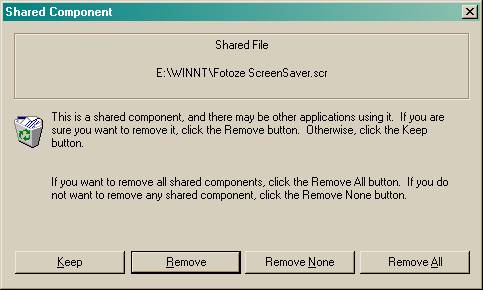
Example of Shared Component removal prompt.
Click Remove.
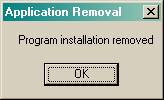
Example of Application Removal prompt,
uninstall completed. Click OK.