Home Gallery Tutorials Downloads Other Stuff LinksAbout Me Email
TUTORIALS
Lasers
To make a laser, all you need is a round parallel light and a volumetric material.
1. Open Bryce and insert a round parallel light by holding ctrl and clicking on create parallel light (on the far right). Resize the light so it is fairly thin and long. Now click E. In the top left little picture, click and hold the mouse whilst dragging all the way right. Now click the small triangle under the larger picture and select both Volume Visible Light and Infinite Light. Now you should have a white beam of light.
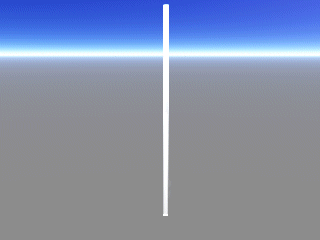
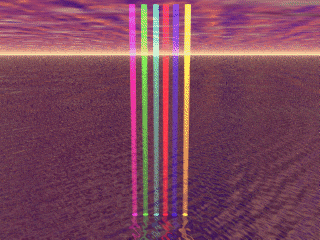
2. Now go into the materials editor (the M button) and select the preset texture Red Laser Beam (under Volume). There you have it! A laser! To get different colours use the other coloured presets or change the diffuse colour. Questions? Comments? Send them to [email protected].
Best viewed in 1024x768 using Netscape Navigator
Copyright Michael Balzer 2000
[email protected]