
Steps
Tutorial
Pictures
Links

CD-R Drive
2 Blank CDs
Utopia Boot Disc cdi Image Zipfile
MSX2 Emulator cdi Image Zipfile
Dreamcast made before Oct. 2000
Padus DiscJuggler Vr.3 or higher or Demo
2. Unzip and remember where you unziped cdi files
3. Burn both DiscJuggler cdi files using Padus DiscJugller Vr.3
Use this tutorial to burn files.
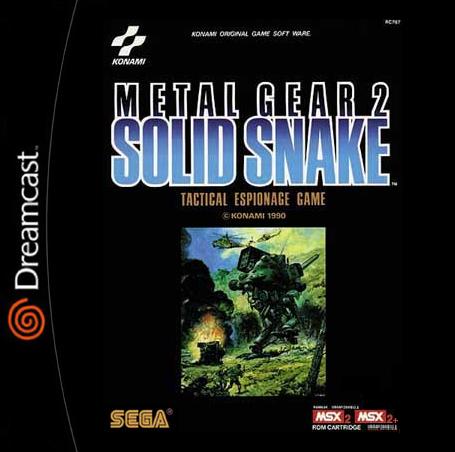
You should have a Utopia Boot Disc, and a MSX2 Emulator with Metal Gear and Metal Gear 2: Solid Snake included on it.
Insert the Utopia Boot Disc into you Dreamcast, press Power and wait for it to load. When promted, remove it, and replace it with the MSX2 disc.
For Metal Gear select the Metal Gear rom and choose the basic Konami settings
For Metal Gear 2: Solid Snake select its rom and choose 100000 and select Konami 5
A Dreamcast keyboard can be used and is recomemded, but must be pluged in before system is turned on.
[email protected]