 |
|
|
|
|
|
|
|
|
|
|
|
|
|
|
|
|
|
|
|
|
|
|
|
|
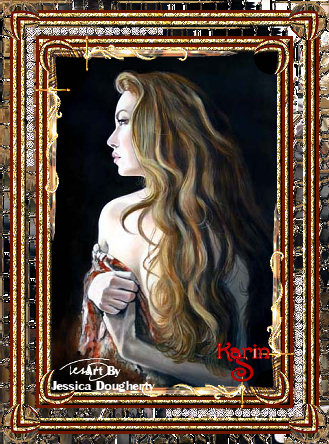
Mosaic Mirror Frame |
|
|
|
 |
|
|
 |
|
|
|
|
|
|
You will need PSP 9 get that here,
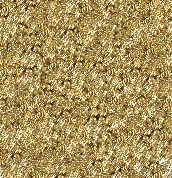
You will also need my zip file contaning the picture by Jessica Dougherty and also the two corners that I used to give this frame its look. Get the zip here. Also copy and past the gold fill pattern and minimise. |
|
|
|
Please Note I have amended this Tutorial so PSP 8 users can play with it too and I am very happy about that. |
|
|
|
1. Unzip and open the files in your PSP minimise all but the Image your going to work on. Shift + D to duplicate, do this twice close the original.
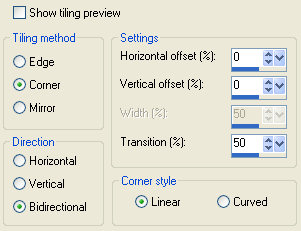
2. We will make the frame fill first, so got to Effects/Image Effects/Seamless tiling. Use the settings below. |
|
|
|
 |
|
|
|
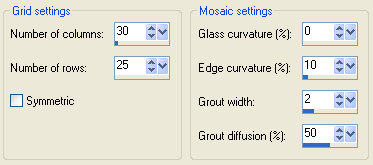
This step is for PSP 8 users only. It replaces the Distortion tool that you dont have.
Go to Effects/Edge Effects/Enhance, then go to Effects/Texture Effects/Mosaic Glass with these settings. |
|
|
|
 |
|
|
|
Psp 9 users go on to next step on the next page and perform the distortion tool |
|
|
|
Please go to next page. |
|
|
|

|
|